Shared office printers are a high-traffic resource, and disorganized supply storage for them leads to repeated work delays, emergency supply runs, and overbuying of incompatible parts. Unlike general office supply storage systems, a printer supply shelf is purpose-built for the specific parts and paper sizes your fleet uses, with built-in cues that make restocking intuitive even for team members who do not handle supply orders regularly. This design skips generic storage advice and focuses on printer-specific constraints: compatibility requirements, bulky packaging, moisture sensitivity of paper, and the need to swap parts quickly during work hours.
The aim is a shelf where staff can identify the right supply, find usable reserve stock, and tell the buyer when attention is needed. Any improvement in restocking time or shortages should be measured locally rather than assumed from the layout alone.
Start with a Printer Fleet Inventory to Scope Shelf Needs
Before designing the shelf, first document every printer, copier, and all-in-one device your office uses, plus every supply type each requires. List not just toner and ink cartridges, but also maintenance kits, waste toner bottles, fuser units, and specialty paper types (like cardstock, glossy photo paper, or label sheets) that are only used with specific printers. Note the dimensions of full unopened packaging for each item, as well as whether the part is sensitive to light, moisture, or temperature extremes as stated in the manufacturer’s manual.
Measure the actual unopened packages. A taller waste-toner bottle may need different shelf clearance from the cartridges beside it. Keep paper and other supplies under their supplier’s stated packaging, temperature, humidity, and handling conditions rather than choosing a storage environment from the item name alone.
Allocate Shelf Zones by Use Frequency and Access Needs
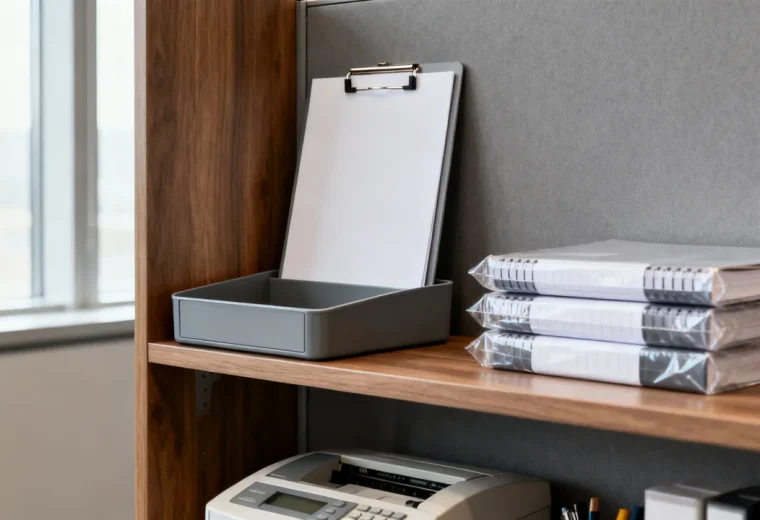
Place frequently used, manageable items where the people using the shelf can see and reach them comfortably. Choose locations for heavy or bulky cartons based on safe handling and shelf capacity, not simply on whether the cartons are reserve stock. Avoid putting heavy bulk stock overhead.
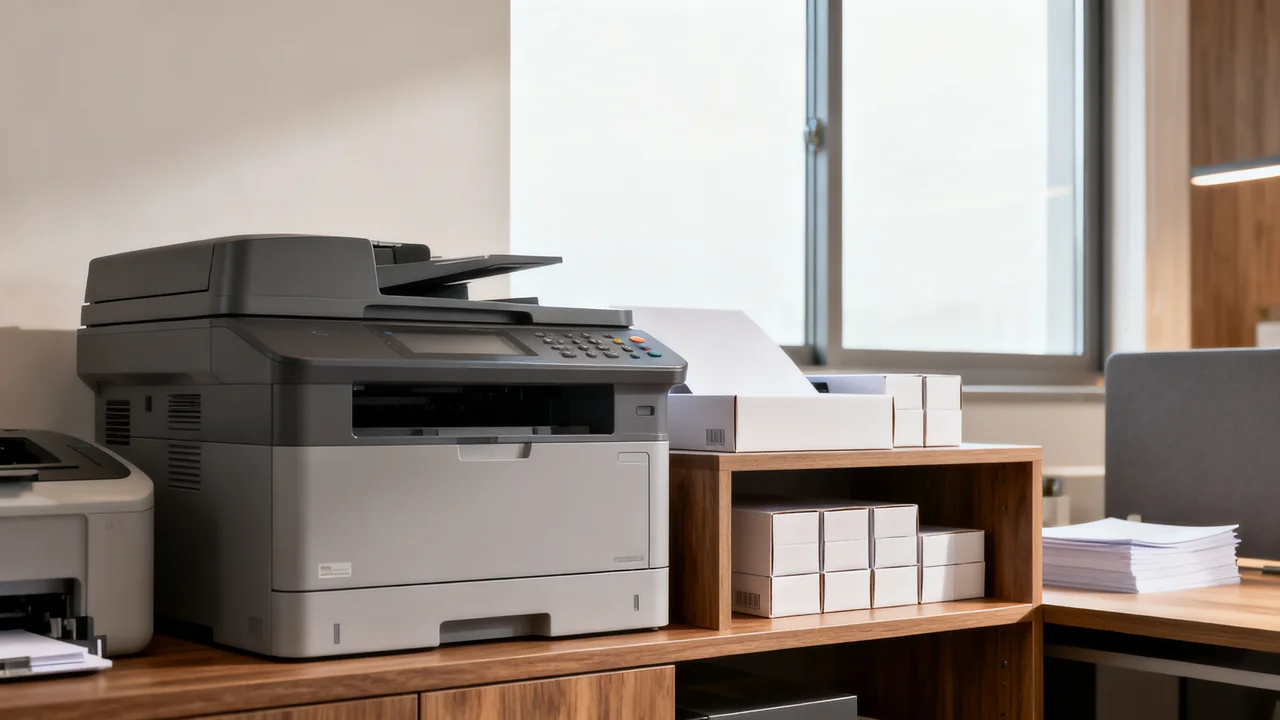
Keep supplies for each printer model clearly grouped, with exact part numbers visible. Shared paper may have its own location if it is compatible with several devices. Reserve stock can be elsewhere, but label that location and include it in the inventory record.
Used cartridges belong in a separate return or disposal area using the packaging and handling method required by the manufacturer or collection program. Do not mix them with unopened supplies.
Design Restock Cues That Do Not Require Manual Counting
A shelf marker or reorder card can help staff notice low stock, provided the unit and trigger are clear. Choose the trigger from actual use, delivery and approval time, and the interval between checks. There is no standard number of weeks that every printer shelf must hold.
Separate two actions: refilling the working shelf from reserve stock, and ordering additional supplies. Unopened reserve packs are still available inventory and must count when the buyer decides whether to order. Also check incoming orders before buying again.
Visual cues work best with consistent pack sizes. If a pile contains partly used packs or mixed sizes, count the usable quantity rather than trusting a line on the shelf. Assign someone to act on low-stock reports and mark requests as ordered once handled.
Illustrative Example: 10-Person Office Printer Supply Shelf Setup
In a hypothetical ten-person office, two printers use different cartridge families. The buyer creates a clearly labeled section for each printer, with the exact model and verified cartridge part numbers. Paper that both printers accept has a separate shelf position. The layout is checked against package dimensions, shelf capacity, and the users’ reach.
A staff member takes a cartridge and places its reorder card in the request pocket. The buyer checks the remaining usable stock, including unopened reserve packs and existing orders, against the chosen trigger. If an order is needed, the buyer records its expected arrival so another person does not duplicate it.
When a delivery arrives, the receiver matches the part number to the order and shelf label before putting it away. The team records shortages and duplicate purchases to judge whether the arrangement is working. This scenario is illustrative and does not describe a real test or measured saving.
Labeling System Optimized for Quick Replenishment
Avoid generic labels that only list the supply name. Every label for the printer supply shelf should include three pieces of information: the exact printer model the supply is compatible with, the manufacturer part number, and the minimum stock quantity required. For example, a label would read “Printer A (Model X123) Black Toner, Part # T-123, Min Qty 1” instead of just “Black Toner.” Check the label against current device documentation whenever the printer or approved supply changes; a label is useful only while its compatibility information is correct.
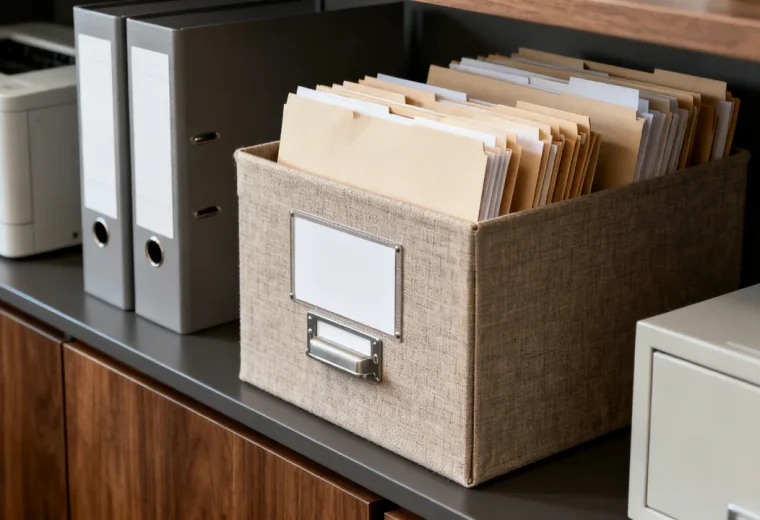
Label reserve boxes with the item and location, retaining original packaging and identification. Make it clear when the working shelf should be refilled, rather than insisting it be completely empty first. A simple location list helps the person receiving a shipment put it in the right place.
Compatibility and Storage Constraint Reference
| Supply | What to check |
|---|---|
| Ink or toner | Exact compatibility, original packaging, orientation, and the product’s stated storage conditions. |
| Paper | Printer compatibility and the paper maker’s packaging and storage guidance. |
| Maintenance parts | Whether replacement is a user task or requires service; package size and safe storage. |
| Used cartridges | Return packaging, handling, and collection instructions from the relevant program. |
If the working shelf and reserve cupboard are separate, record both locations. Keep the working area convenient without losing visibility of total stock. Do not store supplies where they obstruct printer ventilation or access needed for normal operation and service.
Actionable Replenishment Checklist
- Match each received item to the order, exact part number, and intended printer.
- Keep it in suitable original packaging and the assigned storage location.
- Update usable stock and outstanding-order records.
- Refill the working shelf from reserve stock where needed.
- Check low-stock requests against all locations before ordering.
- Handle used cartridges through the designated return or disposal process.
Clean the shelf according to its surface instructions after removing supplies as appropriate. If toner has leaked, follow the printer or cartridge manufacturer’s spill guidance; do not improvise with a household vacuum or general cleaning products.
Review stock quantities when printer use, devices, suppliers, or delivery times change. A new printer can make old cartridges unusable even when the shelf appears full, so update labels and buying records together.
Have a question or a correction?
Contact the editorial team