Meeting rooms are high-traffic shared spaces, and even small shortages (a missing marker, dead remote battery, or lack of notepads) can derail a 30-minute client check-in or team brainstorm before it starts. This guide focuses specifically on between-booking upkeep, separate from broader office supply restocking workflows, storage layout planning, or bulk purchasing decisions. It is designed for teams with 2 to 20 employees who use a shared booking system for meeting spaces, with minimal dedicated admin support.
Map Supply Zones by Meeting Room Use Case
Start by dividing each meeting room into distinct supply zones to avoid hunting for items during quick turnovers. Zones are tied to how the space is used, not generic supply categories, so you only stock what is actually needed for that room’s typical bookings. For example, a 6-person room used for client pitches will need different supplies than a 2-person huddle room used for internal quick calls.
Common zones to define for each room include:
- Whiteboard/wall display zone: Markers, erasers, cleaning wipes approved for your whiteboard surface, and sticky tack for hanging printouts
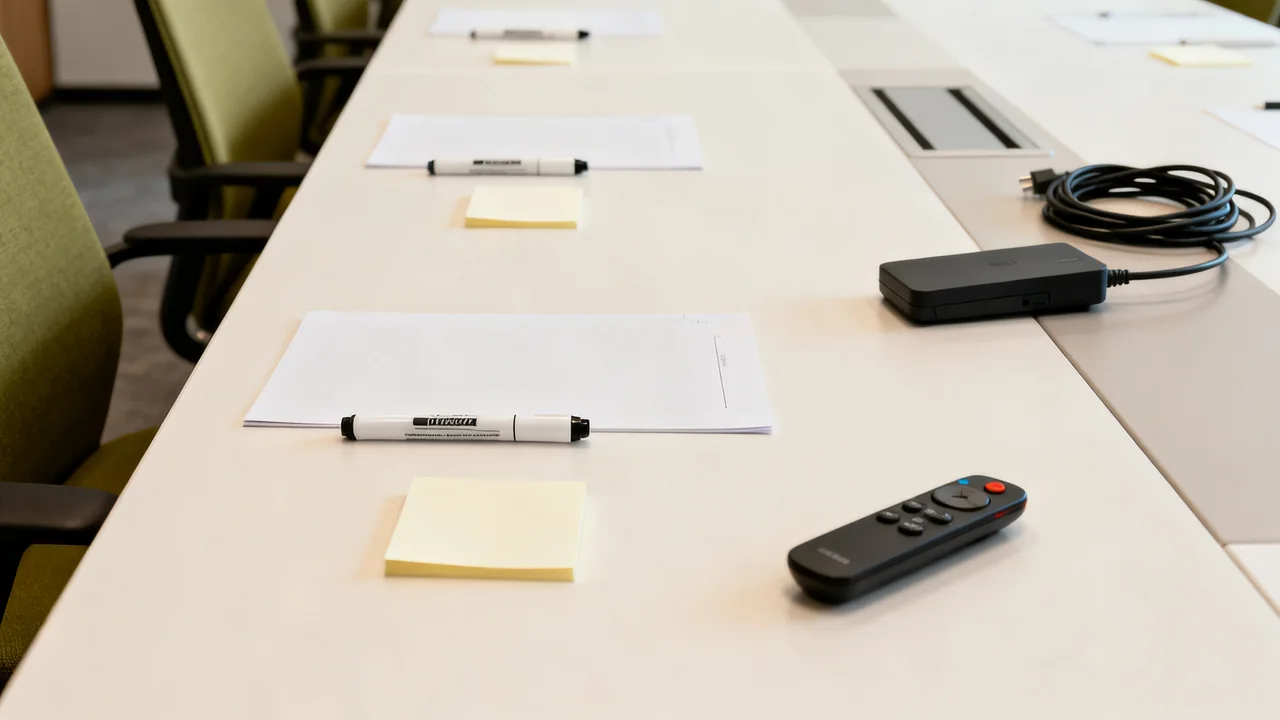
- Presentation tech zone: Remote controls, pre-connected adapters for common laptop ports, extra batteries, and a small lens cloth for projector/camera lenses
- Participant stationery zone: Notepads, pens, sticky notes, and a small waste bin for quick trash disposal
- Refreshment zone (if applicable): Disposable cups, water pitcher replacement filters, and napkins, where refreshments are part of the room’s actual use
Do not stock items that are never used in the room (for example, no binder clips in a huddle room that only hosts 15-minute check-ins) to cut down on restocking work. All cleaning products used in the space must match the surface manufacturer’s approved instructions; never use generic cleaning sprays on whiteboards or electronic screens, and follow each device’s instructions for powering down, disconnecting, and cleaning.
Create a Tiered Turnover Checklist for Different Booking Gaps
Divide checks into a short host reset and a fuller check by the room owner. Base the timing on actual bookings and the work needed; a fixed gap length does not reliably indicate whether the next meeting can proceed.
| Check | Responsible role | Purpose |
|---|---|---|
| Remove personal items and permitted waste; return shared accessories; report faults. | Outgoing host | Leave the room ready for the next user and flag issues promptly. |
| Confirm supplies and approved equipment setup for the next booking. | Designated room owner or support contact | Address low stock or special requirements before arrival. |
| Replenish reserve supplies and complete scheduled care. | Assigned facilities or operations contact | Handle work that does not fit safely between bookings. |
Make responsibilities realistic for the available staff. If a fault cannot be resolved before the next booking, notify the host or arrange a suitable alternative rather than marking the room ready.
Illustrative Example: Turnover for a Mid-Size Client Meeting Room
In a hypothetical room, a client presentation is followed by a brainstorming session. The outgoing host returns the remote and display adapter, removes personal materials, and reports a weak marker. Before the next session, the room owner checks the whiteboard supplies and confirms whether the organizer needs additional paper.
The room owner first obtains the host’s confirmation that whiteboard notes may be erased, particularly if they relate to continuing work. Confidential papers follow the organization’s handling process rather than going into ordinary waste. The next host is informed if any equipment is unavailable.
The checks are chosen for the actual sequence of meetings. This example does not imply a fixed completion time, battery threshold, or number of supplies per attendee.
Use Visible, Room-Locked Storage to Cut Down on Missing Items
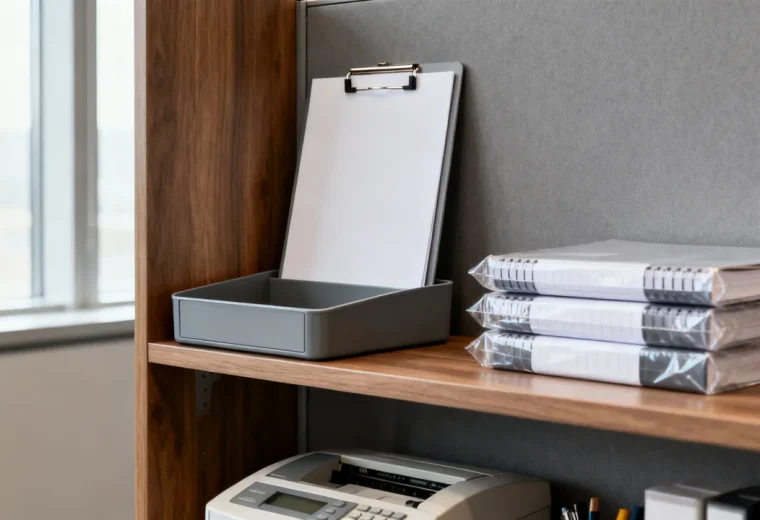
Supply displacement to other rooms is one of the most common causes of between-booking shortages, so use fixed, visible storage that stays in the room at all times. Unlike general office supply storage, meeting room storage should be semi-transparent so you can spot shortages at a glance without opening every bin, and mounted or secured to a fixed surface if possible to avoid being moved to other rooms.
Best practices for room-specific storage:
- Use open, wall-mounted caddies for markers, adapters, and remotes, with labeled slots for each item so a missing item is immediately visible during turnover checks
- Keep a locally chosen reserve quantity where appropriate, with access suited to the room’s users and the items stored. Include that reserve in the office inventory to avoid duplicate orders
- Label every item with the room name (for example, “Conference Room A Marker”) using a durable label, so items taken to other rooms can be easily returned
Restricted storage may be useful for equipment or reserve stock, but the responsible person must be able to access it when needed. Choose access arrangements from the value, sensitivity, and intended use of the contents rather than the number of employees alone.
Handle Tech Supply Checks Without Specialized Training
Use labels or defined storage slots to show which approved accessories belong in the room. A visual check confirms presence, not compatibility or working condition. Keep a record of known working device connections and a support contact for problems.
For remotes and clickers, follow the device maker’s battery guidance and respond to its low-battery indication or observed unreliable operation. Do not rely on a universal percentage reading from a generic tester. Keep the specified battery type available where justified, stored as directed, and avoid mixing batteries contrary to the device instructions.
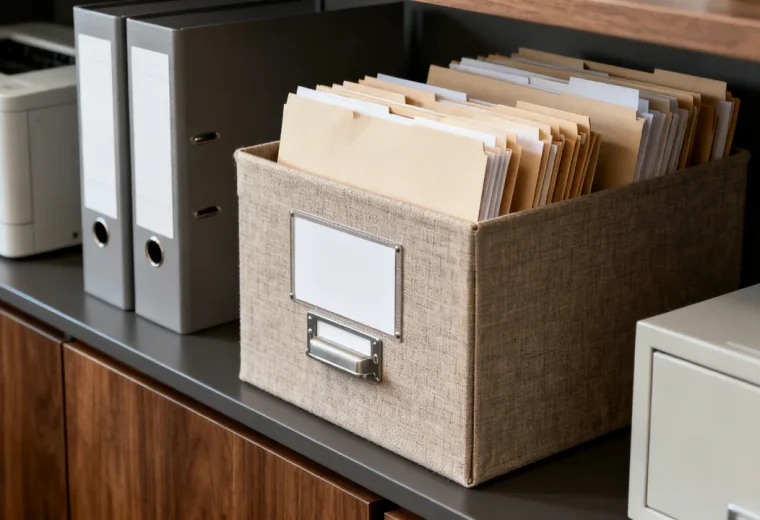
Basic user checks can confirm that the remote operates and the expected presentation connection works. Repairs, electrical work, and unfamiliar configuration changes belong with the appropriate support person. Keep confidential printed material in the approved secure process, including any designated locked collection container.
Address Edge Cases for Irregular Meeting Types
Add a way for organizers to request unusual supplies or equipment in advance, along with a realistic local notice period. Confirm availability rather than promising that every request made before a fixed deadline can be fulfilled.
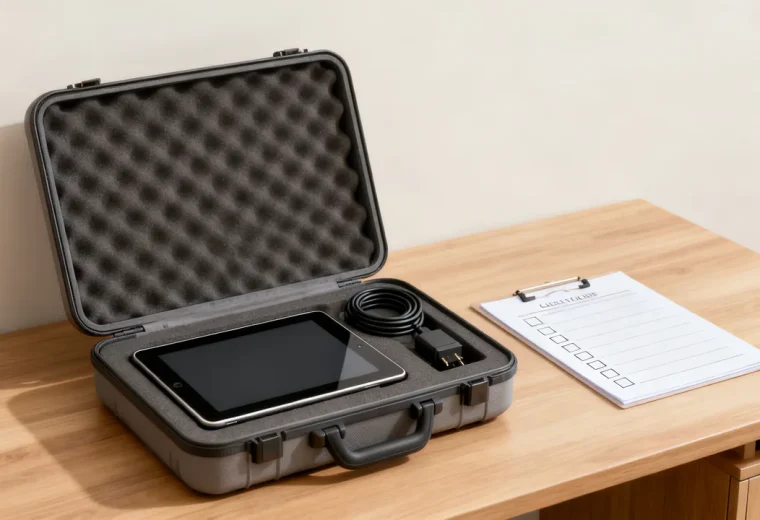
For rarely used rooms, schedule a check ahead of the next booking with enough time to address issues. For hybrid meetings, confirm the actual camera, microphone, speaker, and connection setup. Whether those items remain in the room or come from a loan kit depends on how the workplace uses them.
Actionable Quick Checklist for Between-Booking Turnover
- Remove personal items and handle waste or confidential papers appropriately.
- Return room equipment to its labeled location.
- Confirm whether whiteboard notes may be erased before cleaning.
- Check supplies against the next meeting’s confirmed needs.
- Report missing or unreliable equipment to the room owner.
- Tell the next host about any unresolved limitation.
Keep the checklist visible and short enough to use. Review repeated shortages or faults with the room owner so the cause can be addressed rather than adding more items to every turnover.
Have a question or a correction?
Contact the editorial team