An office equipment register is a centralized log of durable office assets that the team needs to track that are reused long-term, distinct from disposable consumables like paper or pens. This tool helps you track asset location, maintenance history, and responsible user without the complexity of enterprise asset management software. Unlike supply inventory logs that focus on reordering small consumables, this register covers items that are purchased once and used for multiple years, such as printers, scanners, desk chairs, monitors, and shared conference room devices.
Start by defining exactly which items to include to avoid overcomplicating the log. As a rule of thumb, include assets that require regular maintenance, have replacement parts that need tracking, or are frequently moved between workspaces. Include items when their loss, data, maintenance, or allocation matters; purchase price alone is not the deciding factor. Group ordinary low-risk accessories if individual tracking adds little value. You can host the register in a shared spreadsheet, a simple cloud table tool, or even a physical binder for offices with minimal digital collaboration, with view and edit permissions appropriate to each person’s role.
Core Data Points to Include for Each Entry
Every entry in your register needs consistent, actionable data points that answer common management questions at a glance. Avoid adding unnecessary fields that require staff to spend extra time searching for information; only include details you will actually use for maintenance, troubleshooting, or asset allocation.
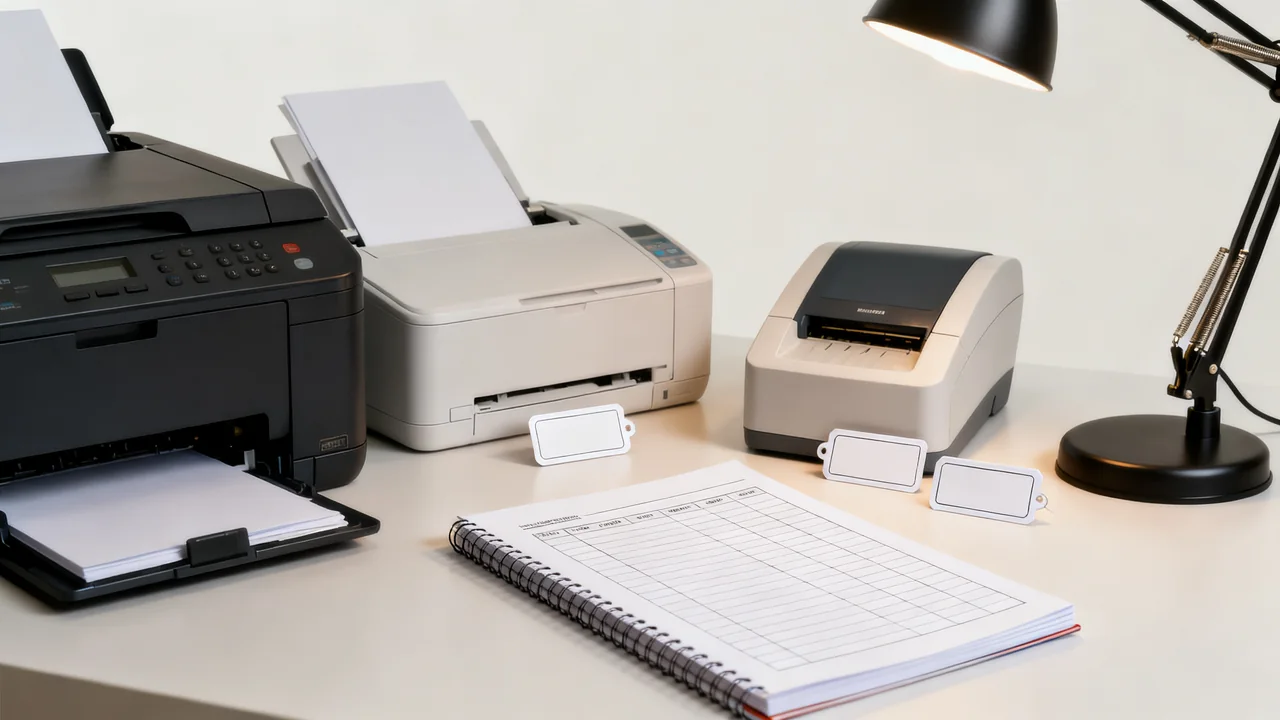
- Unique asset ID: A short, consistent identifier you can print on a label and affix to the physical equipment, to match the item to its log entry quickly
- Asset type and description: Specific enough to distinguish similar items, for example “color laser printer, second floor admin area” rather than just “printer”
- Purchase date and source: Where the item was bought, to reference order confirmations if you need to file warranty claims or order compatible replacement parts
- Assigned location or user: Where the item is currently kept, or which staff member is responsible for reporting issues if it is assigned to an individual desk
- Maintenance history: Log of past servicing, part replacements, or recurring issues, to help you decide if repairs are cost-effective when new problems arise
- Compatible consumables: Specific part numbers for items like toner, ink, or replacement filters that fit the device, to avoid ordering incompatible supplies
You can add optional fields for purchase cost, warranty end date, or serial number if those details are useful for your team’s procurement processes, but omit them if you do not regularly reference that information for day-to-day management.
Illustrative Example: Register Entry for a Shared Office Scanner
The following is a hypothetical record structure, with no specific scanner performance or service history implied:
- Asset ID: SCAN-002.
- Description: Shared document scanner; record the exact manufacturer and model.
- Purchase record: Link or reference to the actual invoice.
- Location: Admin workroom.
- Responsible contact: Operations coordinator.
- Service record: Date, reported issue, approved action, and service reference for each completed intervention.
- Supplies and documentation: Verified compatible part numbers and a link to the model’s manual.
If a connection problem is reported, the coordinator can compare it with recorded issues and consult the correct documentation. The register should record facts from the device and service records, rather than inferred repairs or generic replacement parts.
Asset Tracking Methods for Different Office Sizes
The system you use to label and update the register will depend on how many assets you track and how often equipment is moved between locations. Below is a comparison of common methods to help you choose the right fit for your team:
| Tracking Method | Best For | Pros | Cons |
|---|---|---|---|
| Printed paper labels with handwritten asset IDs | Offices with small asset volumes, minimal equipment movement | Low cost, no special tools needed, easy for all staff to read | Labels can smudge or peel over time, no automated update capability |
| QR code labels linked to register entries | Offices with moderate asset volumes, frequent equipment movement between teams or workspaces | Scanning the code pulls up the full register entry instantly, easy to update location with a mobile device | Requires a readable printed code, a suitable scanning device, and permission to access the linked record; test the link before applying labels |
| Basic asset management software tool | Offices with large asset volumes, multiple locations or hybrid team arrangements | Automated maintenance reminders, built-in reporting for asset utilization | Cost and setup vary by tool; review permissions, export options, and the features actually needed |
For all methods, ensure labels are affixed to a visible, low-wear area of the equipment, such as the side of a printer or the back of a monitor, to avoid damage from regular use. Always follow equipment manufacturer guidelines when applying labels to avoid damaging surfaces or covering ventilation grilles.
Updating the Register: Roles and Cadence
An outdated register can mislead staff, so establish clear rules for who can make edits and when updates are required. Assign a single owner for the register, usually an operations coordinator or office manager, who is responsible for reviewing entries regularly and resolving discrepancies.
Set mandatory update triggers to avoid missed entries:
- Immediately after purchasing a new asset, before it is deployed to the workspace
- Any time an asset is moved to a new location or reassigned to a different user
- Immediately after maintenance or repair work is completed, including notes on what was fixed and which parts were replaced
- When an asset is retired, donated, or disposed of, to remove it from active tracking
For shared equipment, add a short note to the area where the asset is kept reminding users to report location changes or issues to the register owner. For example, a small sign next to a shared portable projector can read “If you move this to another room, notify the operations coordinator to update the equipment register.”
Using the Register to Reduce Unplanned Costs
The register is not just a passive log; you can use it to streamline maintenance and procurement decisions to avoid unnecessary spending. For example, if you track maintenance history for multiple printers of the same model, you may notice that one requires service far more often than the others, indicating it is more cost-effective to replace it rather than continue paying for repairs. To confirm cost-effectiveness, compare documented recent repair expenses to quoted prices for equivalent replacement devices that meet your office’s needs.
You can also use the compatible consumables field to eliminate orders of incorrect parts. If multiple staff are responsible for ordering supplies, they can reference the register to confirm the exact toner or filter model needed for a specific device, instead of guessing and returning incompatible items. This also reduces waste from supplies that cannot be used once opened.
For teams that manage hybrid work arrangements, the register helps you track which equipment is assigned to remote employees, so you can collect all assigned items when an employee leaves the company, avoiding the cost of replacing missing monitors, keyboards, or headsets.
Data Handling and Confidentiality Notes
If your register includes purchase cost or serial number information, adjust access permissions so only relevant staff can view sensitive financial details. For most small offices, all staff can view location and maintenance details to help locate shared equipment, but only the register owner can edit entries to prevent accidental changes.
If you track equipment that is used to process sensitive documents, such as scanners or all-in-one printers, use the register to log regular security checks, such as approved firmware maintenance and documented data removal before disposal, in line with your company’s data handling policies. Always confirm any data disposal steps with your internal policy team before processing retired devices, to ensure compliance with applicable data protection requirements for your industry and location.
Actionable Setup Checklist
Use this short checklist to build your register efficiently for a small office, adjusting the timeline to match how many assets you need to catalog:
- List all durable assets you need to track, using tracking need, data risk, and maintenance requirements rather than price alone
- Choose a tracking tool (spreadsheet, cloud table, physical binder) that fits your team’s existing workflow
- Add the core data fields for each entry, omitting any fields you will not use regularly
- Create unique asset IDs and print labels for each tracked item
- Assign a register owner and share update rules with all staff
- Schedule a regular check-in (e.g., monthly, quarterly, aligned with your existing office administration routine) to confirm entries match physical asset locations
As your office grows, you can add fields or switch to a more robust tracking method, but starting with a simple, maintainable system ensures you will use the register consistently rather than abandoning it due to unnecessary complexity. Over time, you can cross-reference the register with your procurement records to identify which asset models hold up best under your office’s specific regular use patterns, to inform future purchasing decisions. You may also use the register to identify underutilized assets that can be reallocated to teams with higher need, rather than purchasing new equipment to fill temporary gaps.
Have a question or a correction?
Contact the editorial team