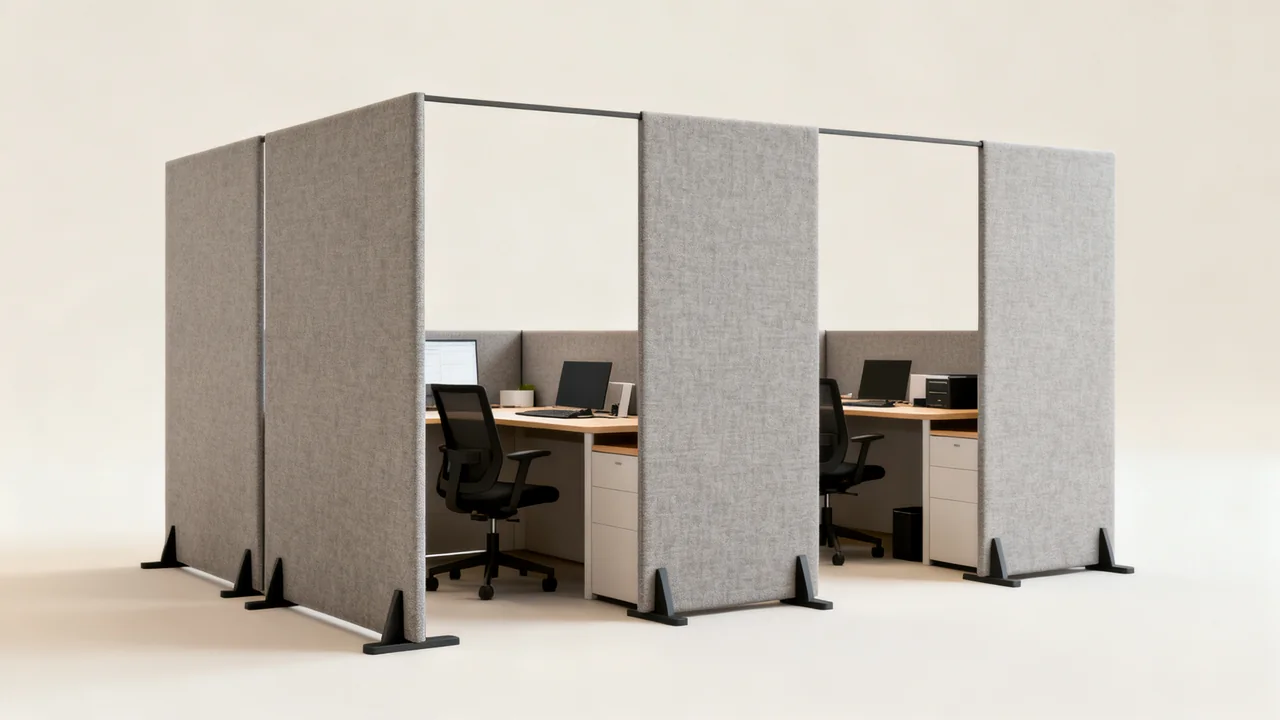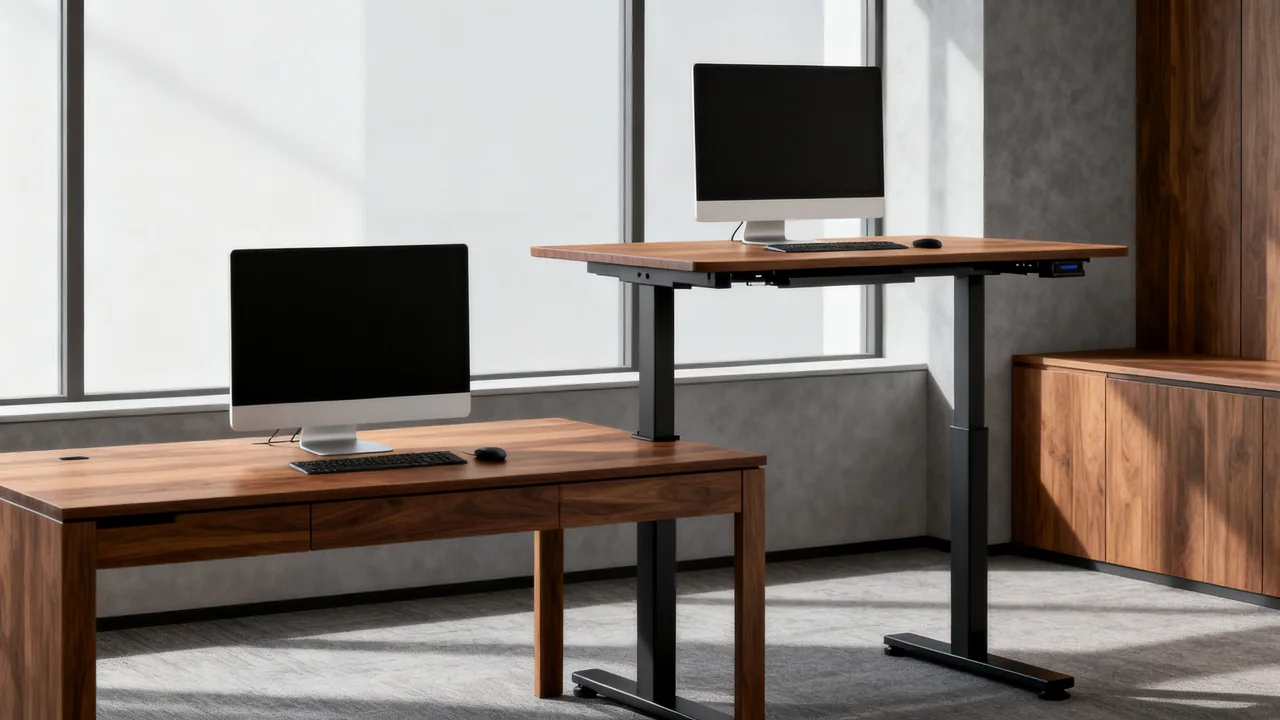
Fixed-height and height-adjustable desks offer different ways to organize a workstation. The useful choice depends on users, tasks, equipment, space, and the ability to support the installation. A height-adjustable desk can provide position options, but neither desk type guarantees comfort, productivity, or a particular health outcome.
Start with fit and work requirements
Identify the tasks performed at each desk and the equipment that must remain on it. Include keyboards, monitors, document areas, attached accessories, and under-desk items. Ask users which position changes or adjustments they need rather than assuming all people in one role want the same setup.
A fixed-height desk may work well when its dimensions suit the user and task. An adjustable desk may help accommodate different positions or users, provided its actual range and geometry fit them. Check the specific model rather than relying on a supposed standard sitting or standing height.
For an individual need or accommodation, use the appropriate workplace assessment process. Do not prescribe standing, cushions, or equipment as treatment for pain or an injury. Purchasing criteria should describe the required fit and functions without making medical promises.
Compare the full adjustment system
Height-adjustable desks may use different manual or powered mechanisms. Test how the intended users operate the exact model and whether the controls are accessible in its planned position. A memory button can be convenient, but its usefulness depends on the user and the shared-workstation arrangement.
Check the supported height range, surface dimensions, load limits, load distribution, and installation conditions. A fixed desk also has structural limits. Neither a stationary frame nor an electric motor tells you by itself whether the desk can support a particular equipment arrangement.
Desk-top converters are another option for some workflows, but they change the usable surface, equipment positions, and loading of the existing desk. Evaluate the complete system rather than assuming a converter is a universally cheaper substitute for an adjustable desk.
Inspect the complete movement space
For an adjustable desk, map movement from its lowest to highest intended setting. Look for shelves, windowsills, cabinets, chair arms, adjacent desks, and other objects that could be contacted. Follow the manufacturer’s clearance requirements. A generic gap above the surface cannot account for the actual equipment and room.
Check cable reach, routing, and connections throughout the approved movement. A cable that works while seated may become taut when raised. Keep cables away from pinch points and use an appropriate installation arrangement; do not rely on an anti-collision feature to make an obstructed layout safe.
For powered desks, verify the required electrical supply and installation instructions. If the location lacks a suitable arrangement, have the appropriate qualified person resolve it. For a manual desk, check the space needed to operate its mechanism. Fixed-height desks still need room for users, chairs, equipment, and access routes.
| Question | Fixed-height option | Adjustable option |
|---|---|---|
| Does it fit the intended users? | Test the selected fixed dimensions with the full workstation | Test the actual usable range and controls |
| Does equipment fit? | Verify support, surface, and accessory approval | Verify support and accessories through movement |
| What does installation require? | Approved assembly and placement | Approved assembly, movement clearance, and power if needed |
| What support is needed? | Model-specific inspection and service | Model-specific inspection, controls, and mechanism support |
Compare complete quotes over the same scope
Include the frame, surface, approved accessories, delivery, assembly, removal of old furniture, and any necessary site work. Verify whether the quote includes the same options as the sample tested. A frame-only price is not comparable with a fully installed desk.
Ask about warranty scope, service arrangements, replacement parts, and procedures for faults. Do not assume a fixed desk lasts a set number of years or that every adjustable model needs calibration at a standard interval. Use the exact manufacturer’s maintenance guidance.
Consider the cost of changing a poor fit later. A short trial can reveal control or layout problems before a bulk order. It cannot establish a precise product lifespan, but it can show whether the proposed arrangement meets current requirements.
Work through an illustrative mixed purchase
Assume an imaginary office needs seven desks. For arithmetic only, suppose a suitable fixed desk is quoted at $250 and a suitable adjustable desk at $475, with delivery and assembly handled separately. Five adjustable desks and two fixed desks would cost (5 × $475) + (2 × $250) = $2,875 before those additional charges.
The count assigned to each type should follow user trials and workstation requirements. Shared desks do not automatically belong in the fixed-height group; adjustability can be valuable when different users need different settings. Dedicated users do not automatically need an adjustable model either.
The office then adds quoted installation and accessory costs and checks the remaining budget. It does not claim the mixed purchase resolves a medical condition or that the cheapest arrangement is acceptable if someone cannot use it properly.
Install, explain, and review the arrangement
Use the approved assembly and installation process. Before handover, verify the specified configuration, stable support, cable routing, control behavior, and clear movement space. Refer unresolved installation issues to the supplier or appropriate installer rather than having staff improvise repairs.
Show users how to operate the actual controls, report problems, and keep the movement area clear. Do not prescribe a universal sitting-to-standing schedule; provide the relevant workplace guidance and individual support where needed.
Review the desks after representative use and whenever equipment or layout changes. Adding a monitor arm, cabinet, or cable can alter the original fit and movement check. Maintain the model information and service contacts so faults can be handled promptly.
- Define fit and task requirements for each workstation.
- Trial the exact desk and adjustment range.
- Check structure, accessories, movement, and connections.
- Compare complete installed costs and support terms.
- Allow a mixed purchase when the requirements differ.
- Provide operating guidance and recheck material changes.
Have a question or a correction?
Contact the editorial team