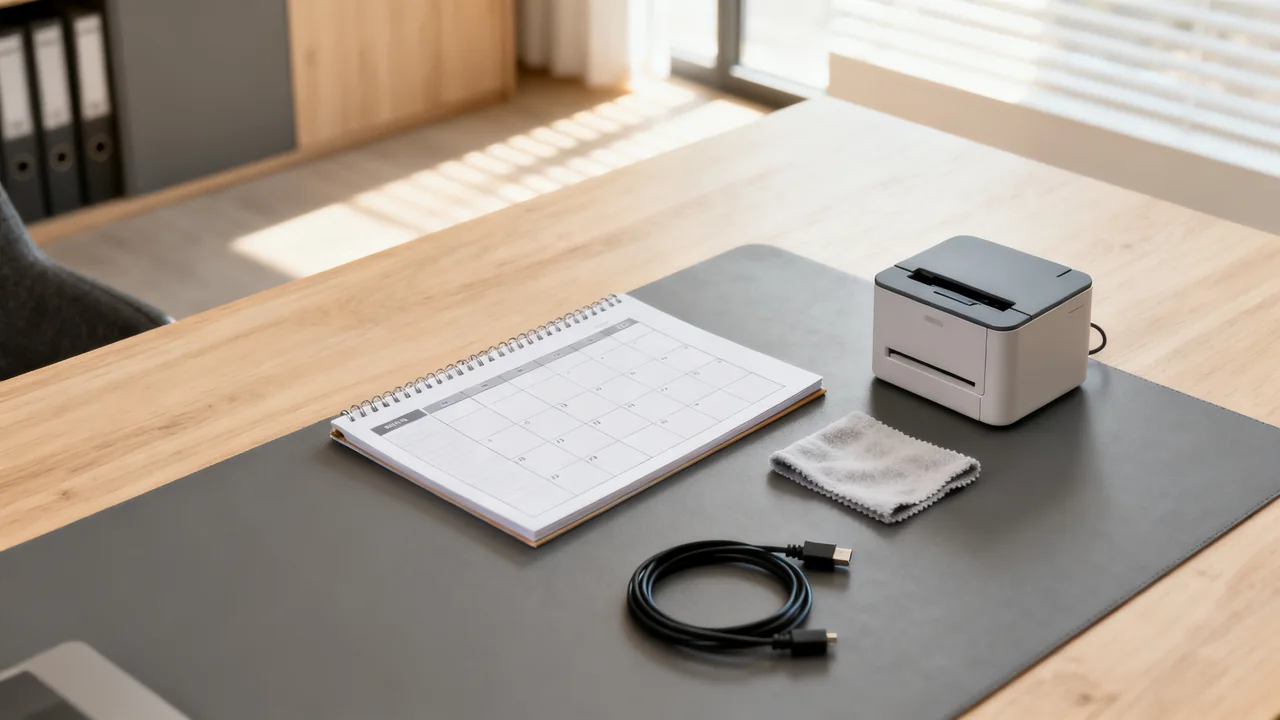
Shared office equipment—printers, scanners, conference room displays, commercial shredders, and desk phone banks—runs into predictable wear when multiple users rely on it daily. A targeted maintenance calendar gives routine tasks an owner and makes overdue work visible. It cannot prevent every failure, but it can keep instructions, completion records and escalation contacts together when team roles change.
First: Map All Shared Equipment and Its Maintenance Requirements
Before adding any dates to a calendar, inventory every piece of shared equipment your team uses, excluding individual employee-owned or assigned devices like personal laptops or desk chairs. For each item, note only the manufacturer’s specified routine maintenance tasks and their recommended frequency, pulled directly from the device’s user manual. Skip over repairs, one-off fixes, or cleaning tasks tied to immediate spills or damage, as those belong to separate response plans. Never attempt to modify device components or perform tasks not explicitly approved by the manufacturer, as this can void warranties and create electrical safety risks.
Group similar equipment for navigation, but retain each model’s actual maintenance requirements. Two printers may have different service counters or consumables. Link to tasks already covered by another routine rather than assigning the same work twice; make the responsible person and completion record visible in both places.
Align Tasks to Team Roles and Existing Routines
Assign each scheduled task to a specific role, not a named individual, to avoid gaps when staff take time off or transition roles. For small teams, this might mean assigning printer maintenance to the operations lead, shredder checks to the admin coordinator, and conference room equipment tasks to the office manager. Ensure the assigned role has the authority to pause device use if a potential issue is found, and access to pre-approved vendor contacts if they need to escalate a problem without scheduling extra approvals. Never assign tasks that require interaction with exposed electrical components or disassembly of devices to non-trained staff; those responsibilities must be handled by certified technicians per manufacturer guidelines.
Where possible, tie maintenance tasks to existing team routines to cut down on administrative follow-up. For example, schedule a monthly printer check to occur right after the monthly all-team meeting, when the operations lead is already in the office and can complete the task in 10 minutes without disrupting core work. Avoid scheduling tasks during peak work periods, like end-of-month reporting, when assigned staff will have limited bandwidth to complete them.
Illustrative Example: A Small Office Calendar
Imagine a ten-person office with two printers, one shredder and a meeting-room display. This is a planning example, not a tested maintenance schedule. The operations lead creates a separate record for each model and reads its manual before adding recurring work. A printer might show a usage-based service alert, while another item might have a specified calendar interval; the spreadsheet needs to accommodate both.
The office assigns an owner and backup to each record. A calendar reminder to review the log can recur monthly as an administrative choice, while the equipment task itself remains due at the interval or counter specified for that model. If a task requires a technician, the event is a booking reminder, not permission for office staff to perform it.
Each event links to the exact instructions and records a realistic time estimate after the task has been completed once. A permitted completion window is set only for low-priority administrative work. A safety defect or a required service deadline must not be deferred simply because the reminder falls in a busy week.
Set Intervals from the Equipment Instructions
Record the manufacturer’s stated interval, usage counter or condition trigger in its own field. Do not convert it into a universal weekly or monthly rule. If the instructions distinguish normal from intensive use, record which category applies and why. If they are unclear about the office’s workload, ask the supplier or service provider instead of multiplying an interval by an invented percentage.
- Keep calendar reminders separate from required maintenance deadlines.
- For counter-based tasks, identify who reads the counter and where the reading is recorded.
- For condition-based tasks, describe the visible trigger and the approved response.
- Before seasonal equipment returns to service, check its storage and start-up instructions.
Review completed records for missed work, recurring faults and unsuitable time estimates. Several uneventful checks do not by themselves justify extending a manufacturer’s interval. Repeated problems may require a different service plan, operating environment or replacement decision; ask the vendor rather than merely adding more cleaning. Keep the original instruction reference alongside any later vendor-approved change.
Comparison Table: Calendar Tool Options for Small Teams
Choose a calendar tool that fits your existing workflow, rather than adopting new software just for maintenance tracking. The table below outlines tradeoffs for common small workplace tools:
| Tool Type | Best For | Pros | Cons |
|---|---|---|---|
| Shared workplace calendar (Google Workspace, Outlook 365) | Teams of 5-15 people already using the tool for meetings | No new login required, automatic reminders, easy to reassign tasks if someone is out | Can get cluttered with meeting events, limited progress tracking for completed tasks |
| Shared spreadsheet (Google Sheets, Excel) | Teams that need to track detailed notes on equipment condition | Customizable columns for task notes, completion dates, and issue escalation | Reminders require configuration or another tool; completion tracking must be designed |
| Task board or project-management tool | Teams with high equipment turnover or frequent seasonal use | Task status and attachments; check which reminders the chosen plan supports | Requires team training on the tool, extra administrative work to set up initially |
| Printed wall calendar | Teams with limited digital access or fully in-person workplaces | Visible to all staff, no login required, easy to mark completion with a signature | No automatic reminders, easy to miss if staff work flexible hours, no digital record of completion |
Structure Calendar Entries for Clarity and Accountability
Each calendar entry should include only the information needed to complete the task quickly, no extra fluff. Avoid vague entries like “printer maintenance” that leave staff guessing what to do. Instead, include these four details in every entry, plus required safety instructions where applicable:
- Exact equipment location (e.g., “Second-floor breakroom printer, serial number ending in 789”)
- A short, model-specific task description within the assigned person’s competence (for example, record the displayed service counter, check supply availability, and arrange any service indicated by the manual)
- Time estimate for completion (e.g., “10 minute task”)
- Escalation contact for issues found (e.g., “If error codes appear, submit a repair ticket to the approved printer vendor and flag to the operations lead”)
Set a 3-day completion window for non-critical tasks, so the assigned staff member can fit the work around their core responsibilities without feeling pressured to drop everything. For critical equipment used daily (e.g., the only office printer), schedule the task for a low-traffic time like early Friday morning, so if a minor issue is found, it can be resolved before the weekend without disrupting work. Office staff should not open electrical enclosures or perform internal inspections. Follow the model’s shutdown and isolation instructions for any permitted user task; being unplugged does not make every internal component safe to touch.
Actionable Pre-Launch Checklist
Before rolling out the calendar to your team, complete these steps to avoid gaps or confusion:
- Confirm all listed maintenance tasks are approved in the relevant device manufacturer’s manual, and no steps require specialized technical training to complete
- Verify all assigned roles have access to any required supplies (e.g., lint-free cloths for scanner rollers, approved vacuum filters) to complete their assigned tasks; only use manufacturer-recommended replacement parts to avoid equipment damage or safety risks
- Remove any tasks that overlap with existing office routines (e.g., power cord checks, spill response) to avoid redundant work
- Share a draft of the calendar with the assigned roles for feedback, and adjust timelines if any scheduled tasks conflict with recurring core work responsibilities
- Set a 3-month review date to assess what tasks are being completed on time, and adjust frequencies or assignments as needed
- Distribute a 1-page safety quick reference for all maintenance tasks, outlining the boundary between approved user tasks and technician-only work, plus protocols for reporting electrical hazards
Adjust for Remote and Hybrid Work Arrangements
If your team works a hybrid schedule, adjust maintenance tasks to align with days when assigned staff are scheduled to be in the office. Avoid requiring staff to come in on their remote days just to complete maintenance tasks. For offices with 2 or fewer in-person days per week, combine multiple low-effort tasks into a single monthly 30-minute maintenance block, so one staff member can complete all tasks in one trip instead of spreading them across the month.
For fully remote offices with shared equipment in a co-working space, coordinate with the space’s facilities team to align your maintenance calendar with their existing cleaning and check routines, to avoid duplicating work or accessing equipment during restricted hours. Confirm who is responsible for each task in writing, so there is no ambiguity about who will address issues if they are found. If your team is not authorized to perform maintenance on co-working space equipment, adjust the calendar to only include scheduled check-ins to confirm the facilities team has completed required tasks, rather than assigning hands-on work to your staff.
Have a question or a correction?
Contact the editorial team