Equipment returned when someone leaves should pass through a controlled reassignment process. The office needs to confirm ownership and inventory, preserve required information, have authorized staff handle accounts and data, assess condition, and match the item to its next task. Cleaning a device and seeing it power on are not enough to mark it ready.
Coordinate return with the departure process
Use the organization’s authorized departure workflow rather than waiting until the person has left to decide who owns each step. HR, management, IT, and facilities may have different responsibilities. Keep physical collection separate from account-access decisions, which can have their own timing.
Reconcile company-owned devices and accessories against the assignment record. Record what was returned, what is missing, its condition, and who received it. Distinguish company property from personal equipment, leased items, and shared devices; do not wipe or reassign an item merely because it was found at a desk.
Hold returned equipment in a controlled awaiting-review location. Keep damaged or suspect items out of the ready pool. Report exposed wiring, swelling, liquid damage, structural faults, or other concerns through the relevant workplace process rather than attempting an informal repair.
Preserve records before changing the device
Have the authorized records or IT owner determine what business information must be retained, transferred, or held. A device reset can destroy needed records. Do not simply copy everything to an unrestricted shared drive or inspect personal content without the appropriate authority.
Confirm that required transfers or backups are complete and usable before destructive steps. Preserve any applicable hold or retention instruction. Keep the record of authorization with the asset process so a later administrator can see why the action was taken.
Physical papers, removable storage, badges, and keys also need their designated handling route. Finding them during inventory does not authorize immediate shredding or disposal. Return access items to the responsible coordinator and route documents under the organization’s policy.
Let authorized IT handle access and sanitization
Account revocation, session handling, device management, recovery locks, and service access should be managed through the approved IT process. Signing out locally does not necessarily revoke every active session or remote permission. Conversely, deleting a shared-device profile can remove information other people still need.
Choose data removal or reconfiguration based on the exact device, storage technology, information sensitivity, and intended next use. A generic instruction to factory-reset everything is insufficient. Some products have suitable documented reset or erase procedures, but their appropriateness and successful completion need to be established.
NIST’s media-sanitization guidance treats reuse and disposal as part of an organizational program with appropriate methods and controls. Use that kind of approved process rather than assuming an empty desktop proves data is unrecoverable. Keep the relevant verification and release record without exposing the removed information.
| Stage | Responsible decision | Ready-to-proceed evidence |
|---|---|---|
| Return | Ownership and inventory confirmed | Recorded asset and accessory receipt |
| Information preservation | Required records and holds handled | Authorized confirmation of retained information |
| IT preparation | Access, management, and data treatment approved | Documented completion and verification |
| Condition assessment | Suitable operation and approved care | Checks completed or service issues resolved |
| Assignment | Fit for the next role and user | Updated register and handover acceptance |
Clean and inspect using the exact product instructions
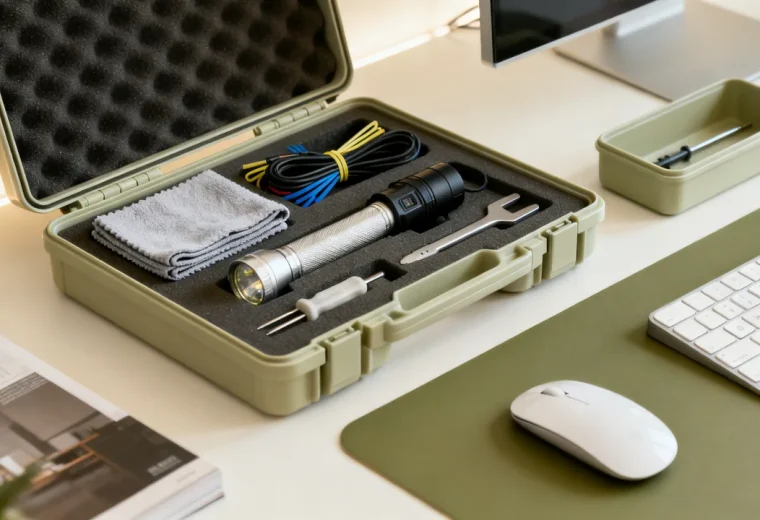
Use approved care methods for the actual surface and device, including its shutdown, disconnection, and drying requirements. Do not universally remove batteries, pull keycaps, use compressed air, lubricate desk mechanisms, or apply disinfectant wipes. Those actions depend on the model and authorized procedure.
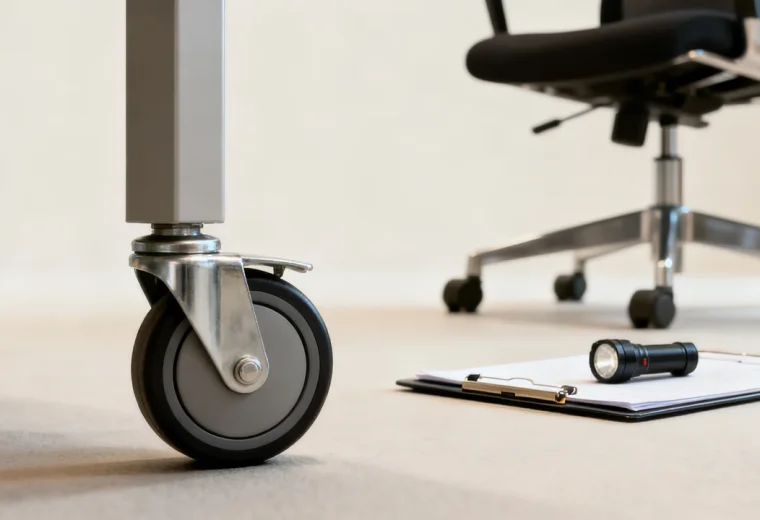
Inspect accessible condition before ordinary functional testing. A damaged chair or unstable desk should not be tested by having someone sit, lean, or load it. Electronics with a concerning battery or damaged power arrangement need assessment before charging or use.
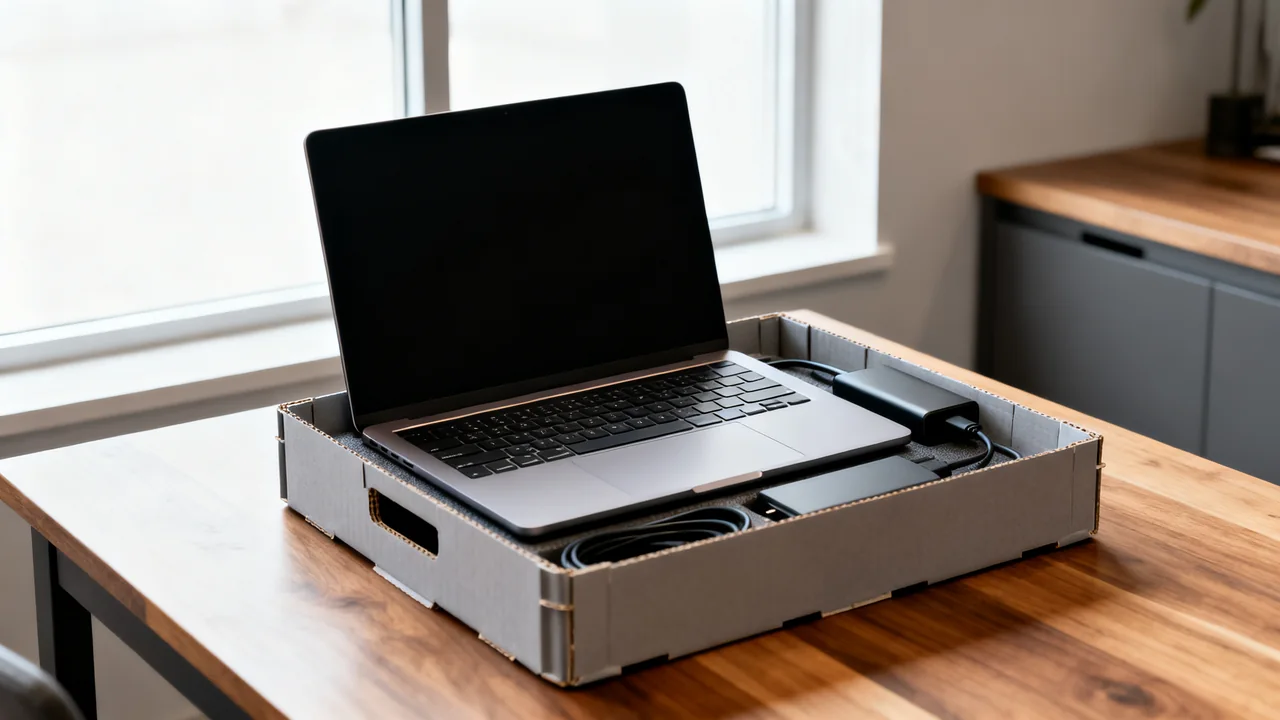
Have the appropriate person test the functions needed for reassignment with compatible accessories. For a laptop, that may include the approved operating configuration, required ports, camera, audio, and documented battery diagnostics. Fully charging once does not establish battery health, and no universal cycle count or capacity percentage suits every model and use.
Work through an illustrative reuse decision
Assume an imaginary return includes a laptop, headset, chair, and adjustable desk. The asset coordinator records all items and accessories. IT confirms record preservation, completes the approved data and account process, and identifies a battery issue requiring service assessment.
The headset needs a compatible replacement contact part and the model’s care process. The desk has a reported movement fault, so it remains unavailable while the responsible service provider assesses it. The chair is checked under its documented inspection process. These are hypothetical observations, not a timed repair story.
The office compares actual repair and replacement options after diagnosis. It does not assume a lubricant will fix the desk or that replacing a battery is a user task. Each item receives its own status, so three ready items do not cause an unresolved fourth item to be released accidentally.
Assign by requirements and keep retirement separate
Match ready equipment to the next user’s tasks, supported software, accessories, and individual needs. Do not allocate unreliable or unsuitable equipment to temporary staff simply because their assignment is shorter. Backup equipment must also be safe and fit for its intended use.
If there is no immediate assignment, store the item according to its instructions and record its location and readiness status. Before later issue, check whether updates, charging, accessories, or other preparation are needed. “In storage” is not the same as “ready now.”
For retirement, confirm ownership, authorized data treatment, and the appropriate return, reuse, or recycling route. Keep disposal or transfer records as required by policy. A failed component should not be passed to another user as a way to avoid resolving its condition.
- Reconcile ownership, assets, and accessories.
- Preserve required information before destructive changes.
- Have authorized IT verify access and data preparation.
- Complete model-specific care and condition checks.
- Release each item only when it meets its next use.
- Update assignment, storage, or retirement records.
Reference: NIST SP 800-88 Revision 2, Guidelines for Media Sanitization, provides an organizational framework for selecting and controlling data sanitization during reuse or disposal.
Have a question or a correction?
Contact the editorial team