Shared hot-desk and shift-based workspaces have unique lighting needs that differ from assigned individual desks. One user may need bright, focused light for precision document review, while the next prefers softer, warmer light for long video call shifts. Poorly chosen lighting can lead to eye strain, inconsistent work quality, and unnecessary tension between team members who share the same workspace. This guide walks through practical decisions to select task lighting that different users can adjust easily for the actual work.
Start with Core Shared Desk Lighting Requirements
First, define the non-negotiable traits your lighting must have to work for multiple users. These criteria eliminate options that work for individual desks but fail in shared setups:
- Adjustability that does not require tools or complex calibration, so users can change position and brightness comfortably
- A mounting position and adjustable reach that suit the intended users
- Glare reduction features that work across common desk tasks, including laptop use, paper document review, and video calls, without requiring custom reconfiguration
- Easy to wipe down between users per your office hygiene protocols, with no hard-to-clean crevices that trap dust or grime; always follow the light manufacturer’s cleaning instructions and your office’s health and safety guidelines for shared surface disinfection
- Power setups that do not require users to bring their own adapters or rearrange cables every time they sit down
You can prioritize these criteria based on how your shared desk is used. For example, if the desk is exclusively used by night shift staff, you may weight brightness adjustability higher than if the desk is only used during daytime hours with ample natural light.
Evaluate Mounting Options for Shared Use Cases
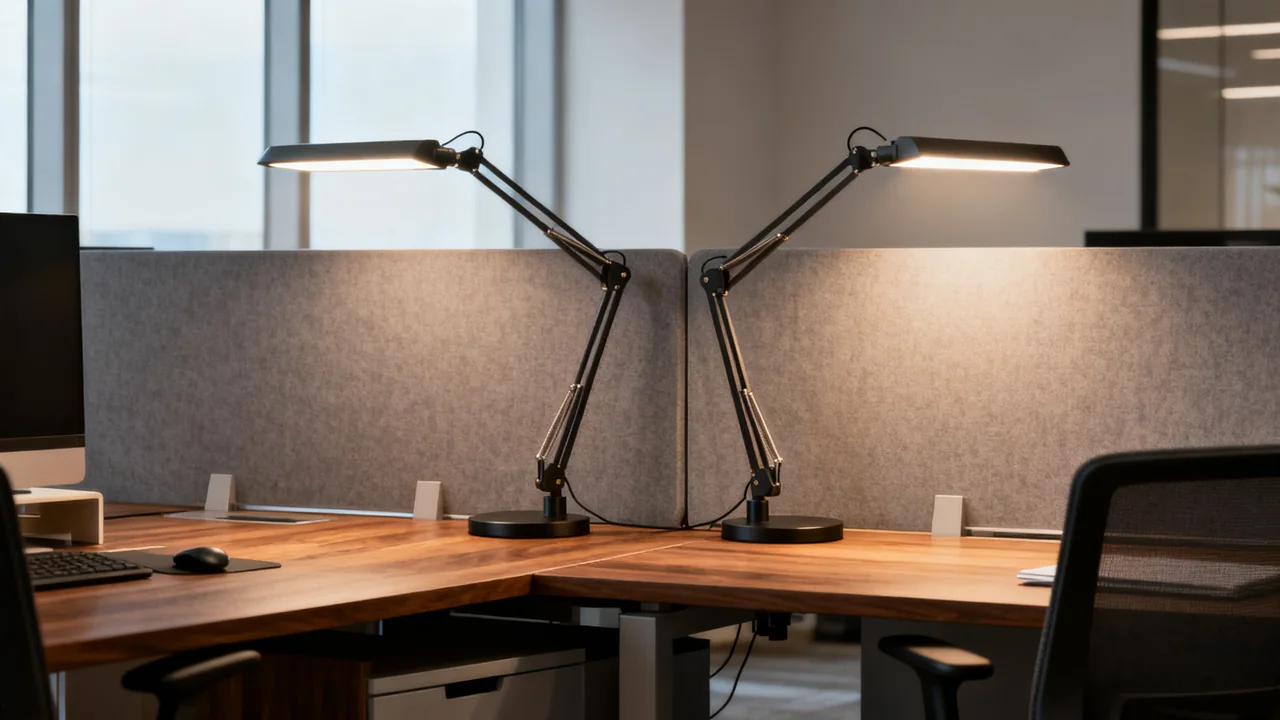
- Freestanding base: Easy to relocate where the cord and surface allow. Measure the actual base footprint and check stability at the arm positions users need.
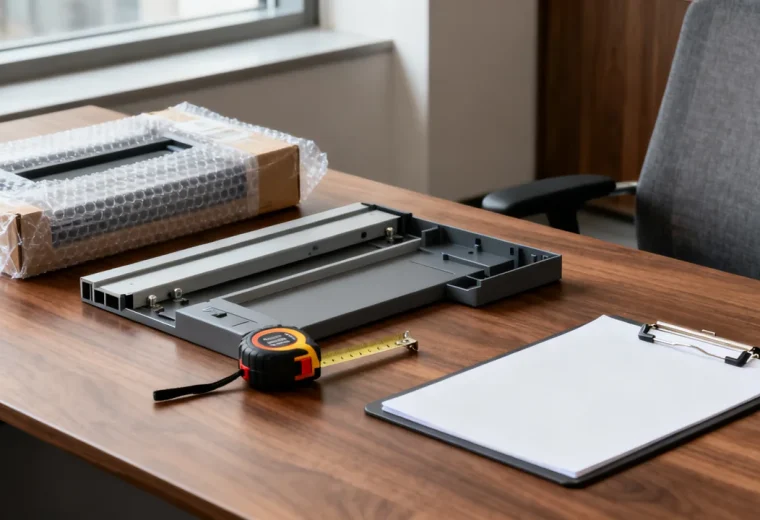
- Clamp: Can preserve work surface, but confirm the permitted desk thickness, edge profile, underside clearance, and surface construction. Follow the mounting instructions and check whether the desk maker permits the attachment.
- Through-desk or fixed mount: Can suit a shared desk if the lamp has sufficient reach and adjustment. Confirm the permitted mounting method, hole or grommet requirements, and approval to modify the furniture.
The mount’s fixed location and the lamp’s adjustable position are different things. Compare the whole movement range with the actual work area before rejecting or choosing a mounting type.
Pick Adjustability Features That Work for All Users
Try the controls and arm with the people who use the desk. Look for a comfortable adjustment effort, a head that stays in position, and a light source that can illuminate papers without reflecting on the screen or shining into another person’s eyes.
Dimming can help users balance task light with the room lighting, but there is no universal minimum number of settings. Buttons, switches, and touch controls each have advantages; choose controls users can find and operate reliably rather than assuming touch controls last longer.
Adjustable color temperature is optional. It changes the apparent warmth or coolness of the light, but there is no fixed temperature prescription for video calls, document review, or computer work. Evaluate comfort and, where color judgment matters, the actual lighting requirements of the task.
OSHA’s workstation-environment guidance recommends positioning task lighting to avoid reflections on the display. Check the screen and work surface from each user’s normal position, including when daylight changes.
Illustrative Example: Shared Desk for a 3-Person Customer Support Team
A hypothetical desk is used by three people at different times of day. They compare a freestanding lamp and a clamp model using the actual laptop, papers, and video-call setup. Each person tries the controls and checks whether the lamp can be positioned without blocking the display or casting a distracting reflection.
The clamp option is selected only after its attachment is confirmed suitable for the desk edge. The team keeps a short note explaining the controls and how to switch the lamp off. If a user cannot obtain suitable lighting, that feedback goes to the workspace owner rather than being treated as a failure to choose the right preset.
This is an illustrative selection process, not a reported product test or a claim that all users can adjust the lamp in a specified time.
Compare Lighting Types With Shared Desk Tradeoffs
Use this table to narrow down lighting options based on your shared desk’s typical use cases:
| Light Type | Best For | Shared Desk Tradeoffs |
|---|---|---|
| LED Desk Lamp | General mixed use, frequent user rotation | Check rated power, heat and handling warnings, controls, and cleaning instructions; base footprint varies by model |
| Under-Cabinet LED Strip | Desks positioned under overhead storage, fixed equipment setups | Saves desk space, no repositioning needed; limited adjustability, may create uneven light for users who shift work areas. Only use strips rated for indoor office use, installed per manufacturer guidelines to avoid electrical hazards |
| Articulating Clamp Lamp | Compact desks, mixed task types (paper + screen work) | Saves surface space, fully adjustable; may not fit thick desk edges or desks with blocked edge access |
| Overhead Desk Pendant | Desks with no available edge space for clamps | No surface space used; fixed source position requires evaluation across the intended users and tasks, may create glare on laptop screens. Pendants must be installed by a qualified electrician to meet local electrical code requirements |
Avoid Common Shared Lighting Pain Points
Even well-chosen lighting can cause issues in shared setups if you overlook these small but impactful details:
- Glare and reflection: Always test lights with the actual monitors and devices used at the shared desk before purchasing. A light that looks great on a showroom floor may create a harsh reflection on a matte laptop screen or wash out a user’s face on video calls. If multiple monitor sizes are used at the desk, prioritize lights with fully tilting heads so users can angle the light away from screens as needed.
- Power access: If your shared desk has built-in USB ports, check whether a USB-powered lamp’s required input is supported by the available port. If you use a plug-in light, secure the cable along the edge of the desk with cable clips so users do not accidentally yank the light off the desk when moving their bags or equipment. Ensure all power cords are in good condition, with no fraying or exposed wiring, to reduce electrical risk; do not daisy-chain power strips to connect the light.
- Hygiene considerations: Avoid lights with fabric shades or textured plastic surfaces that are hard to wipe down between users. Check which cleaning products and methods are approved for the particular finish and electrical product; a smooth surface does not make every disinfectant suitable. Avoid spraying disinfectant directly onto the light’s control panel or electrical components to prevent damage or electrical hazard; apply disinfectant to a cloth first before wiping surfaces.
- Automatic shutoff: Consider an optional timer or automatic shutoff if its behavior suits the work and can be understood by users. This prevents energy waste if a user forgets to turn the light off at the end of their shift, especially for desks used for evening or overnight shifts.
Actionable Selection Checklist
Use this checklist to evaluate options before purchasing:
- Matches your preferred mounting type (free-standing, clamp-on) and fits your desk’s edge thickness if using a clamp
- Provides the reach, head position, and brightness adjustment the users need
- Has smooth, easy-to-clean surfaces with no hard-to-reach crevices
- Works with your desk’s available power options (USB or AC) without requiring users to provide their own adapters
- Does not create glare on the standard monitors and devices used at the desk when positioned at typical user heights
- Has optional automatic shutoff to reduce energy waste from forgotten lights
Choose the features that solve observed needs at the desk. A simpler lamp may be adequate if it can be positioned and controlled comfortably, while another workspace may need more adjustment. Review the sample in its intended location before a larger order. Have any hardwired installation handled by the appropriate qualified installer under local requirements.
Have a question or a correction?
Contact the editorial team