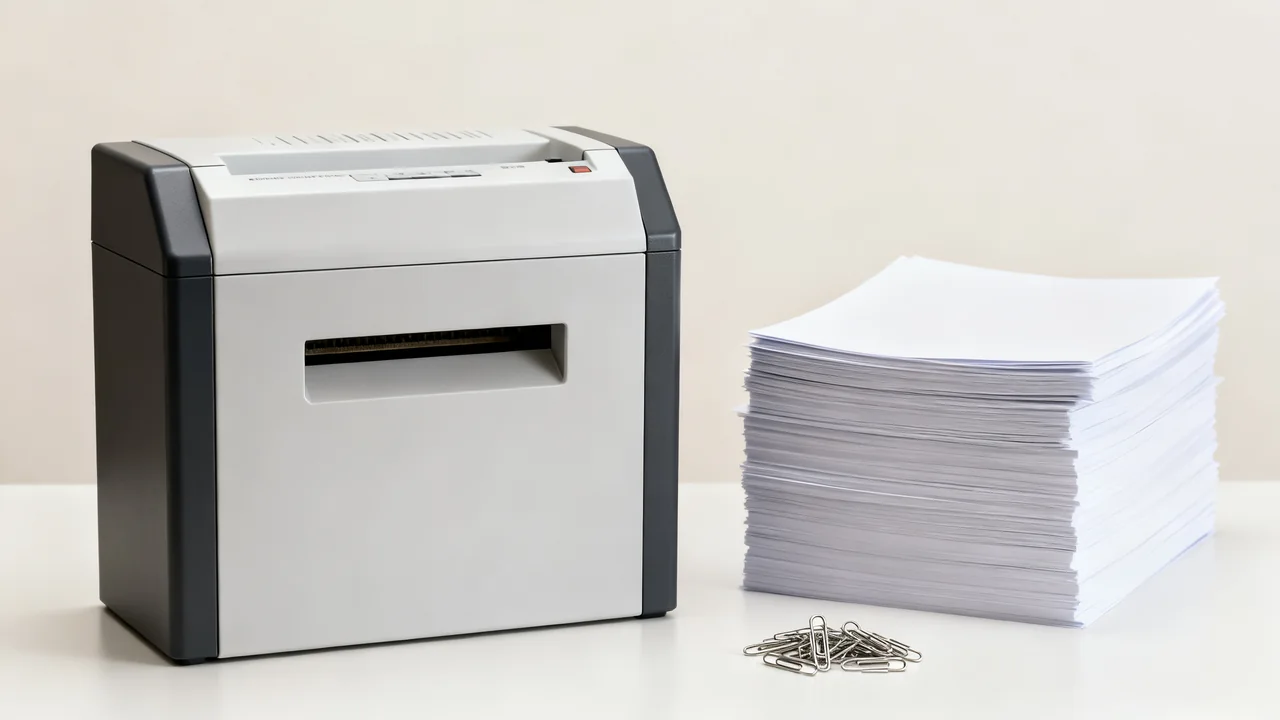
Choose a shredder by the documents you are authorized to destroy, the materials in the stack, and the way shredding happens during the working day. A headline sheet count cannot answer all three questions. The useful comparison is whether a specific model can handle your routine within its operating limits.
First confirm the organization’s retention and destruction process. A buying guide cannot decide when a record may be destroyed or what security level your organization requires. Once that requirement is clear, compare equipment that meets it.
Record the work the shredder must handle
Observe a representative period of use and note the paper sizes, approximate batch sizes, frequency of sessions, and number of people sharing the machine. Include recurring filing clearances separately from everyday use. A rare large clear-out may be better handled through an approved destruction service than by sizing the everyday machine around it.
Identify anything mixed into the paper: staples, clips, adhesive labels, envelopes, cards, folders, or plastic. Do not assume a material is permitted because it seems thin or because another shredder accepted it. Separate uncertain items until the candidate model’s instructions confirm what it can handle.
Read sheet capacity and run time separately
Sheet capacity describes how much can be fed in a pass under the manufacturer’s stated conditions. Check the paper weight and any other conditions attached to that rating. A capacity quoted for one paper stock does not establish the same capacity for thicker folders or mixed materials.
Run time and cool-down time describe a different constraint. For example, the Fellowes 1200C manual lists a run period and a required cooling period, as well as accepted and excluded materials. Those figures belong to that model; they are not a definition of a general “medium-duty” class.
Terminology varies between product listings. If a seller uses “duty cycle,” find out exactly what it means for that product rather than converting it into an assumed number of pages per day. Ask the supplier to explain any unclear or conflicting specifications before purchase.
Check materials against the exact manual
| What is in the stack? | What to verify |
|---|---|
| Ordinary paper | Permitted size, paper weight, and feed capacity. |
| Staples or paper clips | Whether they are allowed, and any size or position restrictions. |
| Folders or heavier card | Explicit permission and any different feed instructions. |
| Adhesive labels, coated or laminated material | Whether the material is excluded; do not infer suitability from a stronger motor. |
| Plastic cards or other media | Explicit approval, feed slot, capacity, and separate waste handling. |
Manual-feed and automatic-feed paths can have different rules on the same machine. Check the instructions for the path you will actually use. An automatic feeder’s stack capacity is not the number of sheets entering the cutters simultaneously.
Avoid generic percentage reductions for thicker paper. Without a model-specific instruction, there is no reliable rule that a folder reduces capacity by a fixed fraction. Ask the manufacturer or select a model with clear documentation for the intended material.
Compare the workflow, not just the largest number
Imagine an office where several people bring short batches just before lunch. The buyer records the combined busy period and checks whether each candidate can support that pattern, including cooling and bin emptying. A model suitable for one isolated batch may be inconvenient when users arrive back to back.
For another office, shredding may be one scheduled task with a larger pile. Automatic feeding could reduce the time a person spends inserting paper, but preparation rules, access control, completion checks, and the acceptable unattended-use arrangements still matter. Test the proposed workflow with representative permitted documents where a supplier demonstration is available.
These are hypothetical planning scenarios. They do not predict a failure time, a throughput improvement, or a percentage saving for a particular machine.
Confirm the required security rating
Use the documented security classification required by your organization, rather than a cut-type marketing name alone. “Cross-cut” or “micro-cut” is not a complete purchasing specification. Fellowes’ security-level guide shows how named cut types relate to paper security levels, but the appropriate requirement must still come from your own records and information-security process.
Consider where documents wait before shredding and how the waste is collected afterward. A suitable machine cannot compensate for confidential pages left in an open queue. Give the responsible team a clear place to store material awaiting approved destruction.
Check the location and ongoing work
Measure the machine’s operating footprint, including space to open or remove the bin. Confirm that the location meets the manual’s power, ventilation, and access instructions. Consider noise in the actual work area and whether the people emptying the bin can handle it comfortably.
Check maintenance requirements and the approved products before buying. Some models require specific lubrication routines or supplies; do not substitute an aerosol or household lubricant. Jam handling, cleaning, and service should follow the manual, with the machine made safe as directed rather than reaching into the feed opening.
Ask the local waste provider how shredded paper and any other accepted media should be separated and presented. Recycling arrangements differ, so a bin or bag choice should follow that provider’s requirements.
Keep a short purchase record
- Record the model and the manual version consulted.
- List the actual materials and usage pattern it needs to support.
- Confirm the security requirement with the responsible person.
- Compare feed capacity, run time, cooling, and waste handling separately.
- Check operating space, maintenance supplies, and support arrangements.
- Post a concise permitted-materials guide based on the chosen manual.
After installation, review reports of overloads, queues, or unsuitable items. If the workflow changes, reassess it instead of encouraging users to work around the machine’s limits.
Have a question or a correction?
Contact the editorial team