A useful office spill plan puts people’s safety before equipment recovery. It tells staff who to contact, how to keep others away, what information to record and who may authorize reuse. It should not ask an untrained employee to open a wet device or decide that a drying timer makes it safe to power on.
Define the Scope and Escalation Route
This planning guide concerns ordinary office equipment and small incidental liquid spills. A chemical spill, flooding, smoke, sparks, unusual heat or suspected battery damage requires the workplace’s appropriate emergency procedure. Keep people clear and contact the designated emergency or facilities response; do not turn a routine equipment-cleaning kit into an improvised emergency kit.
Name a primary contact and a backup for each occupied period. Record how staff reach facilities, IT and the equipment vendor, including outside normal office hours. The plan should say who controls the affected area, who arranges qualified assessment and who provides temporary equipment so an urgent deadline does not pressure someone to reconnect a suspect device.
Prepare Model-Specific Instructions in Advance
List shared printers, meeting-room equipment and other devices likely to be near drinks or water. Keep the exact model, support link and asset identifier in the equipment register. Ask the responsible technical team to document the actions an ordinary user is permitted to take for each type of equipment.
Identify accessible, dry power-disconnection points and the person authorized to isolate supply when ordinary unplugging is unsafe. Do not expect staff to reach behind heavy furniture, stand in liquid or touch a wet plug. A wall switch, a device’s power button and isolation of all energy sources are not necessarily equivalent.
Keep simple signs, contact details and appropriate supplies for an ordinary surface spill available. Cloths and gloves do not make electrical handling safe. Do not stock tools for opening equipment or instruct staff to touch internal components. Select any personal protective equipment through the workplace’s assessment and product requirements.
Immediate Response: Stop, Keep Clear and Report
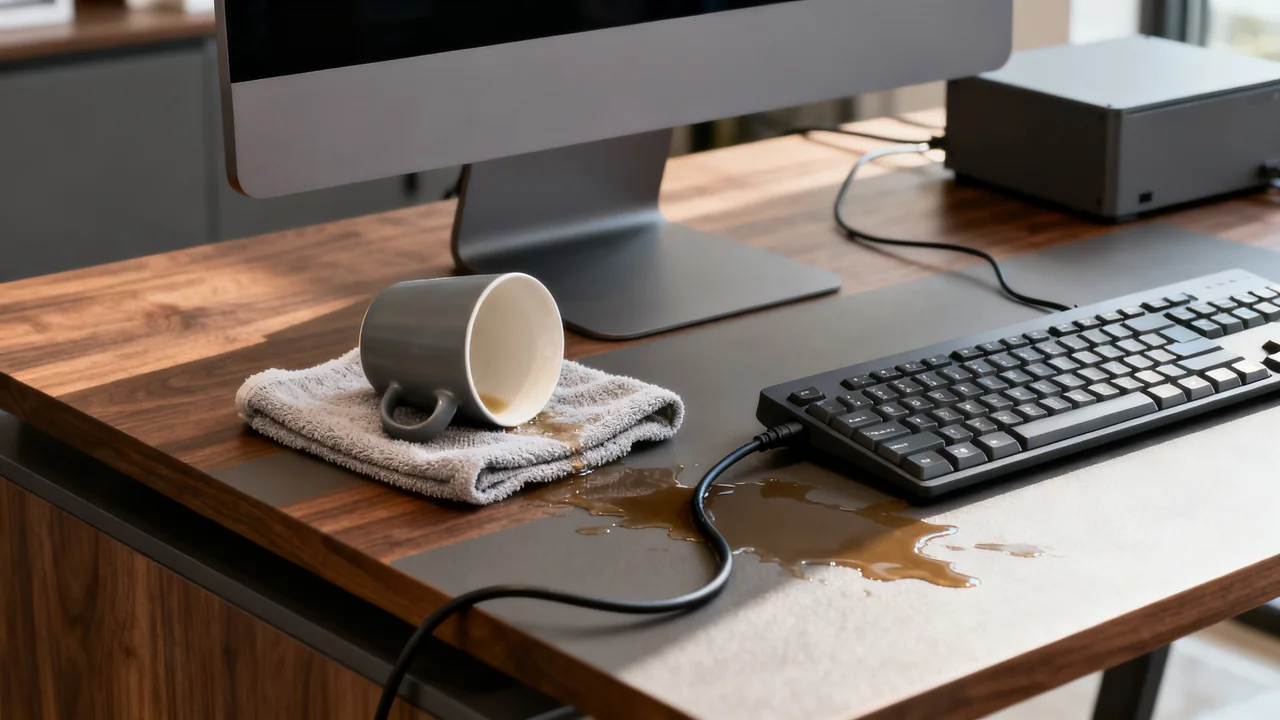
- Alert nearby people and prevent further use of the affected equipment. Do not touch wet electrical equipment, plugs or sockets, or enter liquid around them.
- If there is an immediate danger such as smoke, sparks, unusual heat or a large spill, follow the emergency procedure and keep people away.
- Disconnect power only where this can be done safely from a dry, undamaged point and is within the person’s instructions and competence. Otherwise, have the authorized facilities or electrical professional isolate the supply.
- Do not press buttons to test the equipment, connect a charger, remove a built-in battery or open an enclosure.
- Notify the responsible contact with the location, device and what was spilled. Prevent another person from reconnecting it while assessment is pending.
OSHA’s electrical equipment guidance addresses wet connections and removing damaged equipment from service. A staff spill plan should establish a conservative stop-and-escalate boundary, not provide live electrical work instructions.
Do Not Apply a Universal Draining or Drying Recipe
Different equipment designs have different instructions after liquid exposure. Do not prescribe a 45-degree laptop tilt, invert a monitor or shake a keyboard as a general office procedure. Moving a heavy or energized item can create additional risks, and moving liquid may spread it to other parts.
Once the area and power have been made safe, follow the exact manufacturer’s instructions or the service provider’s direction for any permitted exterior action. Do not insert cloths, swabs or tools into ports. Do not use heaters, hair dryers, compressed air or rice as a general recovery method.
A device may contain a battery even after its external supply is disconnected. Staff should not remove internal batteries or dismantle equipment to accelerate drying. For example, Apple’s guidance for a Mac liquid-detection alert describes a particular port-alert situation; it is not evidence that the same procedure makes every spilled-on device safe.
Record Useful Information Without Recreating the Incident
Capture the time, approximate amount and type of liquid if known, the model and asset number, and the area affected. Note whether the device was operating or charging and what actions were already taken. Be accurate about uncertainty: “coffee near the left edge; internal exposure unknown” is more useful than asserting that only the exterior was wet.
Photographs can help if they can be taken without entering a hazard area or moving equipment. Avoid exposing private documents or employee information in the image. Do not repeat a power-on test merely to obtain a screenshot or video for support.
Keep one incident record that follows the equipment to the service provider. Add the vendor’s instructions, quotation, assessment and eventual decision. A record supports diagnosis and internal accountability; it does not guarantee warranty or insurance coverage.
Illustrative Example: A Shared Laptop Spill
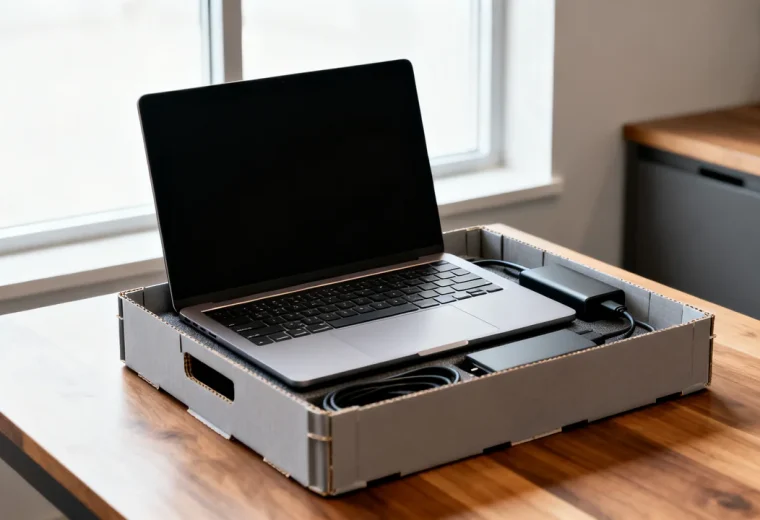
Imagine that a drink spills across a shared reception laptop. This is a hypothetical planning example. The receptionist stops use, keeps other staff away from the affected device and reports the spill to the designated IT contact. They do not close, invert or carry the laptop using a memorized internet drying method.
The authorized contact arranges safe power isolation and follows the model-specific service instructions. The incident record identifies the drink and says whether charging was connected. A spare device is issued through the normal account and data process so reception work can continue.
The laptop remains out of use until its assessment and return-to-service decision are documented. The team does not assume that a dry-looking keyboard after two days proves the interior is safe, and the example does not predict a failure date or claim that every device can be recovered.
Repair, Replacement and Return to Service
| Decision | Information needed | Who owns the next step |
|---|---|---|
| Technical assessment | Model, liquid exposure and actions already taken | Qualified service provider or responsible technical team |
| Repair or replacement | Written assessment, quote, warranty terms and downtime | Authorized equipment owner |
| Data handling | Storage media, accounts and confidentiality requirements | IT or the responsible data owner |
| Return to service | Required repair, checks and clearance | Designated responsible person after appropriate assessment |
Equipment price should not decide whether it is safe to test. There is no lower-cost exception that makes an affected keyboard safe after a fixed drying period. A surge protector is not a way to make a risky power-on test acceptable. Obtain the relevant assessment before reuse and keep the item clearly unavailable until that decision is made.
Reduce Repeat Incidents
Review the layout after the incident. Separate drinks from equipment, provide a stable place for cups and keep cables and power connections away from likely spill routes. Check that a change does not obstruct ventilation, access or an escape route. Choose placement from the actual room and equipment requirements rather than a universal distance from a desk edge.
Update the contact list and instructions if staff were unsure whom to call. Test the communication route through a short discussion exercise, without spilling water or disconnecting live equipment as a drill. The best outcome of the plan is a clear response that protects staff and leaves technical recovery decisions with the people equipped to make them.
Have a question or a correction?
Contact the editorial team