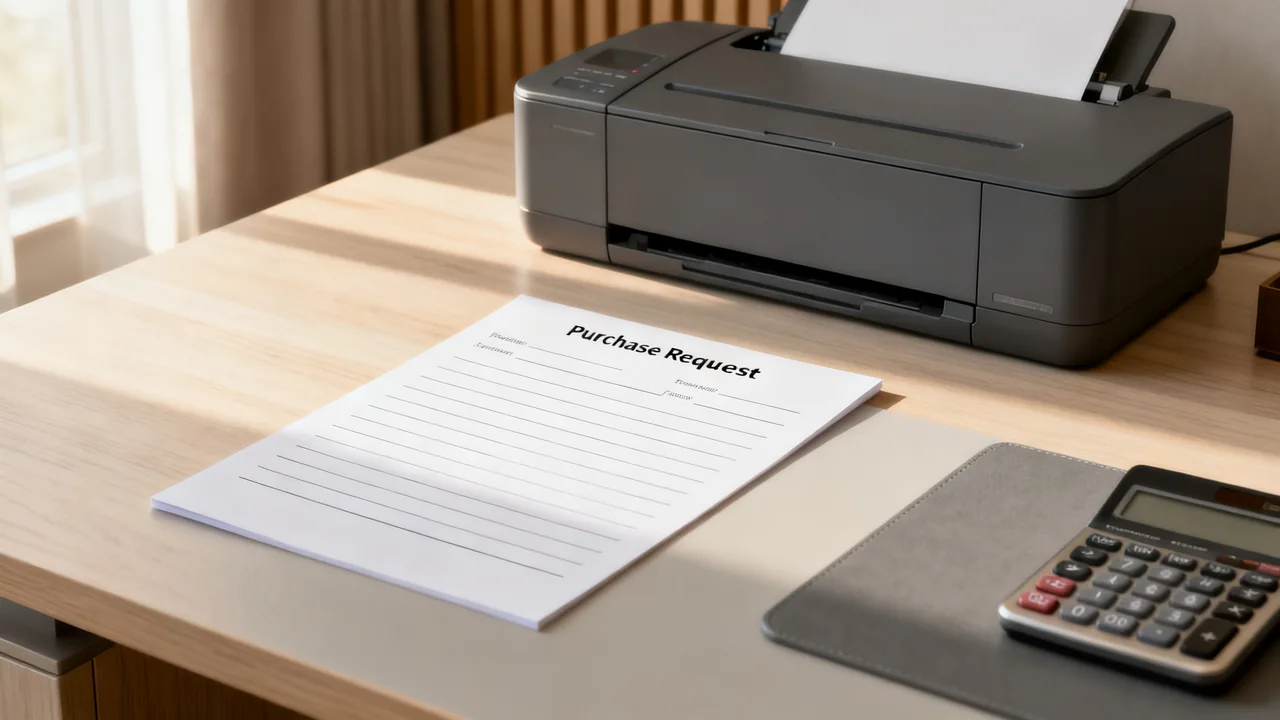
A consistent purchase request process helps address common problems of small-office supply management: last-minute emergency orders that carry shipping premiums, duplicate purchases of rarely used items, and budget overruns from unvetted requests. This template is built for teams of 2 to 20 people, where formal procurement departments don’t exist, and approvals are handled by an office manager, operations lead, or team supervisor. It avoids overcomplicating requests while capturing enough detail to make informed spending decisions.
Use the template for routine supplies and suitable equipment requests within your organization’s purchasing rules. Spending limits, authorized approvers, and capital-purchase processes come from those rules; there is no universal small-office dollar threshold.
Core Template Fields and Purpose
Each field in the template serves a specific decision-making purpose, so you avoid collecting unnecessary information while ensuring you have all the context to approve or adjust a request. You can build this template in a shared form tool, spreadsheet, or even a printable paper form for teams that prefer in-person submission.
- Requester name and department/team: Tracks who submitted the request for follow-up questions, and lets you allocate costs to specific teams if you run department-level supply budgets.
- Request date: Sets clear expectations for turnaround time (publish your team’s actual review target separately from delivery estimates) and helps you spot seasonal patterns, like increased packing supply requests before quarterly client shipments.
- Item description: Requires specific details (e.g., “12-pack of 0.7mm black gel pens, retractable” instead of “pens”) to avoid ordering the wrong product, and makes it easy to cross-check against existing stock.
- Quantity requested: Captures how much the requester believes they need, separate from the quantity you eventually approve, to flag overordering early.
- Intended use: Explains why the item is needed, which helps you identify shared needs across the team (e.g., a request for storage bins for marketing materials may reveal the sales team also needs identical bins for client folders).
- Location the item will be stored/used: Prevents purchases for unapproved personal use, and helps you plan storage space if the item is for a shared area like the supply cupboard or meeting rooms.
- Urgency level: Separates non-urgent requests that can be grouped into a weekly bulk order from urgent requests that need immediate processing (e.g., replacement printer paper when the shared stock is fully depleted).
- Estimated cost per unit and total: Lets the requester do preliminary price research, reducing the time you spend sourcing items, and makes it easy to compare against your preferred vendor’s pricing.
- Approval status and notes: A section for the approver to mark the request as approved, denied, or adjusted, with context for any changes (e.g., “Approved 1 bin instead of 3, as 2 unused matching bins are available in the back storage closet”).
Illustrative Example of a Filled-Out Request
To show how the template works in practice, here is a fictional submission from a small hybrid office; names, dates, prices, and quantities are illustrative:
- Requester: Maria Gonzalez, Marketing Team
- Request date: October 12, 2024
- Item description: Clear stackable plastic storage bins, 12x10x6 inches, with snap-on lids
- Quantity requested: 3
- Intended use: Storing physical social media campaign props and sample products in the marketing team’s shared cabinet, to replace mismatched cardboard boxes that are falling apart
- Location of use: Second-floor marketing team storage cabinet
- Urgency level: Non-urgent (can be included in the next weekly supply order)
- Estimated cost per unit: $12, total estimated $36
- Approver notes (filled out by office manager): Adjusted to 1 bin approved. 2 unused identical bins were found in the back of the main supply cupboard from a 2023 bulk order, which you can pick up anytime. Request marked as fulfilled October 16, 2024.
The example illustrates why the buyer checks stock before ordering: two suitable existing bins can satisfy part of the request. The remaining purchase still needs approval and a confirmed delivered price. No delivery-time saving is implied.
Request Triage Decision Table
| Request type | Check | Next step |
|---|---|---|
| Routine replenishment | Usable stock, incoming orders, and expected demand. | Include in the permitted order cycle if it meets the need. |
| New item | Suitability, alternatives, compatibility, and storage. | Consider a small trial where practical before a larger purchase. |
| Urgent requirement | Work impact, available substitutes, and actual delivery or collection options. | Route through the designated urgent approval process. |
| Above an approval limit | Total known requirement and the organization’s spending rules. | Refer to the authorized budget owner. Do not split a purchase to avoid approval. |
Set review targets the team can actually meet, and distinguish approval from delivery. An urgent label should explain the deadline and work impact, not automatically bypass the purchasing process.
Customization for Hybrid and Remote Teams
If your team includes hybrid or fully remote employees, add two optional fields to the template to support requests for home office supplies: confirmation that the request aligns with the home-office policy and a restricted way to provide the delivery address. Keep home addresses and other personal delivery details out of a broadly shared request log. These fields help coordinate shipping, and ensure you only approve items that are covered under your team’s benefits (e.g., you may cover a standard keyboard for remote employees, but not a custom ergonomic desk chair without additional approval).
For hybrid teams, add a checkbox to indicate whether the item is for home use or shared office use, so you can track spending separately for each category. This helps you adjust your budget over time if more employees are requesting supplies for home use instead of the shared office.
Integration With Existing Supply Management Processes
This template is designed to work alongside the supply processes you already use, without requiring you to overhaul your entire system:
- If you use pre-set reorder points for everyday supplies, you can pre-populate common requests (e.g., printer paper, pens) with the standard order quantity, so requesters only need to fill out a small number of fields for restock requests.
- If you run quarterly supply reviews to reduce overstock, you can pull data from submitted requests to identify which items are being requested repeatedly but not stocked, and adjust your regular inventory to include those items if there is consistent demand.
- If you use a shared labeling system for cabinets and storage, reference the location field of approved requests to update your label map when new items are added to shared storage areas.
Avoid using this template for items covered by other existing processes, like new employee desk kits or meeting room supply restocks, to keep the request queue focused on unplanned or specialty purchases. You can create separate simplified request forms for those recurring needs to reduce administrative work.
Common Tradeoffs to Adjust the Template to Your Team
No single template works for every office, so adjust these elements based on your team’s size, budget, and workflow:
- Remove fields only when they are unnecessary for your actual workflow. Even a small team may need a location or budget code for a particular purchase.
- For teams with shared department budgets: Add a field for department budget code, so you can track spending against each team’s allocated supply budget automatically. This supports cost tracking if the form is connected to the relevant records; adding a field alone does not automate reconciliation.
- For teams that use multiple vendors: Add an optional field for preferred vendor link, so requesters can link directly to the exact item they want, reducing the chance of ordering the wrong product. Only add this field if your team allows requesters to suggest vendors; if you use a single preferred vendor for all supply purchases, leave this field out to avoid confusion.
- Use a request ID when it helps connect approval, order, and receipt records. A form or spreadsheet can generate it automatically; no particular weekly request volume is required.
Test any changes to the template for 2 weeks before making them permanent, and ask requesters for feedback on whether the form is easy to fill out and captures all the information they need to communicate their request clearly.
Actionable Implementation Checklist
Use this short checklist to roll out the template to your team in manageable steps:
- Build the template in your team’s preferred tool (shared form, spreadsheet, or printable document) with the core fields, plus any custom fields you need for hybrid teams or department budgets
- Set a clear submission location (e.g., a dedicated folder in your shared drive, a specific email alias for requests) and communicate it to the team
- Share your actual review target and explain how confirmed delivery dates will be communicated
- Add a note to the template reminding requesters to check existing shared stock before submitting a request, to reduce duplicate orders
- Save a copy of the filled-out example request as a reference for new team members, so they know how to fill out the form correctly
Once the template is in use, review submitted requests once per month to identify patterns: for example, if multiple teams are requesting the same type of storage bin, you can add it to your regular bulk order list to get a lower per-unit price and reduce the number of individual requests you process. If multiple requests are being denied due to existing stock, you may need to update your supply cupboard layout to make existing items more visible to the team.
Copyable request form
| Request ID / date | [Enter reference and submission date] |
|---|---|
| Requester / team | [Name and appropriate contact] |
| Item / exact specification | [Description, compatible model or part number, optional product link] |
| Quantity / unit | [Number of units and pack size] |
| Purpose / location | [Task and intended use or storage location] |
| Needed by / work impact | [Date and reason for any urgency] |
| Stock already checked | [Location checked and available alternatives] |
| Estimated delivered cost | [Items, shipping, applicable taxes, and quote date] |
| Approver decision | [Approved / adjusted / declined, quantity, authorized amount, reason] |
| Order / receipt status | [Order reference, expected date, actual receipt, discrepancies] |
Have a question or a correction?
Contact the editorial team