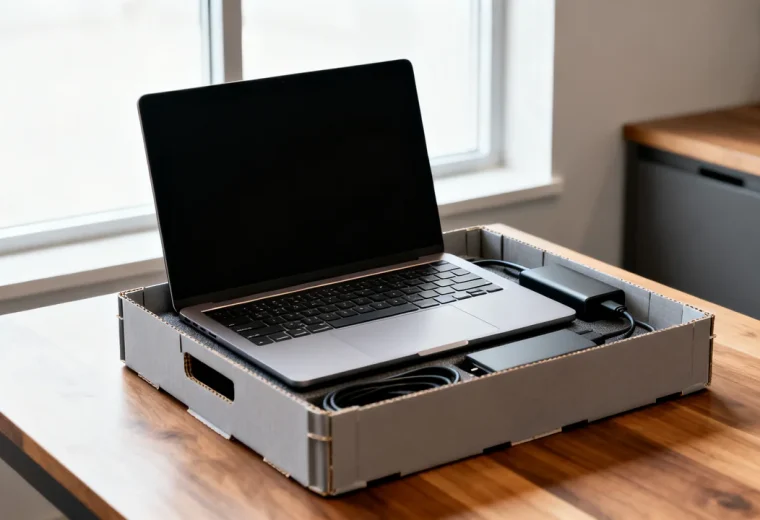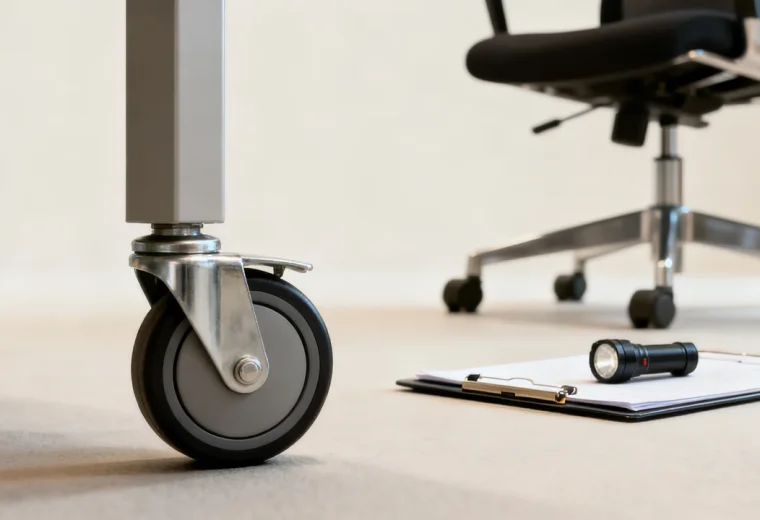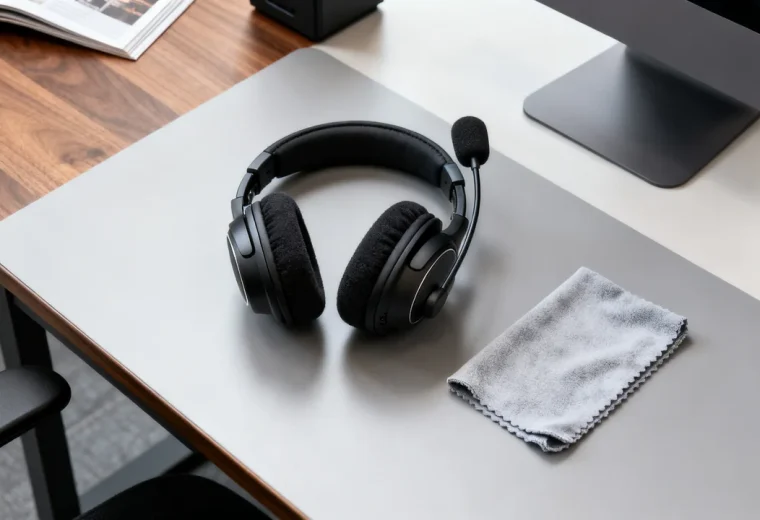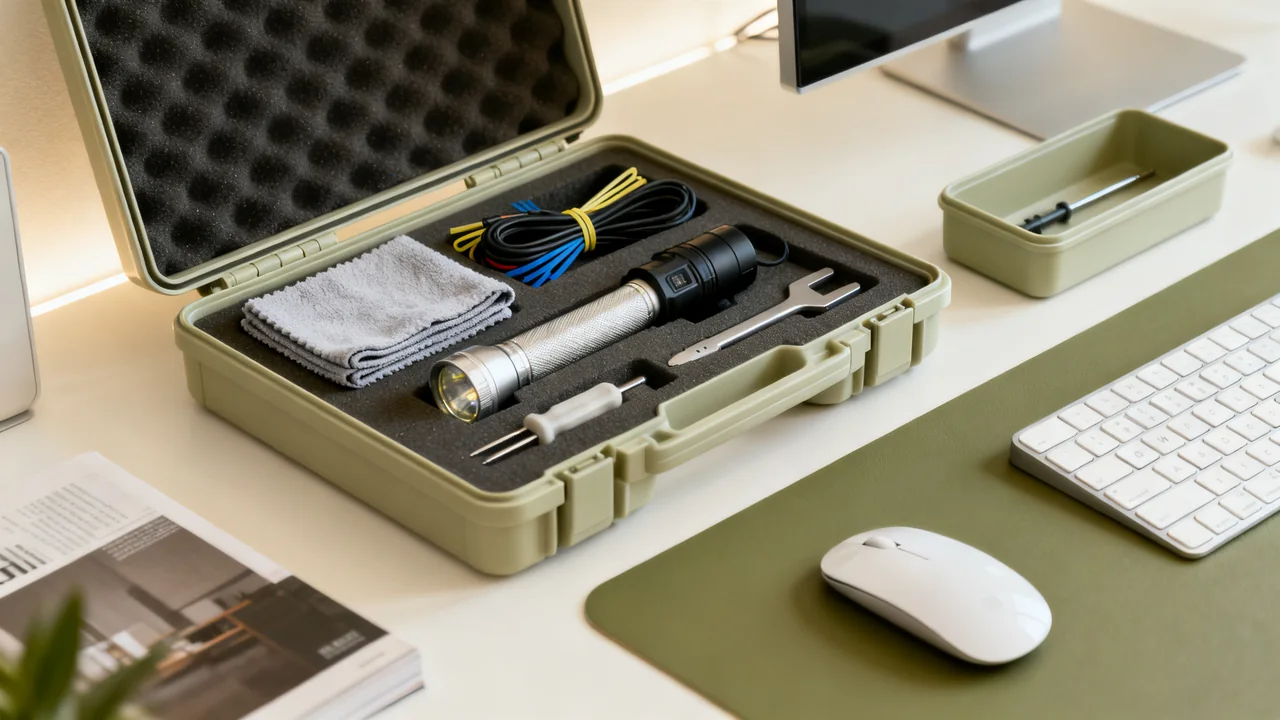
An office maintenance kit should support a defined list of authorized user tasks, not create a general invitation to repair equipment. Begin with the tasks staff may perform under the exact product instructions and workplace procedures. Tools belong in the kit only when their approved use, responsible user, and stopping point are clear.
Define the boundary before selecting tools
Review recurring issues and separate ordinary user actions from work assigned to facilities, IT, installers, or service vendors. A task being physically small does not make it low risk. A loose display mount, chair mechanism, door safety component, or electrical connection may require appropriate specialist attention.
For each proposed task, identify the relevant procedure and who is trained and authorized to perform it. If there is no suitable documented user process, the kit should help report and isolate the problem rather than encourage an improvised fix.
Keep emergency response separate. A maintenance kit is not a substitute for a first-aid arrangement, electrical isolation process, chemical spill plan, or building emergency procedure. Staff should know which route applies when a problem exceeds routine user maintenance.
Build a task-to-item list
Useful contents can include a small flashlight for external observation, approved labels, a non-sensitive equipment reference card, a fault-report form, and materials specified for particular user-care tasks. A measuring tape can help record a replacement requirement without authorizing alteration of the item.
Include a hand tool only when it supports a specific authorized procedure. For example, a documented user assembly adjustment may specify a particular tool and method. That does not justify adding a broad screwdriver set with permission to tighten every visible fastener in the office.
Do not include plastic prying tools as a generic paper-jam solution. Printer and scanner jams should be handled through their exact user instructions, and those instructions may prohibit tools or access to particular areas. A nonconductive tool can still damage mechanisms or expose a user to an unsuitable task.
| Task category | Possible kit role | Boundary |
|---|---|---|
| Record a visible defect | Flashlight, reference card, fault form | No opening equipment or probing connections |
| Mark an item unavailable | Approved removable status label | Follow the office’s isolation and escalation process |
| Approved user cleaning | Exact compatible material and instructions | No generic chemical or internal-cleaning method |
| Documented user adjustment | Specified tool for the named task | Only trained, authorized users within the procedure |
| Electrical, structural, or mechanism repair | Service contact and reporting information | Appropriate facilities or vendor work, not a kit shortcut |
Keep repairs and temporary fixes under control
Do not treat tape or cable ties as a universal way to secure loose trim, damaged cables, or an unstable assembly. A temporary attachment can hide a defect or create a new obstruction. Use an approved arrangement for the actual purpose or leave the item out of use pending attention.
Damaged power cords, loose overhead or wall-mounted equipment, unstable furniture, and failed locking mechanisms should follow the relevant reporting and service process. Staff should not make the item appear usable by tightening, gluing, or bypassing parts without authorization.
Keep electrical testing and repair tools outside the ordinary user kit unless a separate professional program explicitly provides for them. A tool being available does not establish that the person holding it is qualified or that the task has been made safe.
Separate compatible care supplies
For cleaning materials included in the kit, label the exact approved surfaces or devices and retain the product instructions. Do not use an “electronics-safe” marketing phrase as universal permission for screens, lenses, rollers, and coated surfaces.
Store products in appropriate labeled containers under their instructions, including any required segregation. Avoid decanting liquids into unmarked bottles. Keep cloths used for one approved task separate where contamination would affect another surface.
Coordinate with existing cleaning and meeting-room supplies rather than duplicating them without a reason. The kit inventory should show where a task’s materials are kept, even if they live in another controlled location.
Apply an illustrative kit decision
Assume an imaginary office reports missing equipment labels, occasional paper jams, a loose cabinet handle, and a shifting ceiling-mounted projector. These are hypothetical issues for deciding scope, not examples of tasks everyone may repair.
The office includes approved asset-label materials and instructions for its authorized labeling process. It provides the printer’s documented user jam procedure and vendor contact, without adding a prying tool. The cabinet-handle issue is checked against the cabinet’s instructions and assigned to the authorized person if a user adjustment is explicitly supported.
The projector mount goes to the responsible installer or facilities team; the general kit does not include permission to tighten it. This keeps the kit useful for actual tasks while making the escalation boundary concrete rather than relying on the vague phrase “minor repair.”
Control access, records, and replenishment
Choose storage suited to the contents and authorized users. Keep a current inventory with the task, item code, procedure reference, permitted user, and restocking owner. Where a product has a use-by date or storage requirement, include it in the check.
Record use when it affects stock, equipment condition, or follow-up. Repeated reports of the same defect may indicate a need for a permanent service remedy rather than more tape or tools. Keep suspect or damaged items out of the ready kit.
Review the list when equipment changes. A new model can have different materials, access points, and user procedures. Remove obsolete task permissions as well as obsolete supplies so an old instruction does not survive the device it described.
- Define approved tasks and responsible users first.
- Match each item to a specific procedure.
- Keep internal repairs and mounting work with appropriate specialists.
- Do not disguise faults with improvised temporary fixes.
- Label and store care materials for their actual approved uses.
- Track recurring problems and update the kit with equipment changes.
Have a question or a correction?
Contact the editorial team