A useful repair ticket tells a vendor which item has a problem, what was observed, what approved checks have already been completed, and how service can be arranged. It does not need a guessed diagnosis. Clear records can help the vendor plan a response, but no ticket guarantees a first-visit repair or eliminates every follow-up question.
Put the equipment identity and current status first
Record the exact model, serial number where available, office asset identifier, and location. Use a location someone unfamiliar with the office can find. Identify the contact who can grant access and answer questions about the symptom.
State whether the equipment remains available, has been taken out of use, or is awaiting a safety assessment. If there is a spill, burning smell, visible electrical damage, instability, or another concern requiring immediate action, follow the workplace’s relevant response process first. A routine ticket is not a substitute for handling an urgent condition.
Attach or reference the relevant warranty or service agreement and its account or contract identifier through the approved channel. Do not assert coverage solely because a purchase date appears recent. Ask for confirmation of the applicable service route and charges where needed.
Describe the symptom without choosing the repair
Use observable details: what the user attempted, what happened instead, any displayed message, when it began, and whether it repeats. Distinguish a reported observation from something the ticket writer personally checked.
For a printed mark, describe its orientation and location consistently. A line running from the top to the bottom along the left edge is vertical, not a horizontal line “down the left side.” Include a neutral sample or photograph when appropriate and remove confidential information.
Keep different functions separate. A computer print, a photocopy, and a saved scan can produce different evidence. Do not say all functions fail if only one was tested. Likewise, write “the device stopped and displayed this message” rather than declaring overheating or a failed circuit without diagnosis.
| Ticket field | Useful detail | Avoid |
|---|---|---|
| Identity | Exact equipment and location | “The office printer” when several exist |
| Symptom | Task, observed result, message, pattern | A guessed replacement part |
| Timing | First observed date and recurrence | Unsupported claims about how long it has been failing |
| Checks completed | Approved step and its result | Unperformed checks or a generic “tried everything” |
| Service access | Contact, availability, permissions | Passwords in the ticket body |
Record approved checks and relevant changes
List only troubleshooting that was actually performed, with the result of each step. Refer to the manufacturer’s or support provider’s procedure where useful. A history of completed checks helps the technician, but the vendor may still need to repeat a step to verify the condition.
Do not run repeated cleaning cycles, replace unrelated parts, open equipment, or recreate a hazardous failure just to make the ticket look thorough. If a suggested check is outside staff authorization or capability, ask the vendor how it should be handled.
Note relevant recent changes such as moving the device, changing a supply, or updating a computer. Keep the timing factual and avoid asserting cause. “The issue was first noticed after relocation” is different from “relocation damaged the printer.”
Use an illustrative ticket with clearly fictional details
The following is a hypothetical structure using a generic asset, not a report about a real product or service contract.
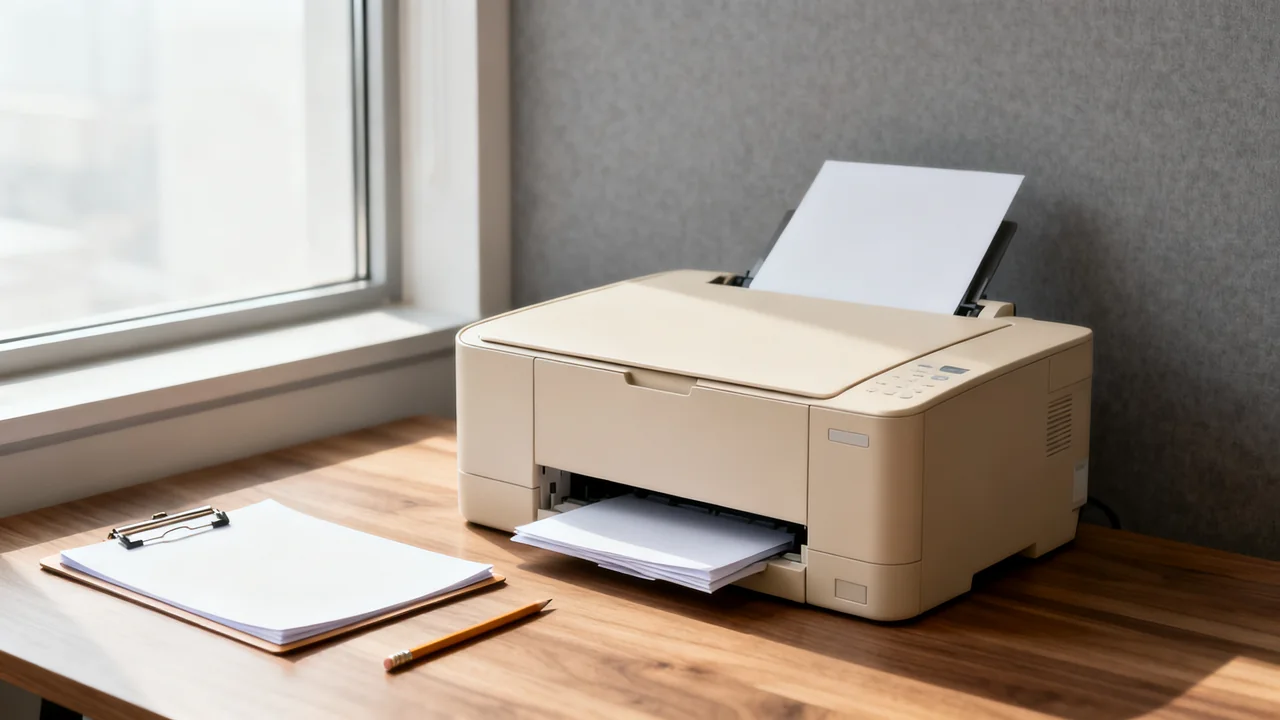
- Asset: Office printer P-017, document station beside Room B; exact model and serial are attached in the restricted asset record.
- Observation: A vertical dark line appears near the left edge of the sample computer print. The user first noticed it during this morning’s report job.
- Scope checked: The same neutral test file produced the mark from two approved workstations. Copying and scanning have not yet been tested.
- Steps completed: Paper and selected media settings were checked using the model’s user instructions. No internal components were opened or replaced.
- Current status: The printer is reserved from routine use pending advice; necessary jobs use the office’s approved fallback.
- Request: Confirm the next supported diagnostic or service step and any charge requiring approval.
The ticket can add a redacted output sample and the authorized contact’s details. It should leave diagnosis to the service process rather than naming a fuser or scanner part as the likely fix without evidence.
Make access, approval, and data handling explicit
State available service windows, building check-in requirements, room restrictions, and whether a staff member must accompany the technician. Keep contact information current even for a familiar vendor; the assigned technician may be different.
Specify who can authorize chargeable work and whether an estimate is required before proceeding. Use the organization’s actual policy rather than copying an example monetary threshold. Ask how additional findings will be reported and approved.
If the device holds accounts or data, involve the responsible administrator before remote access, off-site repair, storage removal, or replacement. Communicate relevant restrictions securely. Do not instruct ordinary staff to remove drives or assume a printer contains no information because it is shared.
Close the ticket against the original problem
Save the vendor’s ticket number and keep follow-up information in the same thread or system where possible. Add new symptoms with dates rather than silently changing the original description. This preserves a useful service history.
After service, obtain the work report and verify the affected workflow using approved checks. Record what was repaired, what was tested, any remaining limitations, and who accepted the result. Keep the technician’s diagnosis distinct from the office’s initial observations.
- Identify the item, location, and current use status.
- Describe the symptom and recurrence precisely.
- List real approved checks with their outcomes.
- Provide appropriate access and approval details.
- Protect credentials and confidential material.
- Verify the repaired workflow and retain the service record.
Have a question or a correction?
Contact the editorial team