Desk depth is one part of monitor fit, but a single measurement cannot show where the screen will end up. The stand, mounting point, arm movement, cables, keyboard, documents, and user’s position all matter. Measure the actual workstation as a set of spaces and test a layout before ordering.
Measure where the equipment will sit
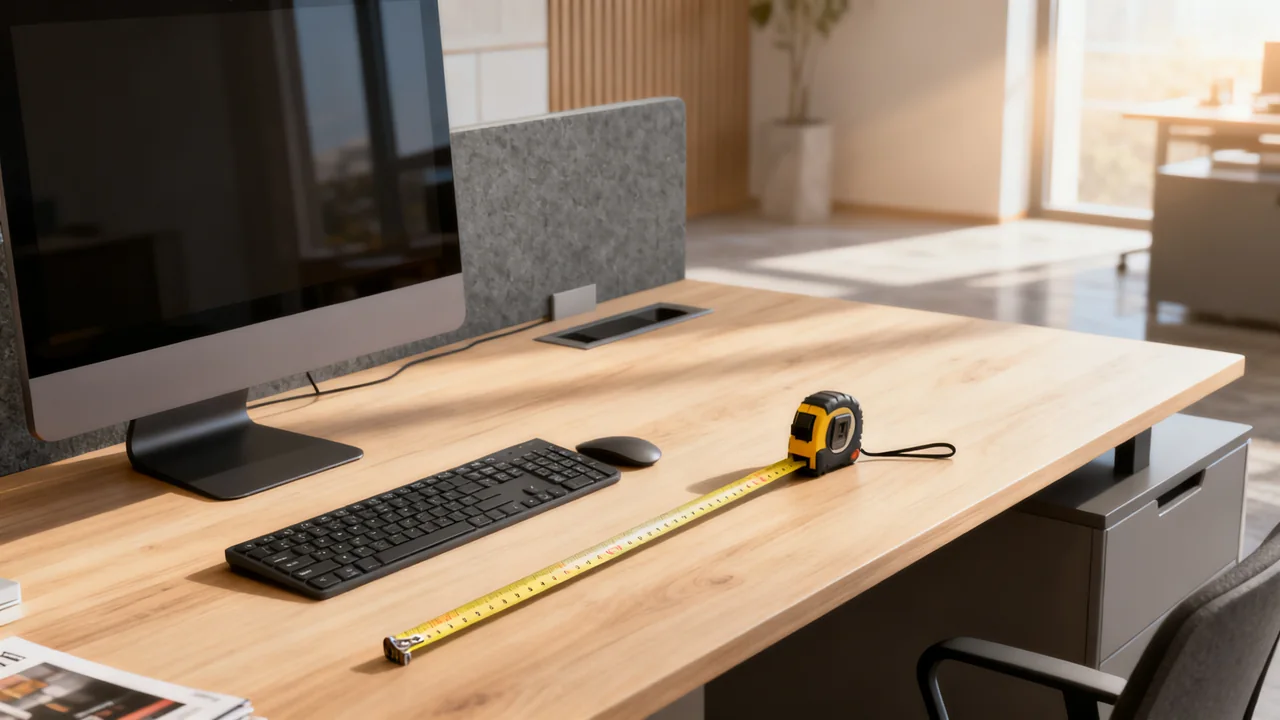
Measure from the front to the back edge at each proposed equipment position. On a curved or L-shaped desk, depth varies by location; the smallest measurement elsewhere on the desk may not describe the chosen position. Sketch the outline and mark the measurements on it.
Record usable width as well as depth. Two screens can fit front to back yet crowd the desk’s sides or require an angle that brings one screen much farther forward. Include the dimensions of the actual monitor bodies, not just their diagonal screen sizes.
Measure fixed surface features such as raised power modules, shelves, and partition fittings. Mark their positions and footprints rather than subtracting every obstacle from one depth number. Some occupy only part of the desk or can coexist with equipment elsewhere.
Keep desktop space and behind-desk space separate
A gap between the desk and wall is outside the desktop. It may be needed for an arm, connectors, cable bends, or manufacturer clearances, but it should not automatically be subtracted from the desk’s front-to-back surface measurement.
Instead, draw the wall or partition behind the desk and note the available space. Check how the monitor, stand, and arm project relative to the back edge in their intended positions. A mount can fit the desk edge yet require more rear movement space than the room provides.
Look underneath the mounting location for aprons, crossbars, cable trays, drawers, and brackets. These may obstruct a clamp or grommet mount without reducing the visible desktop area. Record the exact location and dimensions for the arm supplier’s compatibility check.
Map the stand or arm using its actual geometry
For a freestanding monitor, obtain or measure the base footprint and the screen’s position relative to that base. A deep base does not necessarily put the screen at its front edge. Keep the entire base supported as required and allow the approved tilt and height adjustments.
For an arm, check the mounting footprint, minimum and maximum reach, retraction behavior, and the screen’s resulting position. An arm’s clamp taking little desktop area does not mean the monitor needs little front-to-back space. Links may fold behind the desk or push the screen forward when retracted.
Verify mounting compatibility and ratings separately. Desk depth does not establish that the surface can support a clamp, grommet mount, or concentrated load. Do not drill or add reinforcement without an approved arrangement for the exact desk and arm.
| Space to map | Measurement or document | Potential conflict |
|---|---|---|
| Desktop footprint | Actual stand base and work items | Keyboard or documents overlap the support |
| Screen position | Screen plane relative to stand or mount | Screen ends up closer than the user wants |
| Behind-desk movement | Arm retraction and cable requirements | Arm or connectors contact the wall |
| Underside mount | Clamp area, thickness, and obstructions | Hardware cannot attach as approved |
| Full adjustment envelope | Tilt, rotation, height, and reach | Screen collides with shelf or neighboring equipment |
Include the person and the work
Place the actual keyboard, mouse, notebook, and other routinely used items in the proposed arrangement. Ask the user to try the task with a safe mock-up or suitable trial equipment. Screen-to-eye distance depends on the person’s position and the screen plane; it is not the same as the distance from the screen to the front desk edge.
Consider the content displayed. Text size, application layout, glasses, and individual preferences can affect the useful screen position. Avoid declaring a universal distance or a medical benefit from a particular depth. If a workstation needs an individual assessment, arrange that through the appropriate workplace process.
For shared desks, try representative users and tasks. For height-adjustable desks, check the complete setup through its supported movement with cables and neighboring furniture considered. Do not assume every user wants the monitor a fixed amount farther back when standing.
Use an illustrative spatial check
Assume an imaginary rectangular desk is 30 inches deep. A sample stand base is 10 inches deep, and the user wants a separate 14-inch-deep area in front for the keyboard and documents. These are measured example inputs, not standard requirements.
If the two areas cannot overlap, their combined depth is 24 inches, leaving 6 inches of desktop depth to allocate. This is only a footprint check. The team must still locate the screen relative to the base, inspect width, verify stable support, and test the user’s actual position.
Suppose an alternative arm frees some surface area but needs room behind the desk to fold. Its mounting and movement diagram must be checked against the wall gap separately. The desk’s 30-inch surface does not become 29 inches merely because a one-inch gap exists behind it, and the arm’s small clamp does not establish the final viewing distance.
Resolve conflicts before ordering
Possible changes include a different stand, a compatible arm, a smaller arrangement, relocating an approved accessory, or selecting different furniture. Each has a tradeoff: an arm adds mounting requirements, a riser changes height, and a smaller keyboard area may interfere with ordinary work.
Use cardboard outlines or a supplier trial to compare footprints without placing equipment on unstable makeshift supports. If electrical accessories need relocation or the furniture needs modification, involve the appropriate installer rather than treating that work as part of a simple measurement exercise.
- Measure the actual proposed positions and desk shape.
- Keep surface, rear clearance, and underside constraints distinct.
- Check the screen plane, not only the stand footprint.
- Try the user’s real work items and supported adjustments.
- Verify load, material, and mounting approval independently.
- Keep the final sketch with the exact equipment order.
Have a question or a correction?
Contact the editorial team