A meeting-equipment handover should leave the organization with a working room, a clear record of what was installed and a way to operate and support it. Powering on the devices is only one part of acceptance. The room also needs to perform the agreed meeting workflows for the people who will use it.
Use the purchase scope and acceptance criteria as the reference. Record unresolved items openly, with an owner and next step. A verbal assurance that a feature will work later is different from a demonstrated result.
Prepare the acceptance record
Collect the approved quote, equipment list, room layout, installation scope and any agreed configuration requirements. Arrange access with the installer and include a representative user and a remote participant for the call tests. Allow enough time for the actual scope rather than applying a fixed handover duration.
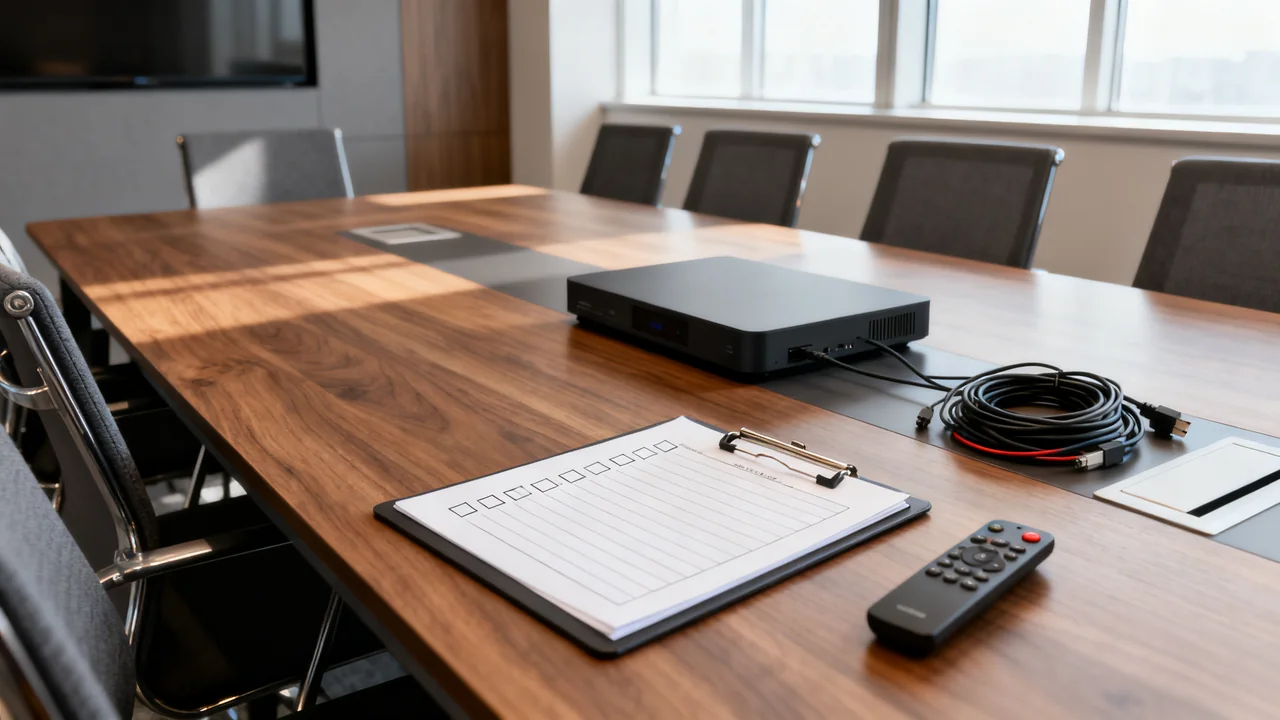
Create a record with the requirement, test method, observed result, owner and status. Keep evidence proportionate: a connection diagram, configuration export or written observation may be more useful than a large set of screenshots. Avoid capturing private accounts, meeting content or credentials in shared documentation.
Identify who is authorized to accept the work and how incomplete items are handled under the agreement. Review contractual questions with the responsible business contact; do not assume a warranty or payment rule from a generic checklist.
Confirm the installed equipment
Compare delivered models, accessories and serial numbers with the agreed list. Ask the installer to explain mounts, support arrangements, ventilation, cable routes and service access. The appropriate installer should complete and document the checks required for permanent mounting and electrical work.
Check user-accessible parts for visible damage or missing labels. Record the normal indicators and controls using the device documentation. Test the intended inputs and adjustments without experimenting with unsupported modes or turning playback to excessive levels.
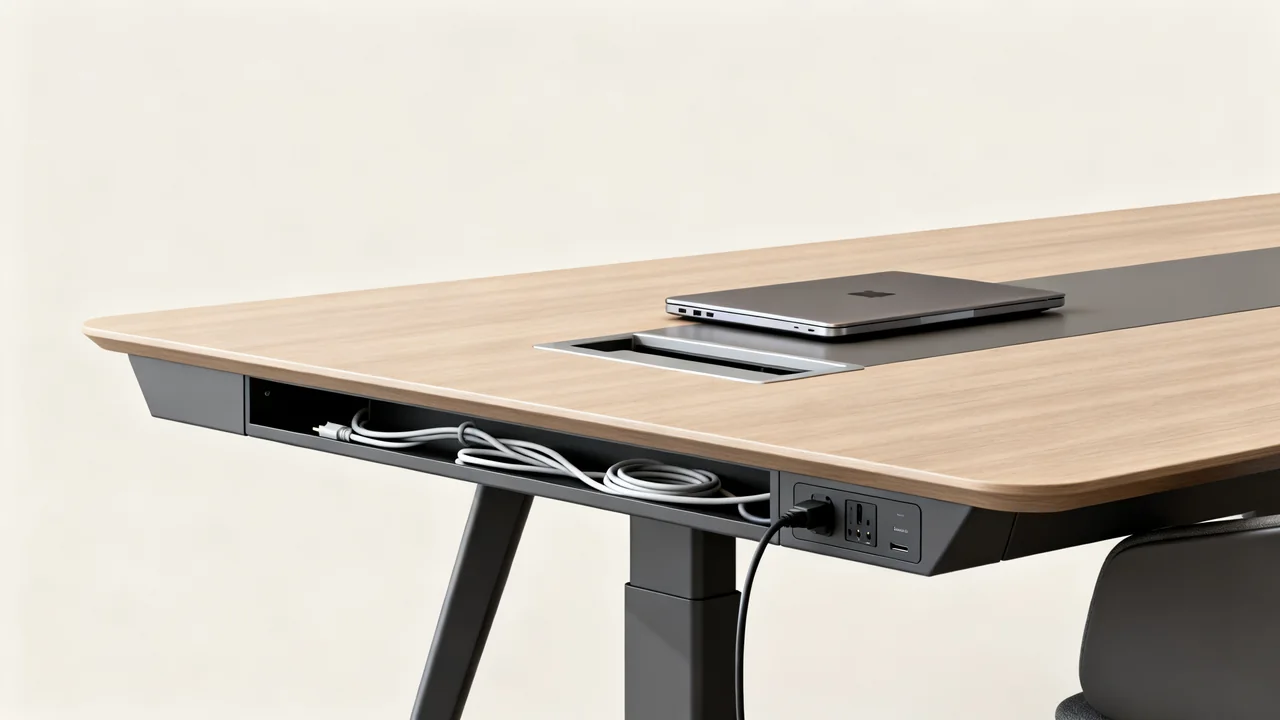
For docks and charging points, test the devices and functions included in the scope. Do not assume every table port provides display output, USB data and laptop charging. Label the actual capabilities so users can select the right connection.
Test complete meeting workflows
| Workflow | Demonstration | Evidence to retain |
|---|---|---|
| Local presentation | Connect an intended laptop and show representative content and sound. | Supported connection, selected input and output mode. |
| Hybrid conversation | Check required seats with a remote participant in both directions. | Observed camera coverage, intelligibility and any limitations. |
| Content sharing | Share the required documents, video or board view and return to the call. | Tested application steps and account requirements. |
| Guest use | Follow the approved path as a standard user. | Supported devices, permissions and fallback. |
| Reset for next user | End the session and start another normally. | Expected default state and reset instructions. |
Check custom settings explicitly, such as a default display input or approved camera-framing mode. A feature shown in a supplier demonstration may depend on software, licenses or equipment not included in the installed scope. Resolve that difference in the record.
Include usability and access
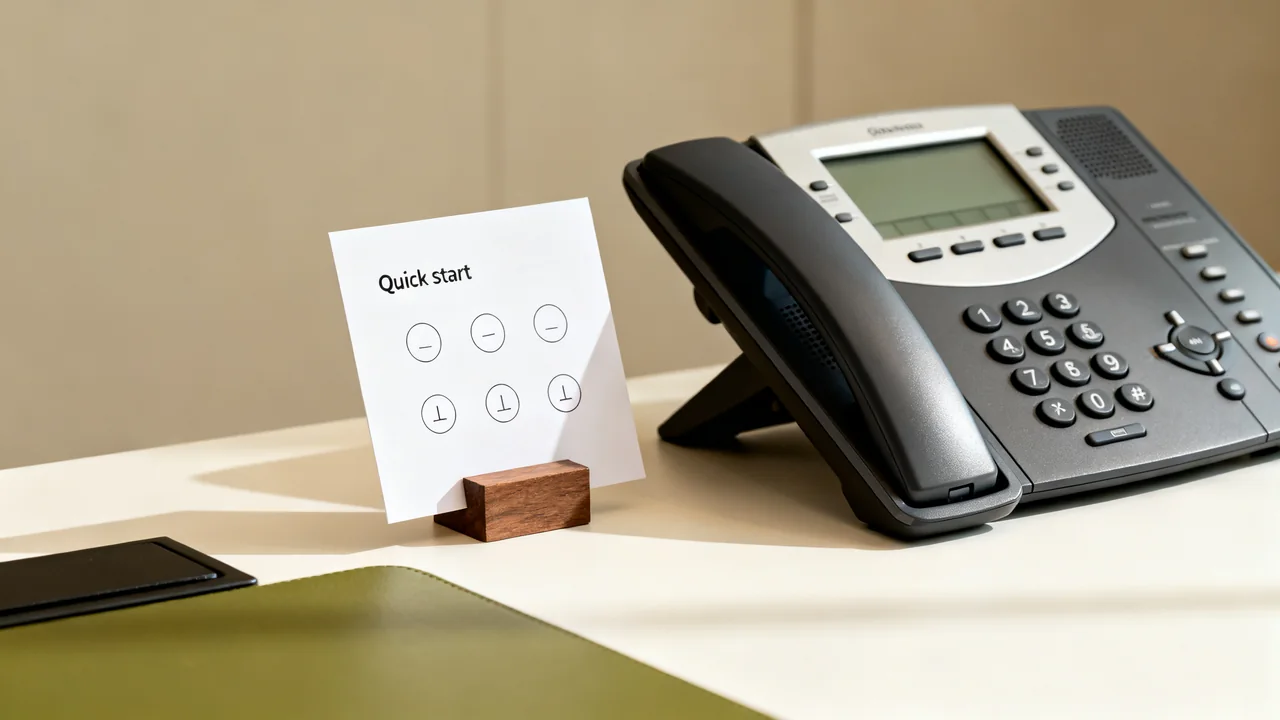
Ask someone unfamiliar with the setup to follow the draft quick-start card. Observe whether they can locate the connection, read controls, reach them comfortably and identify the correct device names. Include the access needs relevant to the room’s intended users.
Do not use a perfect-vision requirement or an arbitrary step count as the only usability test. Instructions, contrast, placement and alternative controls may need adjustment. Any proposed fix should remain compatible with the installation and be tested with the affected users.
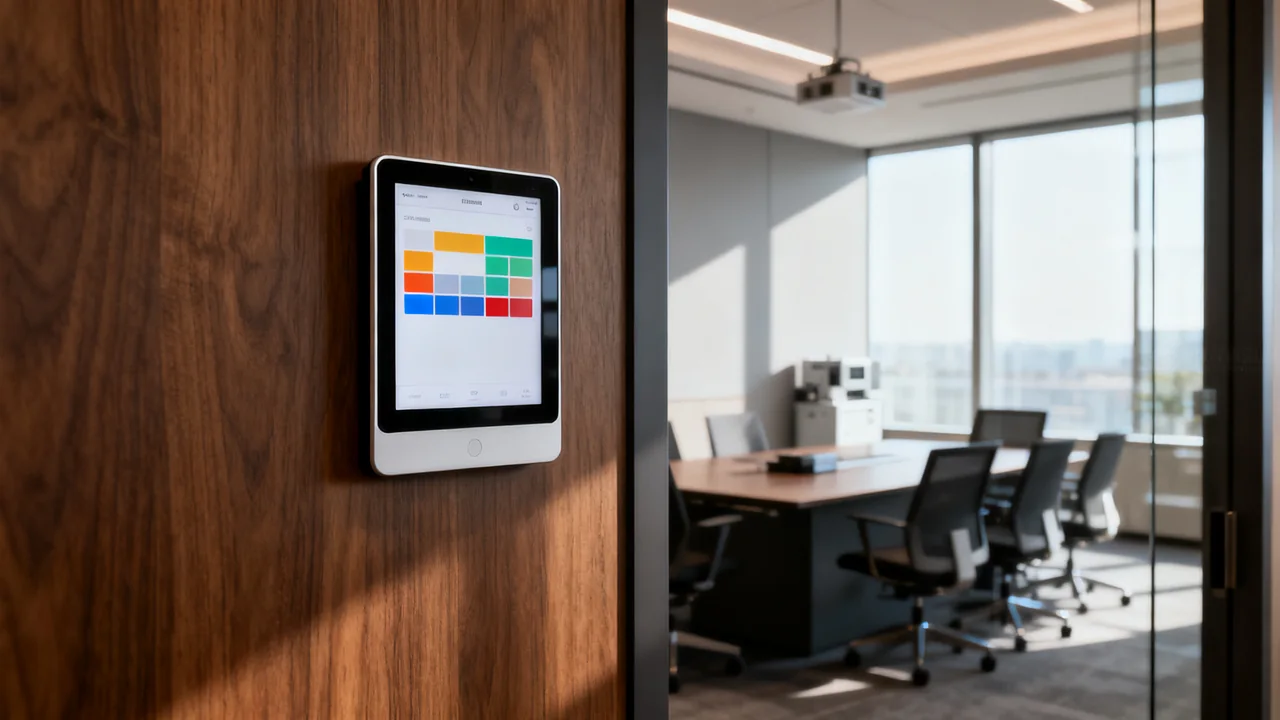
Record what a casual user may change and what belongs to support staff. Keep administrator menus, factory resets and installation adjustments out of the everyday workflow unless explicitly authorized and documented.
Transfer administration securely
Identify the owner of room accounts, device administration, subscriptions and support portals. Replace default credentials where required and use the organization’s approved secure credential storage. Do not put passwords on the room card or in a broadly shared equipment spreadsheet.
Obtain the manuals, connection diagram, relevant configuration backups and recovery instructions. Confirm who retains installer access and remove or restrict it according to the agreed support arrangement. Document renewal and recovery ownership so the room does not depend on one person’s inaccessible account.
Count the spares actually included in the purchase and label their approved uses. A replacement cable should match the supported function and configuration; a connector that looks the same is not sufficient evidence.
Close the support and follow-up plan
Record actual warranty and installation-service terms, start dates, exclusions, reporting methods and response arrangements. Distinguish manufacturer support from installer labor and any separate service contract. Avoid assuming a standard period of free configuration changes.
For an illustrative handover, a room might pass local presentation and hybrid audio tests but still have an unreadable board view. The record should keep the board requirement open, name its owner and set the agreed next action. Other completed tests remain documented; the unresolved item should not disappear inside a general “works” note.
- Save the final inventory and approved connection diagram.
- Resolve or formally track every open acceptance item.
- Publish the verified user instructions.
- Assign update, care and support responsibilities.
- Collect feedback after ordinary use begins.
- Recheck affected workflows after material equipment or configuration changes.
The handover is complete when the agreed scope is demonstrated and ownership is clear. A useful record lets the next administrator understand both the room’s capabilities and its known limits without recreating the installation from memory.
Have a question or a correction?
Contact the editorial team