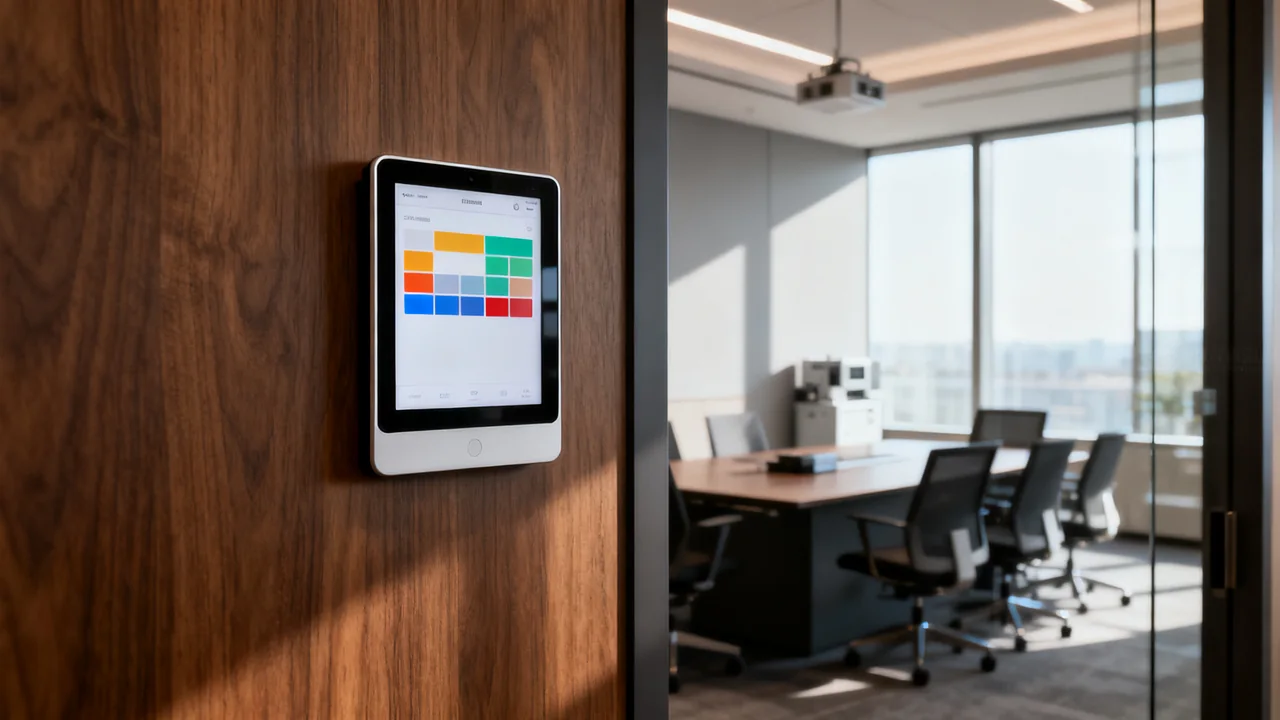
A room booking display can make a room’s calendar visible at its door and, where supported, let people reserve or check in locally. Its usefulness depends on accurate calendar integration and clear booking rules. A screen showing availability cannot solve conflicting room ownership or an unreliable calendar process on its own.
Before choosing hardware, describe the problem: people cannot find a free room, unused reservations remain on the calendar, or visitors cannot identify the right space. Different problems call for different features, and some may be addressed with the calendar tools already available.
Define the room’s booking rules
Identify the authoritative room calendar and who administers it. Record who may reserve the room, whether approval is required, how recurring bookings work and which times are unavailable. Confirm how those rules should apply to bookings made at the door.
Decide what information may be displayed publicly. A hallway screen may be visible to visitors, so meeting titles, organizers and attendee names need deliberate privacy settings. Availability-only display may be more suitable for some rooms.
If check-in or automatic release is proposed, define the desired behavior with users. Test late arrivals, a meeting that starts without touching the panel, cancellations and a booking extended from the calendar. Do not assume a default grace period fits the office.
Verify the calendar integration
Check the exact product’s support for the organization’s calendar platform and account configuration. Ask what licenses, service accounts, permissions and administrator setup are required. The person responsible for those accounts should review access before deployment.
Demonstrate changes in both directions: create a calendar reservation and observe the panel, then make a permitted panel booking and check the calendar. Include cancellation, extension, conflict and recurring-event cases relevant to the office. Record observed behavior rather than relying on the word real-time.
Ask what happens during lost connectivity. Does the panel show stale information, clearly mark itself offline, or permit actions that must later synchronize? Test recovery and conflicting changes using the vendor’s documented procedure. A locally displayed free slot is not reliable if its status is unknown.
Compare features by their operational consequence
| Feature | Benefit to investigate | Question before purchase |
|---|---|---|
| Availability display | People can identify the room’s current status. | Is the information readable and visibly current? |
| Local reservation | Authorized users can book an available slot at the door. | Does it enforce the same rules as the calendar? |
| Check-in or release | Unused reservations may become available under an agreed rule. | How are late starts, errors and exceptions handled? |
| Central administration | Settings and faults can be managed across panels. | Who has access and what subscription is required? |
| Usage reporting | Booking information can inform room planning. | What is measured, and does it represent booking or actual occupancy? |
A booking record does not necessarily prove that a room was occupied. If the product uses sensors or other data, understand their function and handling requirements before using the report for decisions. Do not buy analytics on the assumption that every number represents the same thing.
Check the installation and readable position
Assess the proposed location from the way people approach the room. Check readability, reachable controls, glare and any building access requirements. A larger display is not automatically more usable, and a smaller one is not automatically unsuitable; test the actual layout.
Choose a mounting method approved for the device and surface. Obtain the building owner’s permission where needed. Adhesive, screw and glass-mount arrangements have different installation and removal requirements; use the selected product’s instructions.
Confirm power and network provision. For Power over Ethernet, verify the required standard and available infrastructure with IT. For battery-powered equipment, use documented charging or replacement information and a monitoring plan rather than an assumed battery lifespan. Test wireless connectivity at the installation point if it is used.
A hypothetical pilot
Imagine a small office where staff can reserve rooms through a shared calendar but cannot easily see availability at the door. The office could pilot a compatible panel in one room using availability-only display before enabling local booking.
The pilot would check calendar changes, visibility, offline behavior and user understanding. If local booking is then enabled, the team would test permissions and conflicts. If check-in is proposed, users would agree the rule and test the exception cases.
The result should be a list of demonstrated functions and unresolved issues. It should not claim time savings or fewer conflicts until the organization has observed and measured those outcomes.
Compare the complete ownership cost
Request the panel, mount, power/network work, setup, required licenses and support as separate quote items. Use the same planning period for each option and note renewal, cancellation and hardware-replacement terms. Avoid treating a price tier as proof of sync speed or reliability.
- Confirm the authoritative calendar and permission owner.
- Test the workflows and failure behavior.
- Approve the displayed information and privacy settings.
- Verify installation, power and network requirements.
- Assign update, care and fault-reporting responsibilities.
- Document how the room operates if the panel is unavailable.
Roll out further panels after the pilot demonstrates the intended booking process. Keep the calendar and support instructions usable independently so a failed display does not leave the room’s status or ownership unclear.
Have a question or a correction?
Contact the editorial team