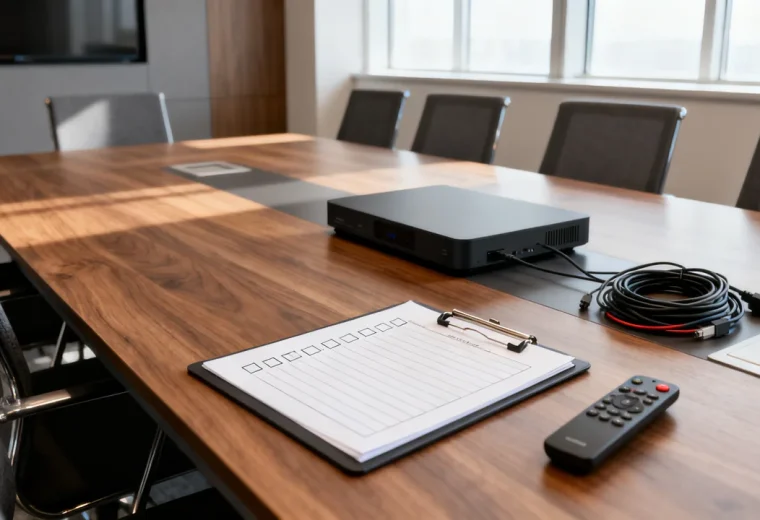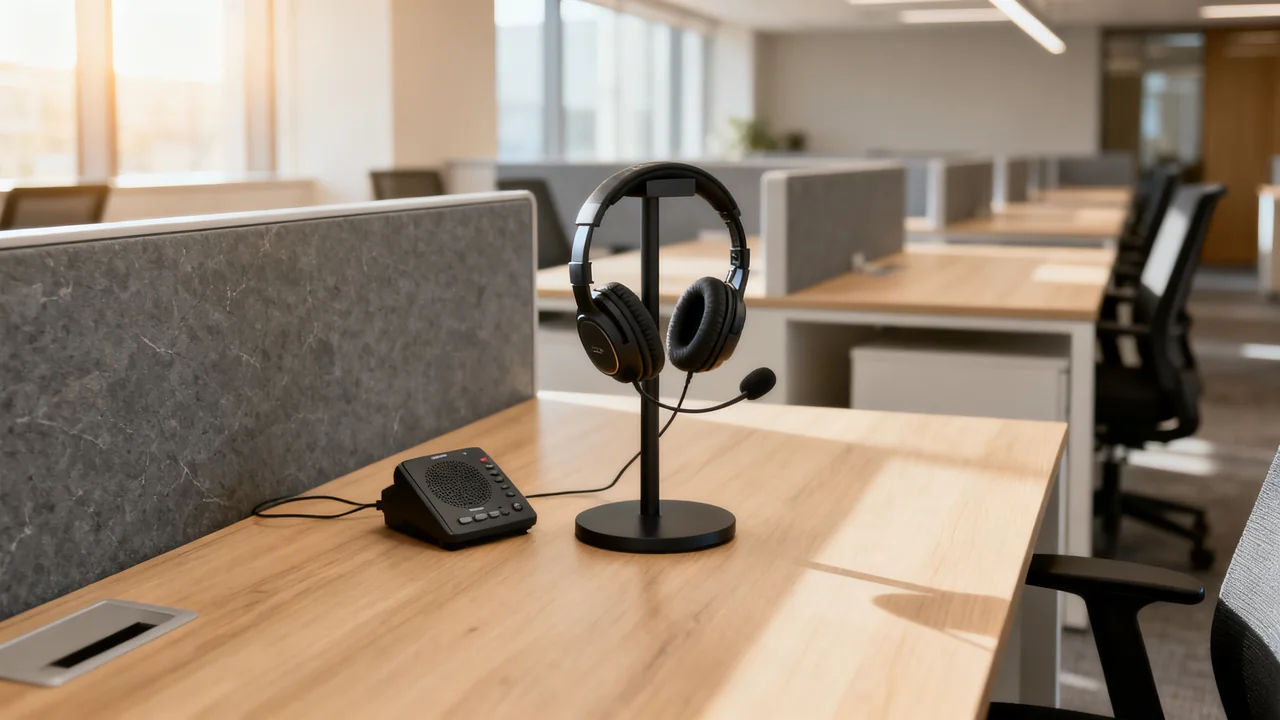
A speakerphone shares remote audio with everyone nearby. A headset directs that playback to its wearer, but the wearer’s spoken words can still be heard in the workspace. This distinction matters when choosing equipment for an open work area: quieter playback is useful, yet it does not make a confidential conversation private.
Separate individual calls from group meetings before buying anything. One person joining a call at a desk has different requirements from several colleagues gathered around one screen. A collection of headsets is not automatically a supported shared-room audio system.
Map who needs to hear and speak
List the activities that happen in the area: individual customer calls, internal check-ins, group presentations or casual collaboration. Identify who participates, who works nearby and whether those people need uninterrupted concentration. Note which discussions require a private room under your organization’s rules.
Observe the actual sound environment rather than using a fixed distance between desks as a privacy guarantee. Partitions, surfaces, background activity and speaking levels all affect what is audible. A divider may block the view without adequately containing speech.
Ask the intended users about comfort and accessibility requirements. Avoid assuming that everyone can use the same headset or that a speakerphone is the only alternative. Suitable equipment, an accessible room, captions or another meeting arrangement may need to be considered together with the user.
Use a speakerphone when shared playback is appropriate
A conference speakerphone can provide a single microphone and speaker selection for a small group. It still needs a compatible connection to the meeting host, appropriate placement and a test from the required seats. Check the exact model’s setup instructions, supported operating systems and power arrangement.
Ask a remote colleague to listen while each participant speaks. Check playback at a comfortable level for the group, then ask nearby workers whether the sound is disruptive. Do not increase volume simply to overcome an unsuitable location. Moving the meeting to an enclosed space may be the better operational decision.
Noise suppression and echo control have different purposes from sound containment. Features that improve what remote attendees hear do not stop people nearby from hearing the speaker or the local conversation.
Use a headset as an individual audio endpoint
A compatible headset can reduce the amount of remote-call audio played into the room. Its microphone position may also be useful for an individual’s call, but background pickup, fit and speech clarity still need testing. Wired, Bluetooth and other wireless options have different connection and power requirements; check the actual model rather than assuming a single standard applies.
Try the headset with the intended laptop, meeting application and any required adapter. Check mute behavior, the selected input and output, comfort during normal use, and whether the connection survives the routine of moving between workspaces. For wireless equipment, document charging, pairing and the supported operating range.
If several people in the same area join one meeting separately, follow the platform’s documented guidance and test the arrangement for echo and distraction. Do not combine a live room speakerphone with multiple active laptop audio paths without a supported plan. For shared group participation, a properly configured meeting room may be simpler.
Compare by activity
| Activity | Useful starting option | Check before deployment |
|---|---|---|
| Individual call at an open desk | Compatible headset | Nearby workers still hear the user’s voice; assess disruption and content sensitivity. |
| Several people speaking together to remote colleagues | Supported room audio in a suitable meeting space | Coverage, playback, connection simplicity and surrounding work. |
| Confidential discussion | A location and workflow appropriate for confidentiality | A headset alone does not contain spoken conversation. |
| Occasional shared playback | Speakerphone if the area permits it | Actual audibility, volume and agreement with nearby users. |
| User cannot comfortably use the standard device | An individually suitable arrangement | Discuss needs and test the complete workflow. |
A hypothetical shared-area decision
Imagine an office with open desks beside a collaboration table. Staff take individual calls at their desks and occasionally meet as a group. The team wants fewer distractions, and some calls include confidential client details. This example describes a decision process, not a tested result.
The office could trial headsets for individual nonconfidential calls while keeping group speakerphone meetings in a bookable room. Confidential conversations would use the location required by company policy. The trial would ask both callers and nearby workers about intelligibility, comfort and disruption.
If the collaboration table remains a call location, the team should define acceptable use based on those observations. An arbitrary time limit or desk-distance rule would not establish privacy or comfort. Record where a call should move when the space is unsuitable.
Plan care and ownership
Decide whether headsets are personally assigned or shared. Shared equipment needs an agreed cleaning and storage process using the exact manufacturer’s approved method. A wipe described as skin-safe is not necessarily compatible with every cushion, coating or electronic part. Keep liquid away from ports and do not apply products contrary to the device instructions.
Record who supplies replacement cushions, adapters and charging equipment. Users should know where to report damage or unreliable operation. Battery servicing must follow the manufacturer’s instructions; a worn battery does not authorize opening a sealed device.
- Test the intended device with real users and actual applications.
- Check what nearby workers can hear.
- Keep confidential calls in an appropriate location.
- Document mute, connection and reset steps.
- Provide storage, approved care instructions and a support contact.
- Review the arrangement after normal use and adjust from observed problems.
The purchase should support a clear workplace practice. Equipment can improve call handling, but deciding which conversations belong in which spaces remains part of making a shared area usable.
Have a question or a correction?
Contact the editorial team