Separate camera and audio devices let you place and replace parts independently. A video bar combines those functions in one housing. Neither arrangement proves that a room will sound better or be simpler to use: the useful comparison is between complete, compatible configurations in the same room.
Begin by recording the problem you need to solve. It might be voices that are difficult to understand from the far end of a table, a camera that misses side seats, or an unreliable laptop connection. A new equipment category is only helpful if it addresses that problem without creating another one.
Separate placement from device count
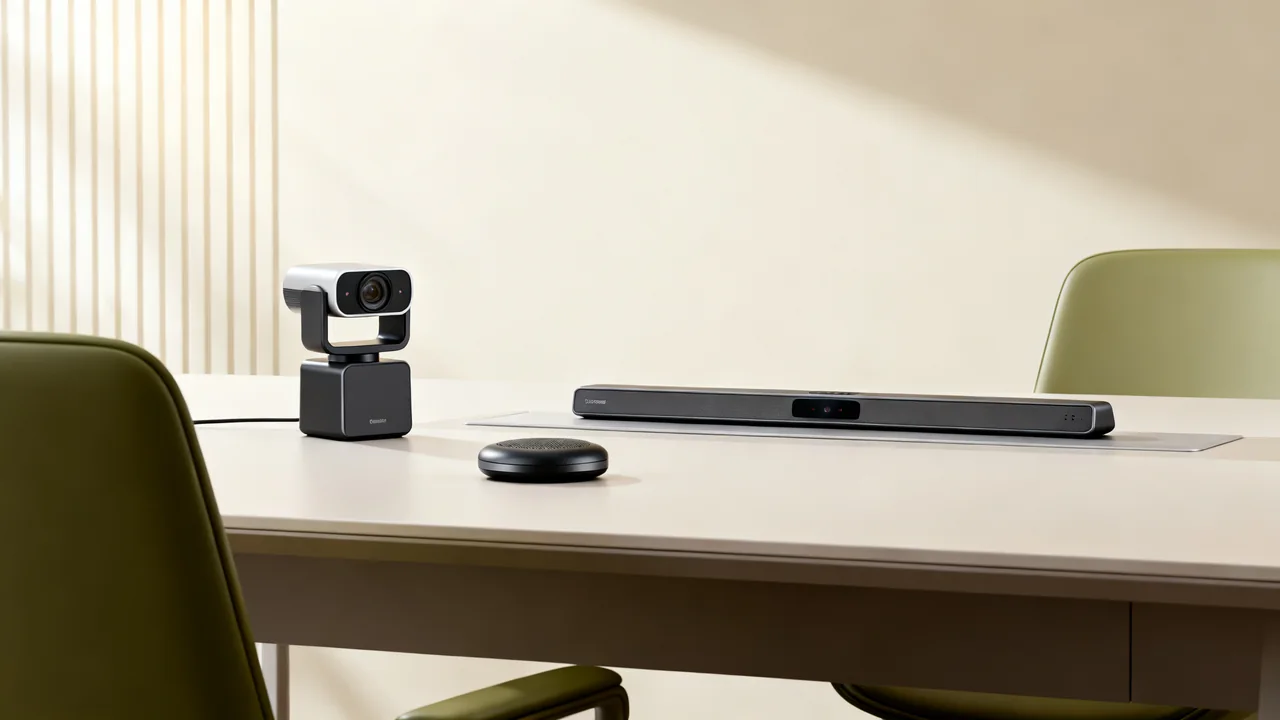
With a separate webcam and tabletop speakerphone, the camera can stay near the display while the audio device sits near the participants. That gives you placement options, but the table needs room for the speakerphone and its cable or charging arrangement. Users also need to understand that camera and audio may appear as different devices in the meeting application.
A video bar puts its built-in camera, microphones and speakers together, which can reduce the number of items on the table. Some bars support additional microphones, controllers or content cameras; others have more restricted expansion options. Check the actual accessory list rather than treating all bars as a fixed, unexpandable category.
Do not assume that a standalone webcam has a wider view, better image or more adjustment than a bar. Those are model-level features. Likewise, moving a speakerphone closer to some seats can move it farther from others. Every required position still needs an audio test.
Draw both complete connection paths
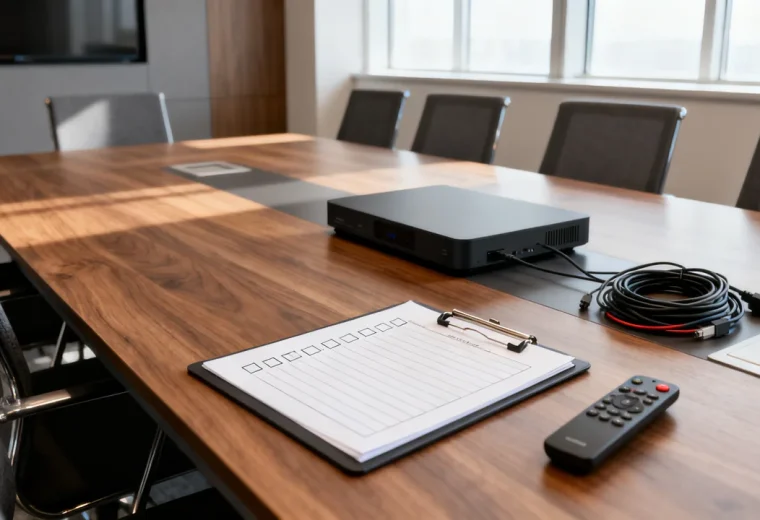
For each candidate setup, draw the route from the meeting host to the camera, audio device, display and power. Identify where a hub, dock, extension cable or network connection is required. Ask the supplier to confirm supported combinations, including cable lengths and any power supplies excluded from the quote.
In a laptop-hosted setup, a separate camera and speakerphone might connect through a suitable hub, or might use individual ports. A USB video bar may combine camera and audio over one connection while still requiring separate power and a separate path to the display. An appliance-mode bar may have different account, software and licensing requirements. The phrase “one cable” needs a clear description of which connection it refers to.
Test with the laptops and operating systems people actually bring. Confirm how guest users select camera, microphone and speaker, whether administrator installation is needed, and what happens when a laptop sleeps or disconnects.
Compare the practical tradeoffs
| Decision | Separate devices | Video bar |
|---|---|---|
| Placement | Camera and audio positions can be chosen independently within supported connections. | Built-in components share a housing; supported accessories may extend coverage. |
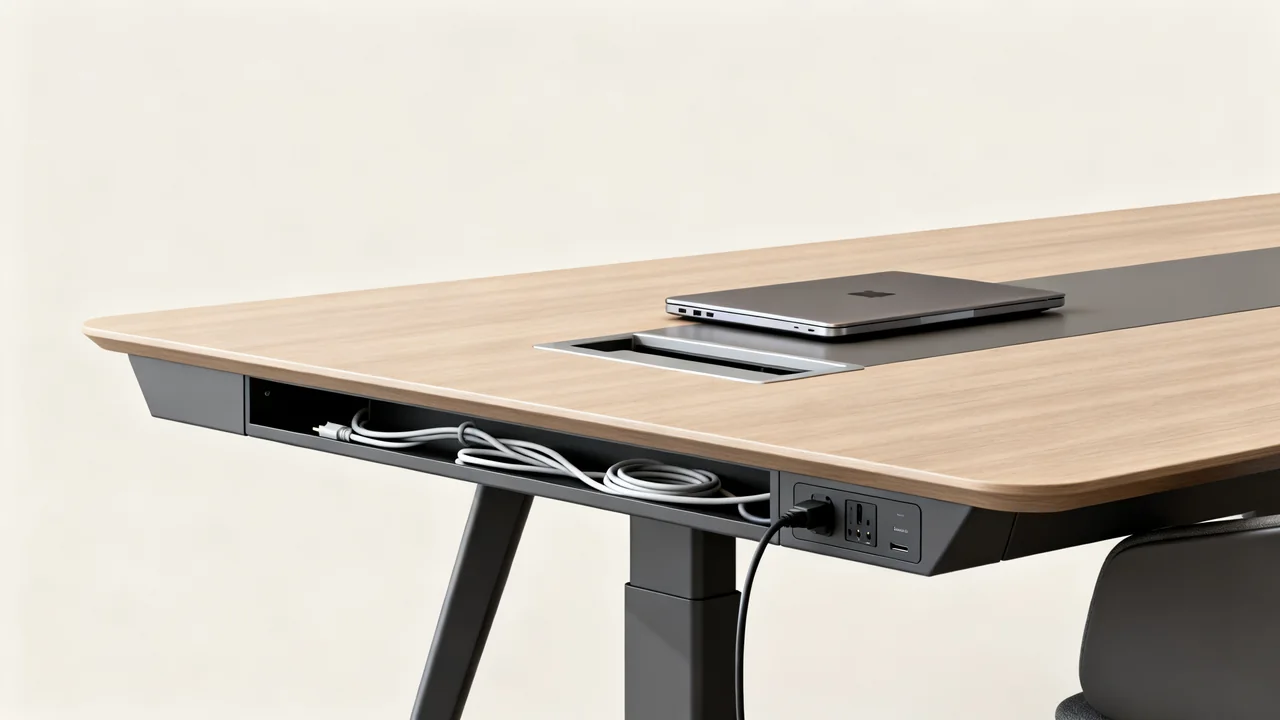
| Table use | A tabletop audio device and cable need a protected location. | A display-mounted bar can leave the table clear, unless accessories are added. |
| Replacement | A camera or speakerphone can be replaced separately, with compatibility rechecked. | Repair and component replacement depend on the model and service arrangement. |
| Support | Several devices may have separate firmware, warranties and support contacts. | The main unit has one supplier, but the room can still contain other managed equipment. |
| Acceptance | Test the combined behavior of both peripherals. | Test the selected operating mode and all installed accessories. |
Use the same trial for both options
Keep the table, seats, call application and remote listener consistent. Have people speak from each position at an ordinary conversational level. Include a participant near the display and one far from it. Listen for missing words, distracting room noise and returned speaker audio.
Then test the picture with laptops open and chairs in their normal positions. Check the view during content sharing as well as the local preview. If auto-framing changes the composition, allow it to settle and have someone move or join late. Record what actually happens instead of scoring a feature name.
Finish by disconnecting the host and starting another meeting as a different user. A setup that works only after the installer selects several hidden settings needs further configuration or clearer instructions before general use.
A hypothetical mixed-use room
Consider a room used for seated calls and workshops where the table moves. The office already has a suitable display and a room computer. In this hypothetical example, the team wants to compare a bar with a supported extension microphone against a separate camera and speakerphone.
Either could be suitable. The trial should establish whether the audio device can remain in a useful position after the table moves, whether its cable stays protected, and whether the camera still captures the intended seating. The separate arrangement may make repositioning convenient; the bar arrangement may keep more equipment off the table. Those are reasons to test, not predetermined results.
Document the configuration that passes, including any mount or extension accessory. Compare complete quotes for those configurations. Do not compare a fully equipped setup with the base price of an incomplete alternative.
Plan the ownership decision
- Name the person responsible for updates and support.
- Record warranty terms and the route for a failed device.
- Identify which component can be temporarily replaced if a meeting must proceed.
- Keep connection instructions tied to the equipment actually installed.
- Recheck the room after changing a camera, audio device, dock or host.
Choose the arrangement that passes the room trial and can be maintained by your team. If both pass, placement flexibility, service terms and the total installed quote become useful deciding factors. There is no need to buy expansion features for an undefined future room, but any known planned changes should be included in the requirements now.
Have a question or a correction?
Contact the editorial team