A pre-purchase audio trial should answer a specific question: can people at every required position understand each other in this room? Product specifications help shortlist equipment, but the room, connection path and meeting application also need to be tested. Keep the same procedure for each candidate so the results are comparable.
Define Your Test Parameters First
Before you request a demo unit or bring equipment into the space, outline exactly what you need the system to handle, so your test measures relevant performance. Start by listing your most common meeting types: 4-person internal check-ins, 10-person client presentations, hybrid brainstorming sessions with people speaking while moving around the room, or quiet one-on-one remote interviews. Note the typical positions people occupy: seated at the table, standing at a whiteboard, or pulling an extra chair near the door for last-minute attendees.
List any known room quirks that impact sound: a heating vent that runs every 10 minutes, floor-to-ceiling glass walls that reflect sound, or a shared wall with a busy sales team that generates low background noise. Confirm what devices the system will connect to most often: company laptops, personal phones, or a dedicated room PC. These details will help you build a test that matches real use, not idealized lab conditions.
Set Up the Test Space Like You Would for a Real Meeting
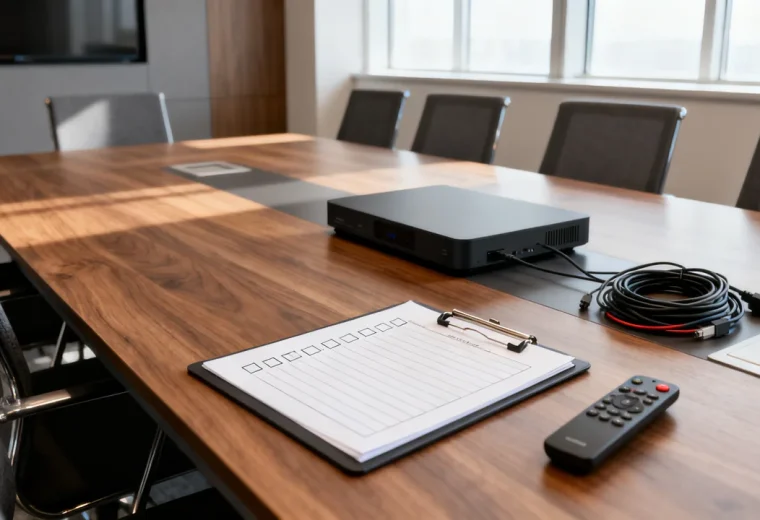
When you have a demo unit ready to test, set up the room exactly as it would be for a typical meeting. Arrange chairs in their usual positions, leave any whiteboards or furniture in their permanent spots, and keep window coverings as you normally would during meetings (hard window blinds reflect sound differently than soft fabric curtains). Plug the audio equipment into the same power outlet and connectivity port you would use long-term, to catch any issues with cable length or electrical interference from nearby devices like room displays or charging stations.
Recruit participants who represent the seating positions and speaking styles the room must support. For a hybrid meeting, include a listener in another location. If people also join on laptops while sitting in the room, test the intended companion mode with their device audio disconnected as the meeting platform instructs. Avoid activating several independent microphones and speakers in the same space.
Run Core Audio Performance Tests
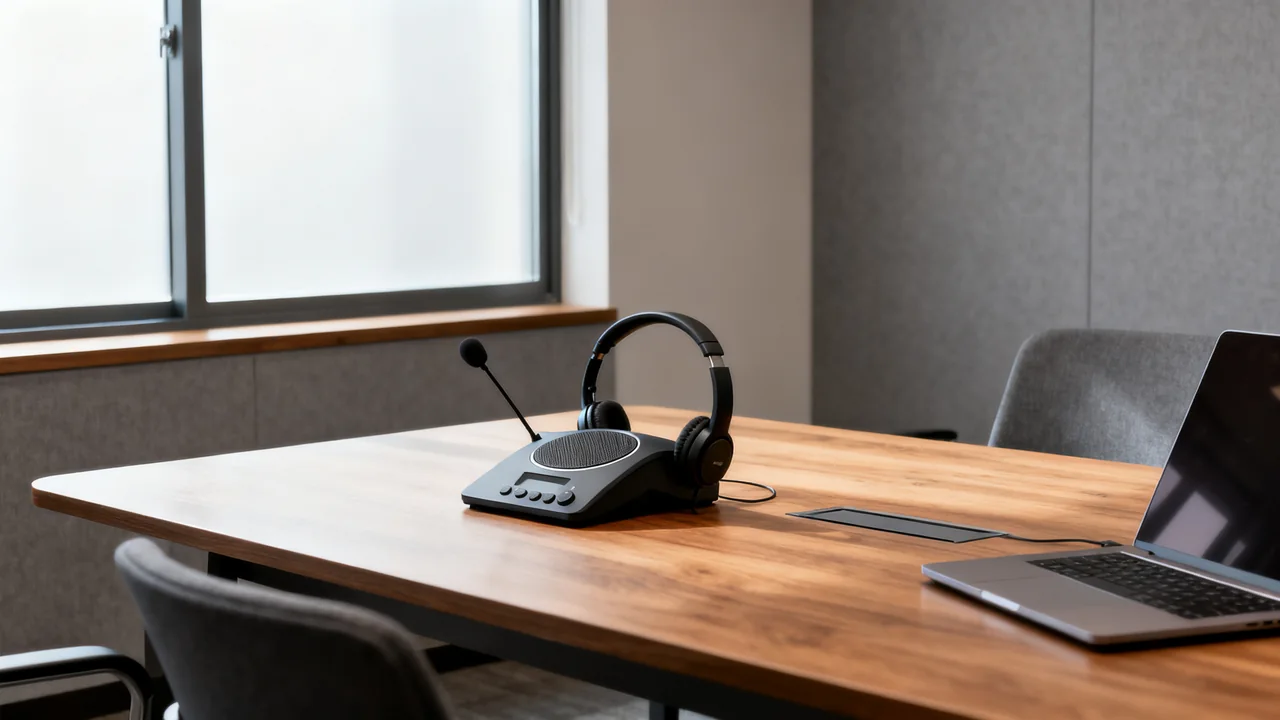
Run three targeted tests to measure the system’s core functionality, with one remote tester joining the call from a separate space (a home office or quiet cubicle) to give feedback on what remote attendees actually hear. First, do a speech clarity test: have each in-room participant speak in their normal voice, reading a short paragraph that includes a range of consonants and word endings. Ask the remote tester to note if they can understand every word, if any voices sound distorted, or if some speakers are significantly quieter than others even when they’re sitting the same distance from the mic.
Second, test two-way conversation. Have the remote listener speak while the room uses its intended playback level. Ask whether their voice returns as an audible echo. Then let an in-room participant respond and briefly overlap naturally with the remote speaker. Note missing words, unstable levels or other distracting behavior. Do not deliberately provoke loud feedback; stop the test and correct the routing if a squeal or unstable sound develops.
Third, run a background noise test: simulate common room distractions that happen during meetings. Pour a glass of water, tap a pen on the table, turn on the room’s heating or cooling system, and have one person type on a laptop near the mic. Ask the remote tester if these noises are loud enough to be distracting, or if the system filters them out without muffling speech. If you regularly hold meetings while the nearby office is busy, run this test during peak work hours to capture the typical background noise level.
Illustrative Example: 6-Person Glass-Walled Meeting Room Test
The following is a hypothetical planning example, not a product test. Imagine a glass-walled room used for seated hybrid calls and occasional presentations at a whiteboard. The office is comparing a video bar with a standalone speakerphone arrangement.
- Test participants: 3 in-room team members (one soft-spoken, one average volume, one loud presenter) plus 1 remote tester joining from a home office
- Room setup: 5 chairs arranged around the table, blinds half-closed (the usual position for 10am meetings), a coffee mug and laptop on the table to reflect sound as they normally would
- Test steps: Each in-room participant reads a 100-word paragraph from their seat, then one moves to the whiteboard 4ft from the table to speak, then the office breakroom’s ice maker is triggered (a regular source of background noise) while someone speaks at a normal volume
The result sheet should record observed clarity from each position, returned echo and the effect of ordinary background activity. Either candidate could perform better in this room. Leave those fields blank until the trial; the equipment category or a higher specification does not predetermine the result.
Compare Performance Against Your Priorities
Use the table below to score each test unit against your team’s non-negotiable and nice-to-have needs, so you can compare options objectively instead of relying on marketing claims. Adjust the priority weights to match your most common use cases: for example, if you run mostly client presentations, “presenter speech clarity when standing” will have a higher priority than “typing noise filtering.”
| Criterion | Required to pass? | Candidate A observation | Candidate B observation |
|---|---|---|---|
| Understandable speech from every required seat | Set before trial | Record result | Record result |
| Conversation without distracting returned echo | Set before trial | Record result | Record result |
| Speech understandable during ordinary room activity | Set before trial | Record result | Record result |
| Presenter audible from the intended standing position | If required | Record result | Record result |
| Connection and reset usable by intended users | Set before trial | Record result | Record result |
A weighted score can help organize observations, but set mandatory pass conditions first. An option that fails a required speaking position should not win because it has convenient extras. Multiply the chosen priority by the observed performance score only for comparable criteria, retain the written observations, and compare complete installed costs separately.
Assess Practical Usability Tradeoffs
First, test the setup process: ask someone unfamiliar with the equipment to join a call using the proposed instructions. Note where they hesitate or need help. Decide what setup effort your team can accept, then improve instructions or configuration and repeat the trial. There is no universal connection-time threshold that proves a system suitable.
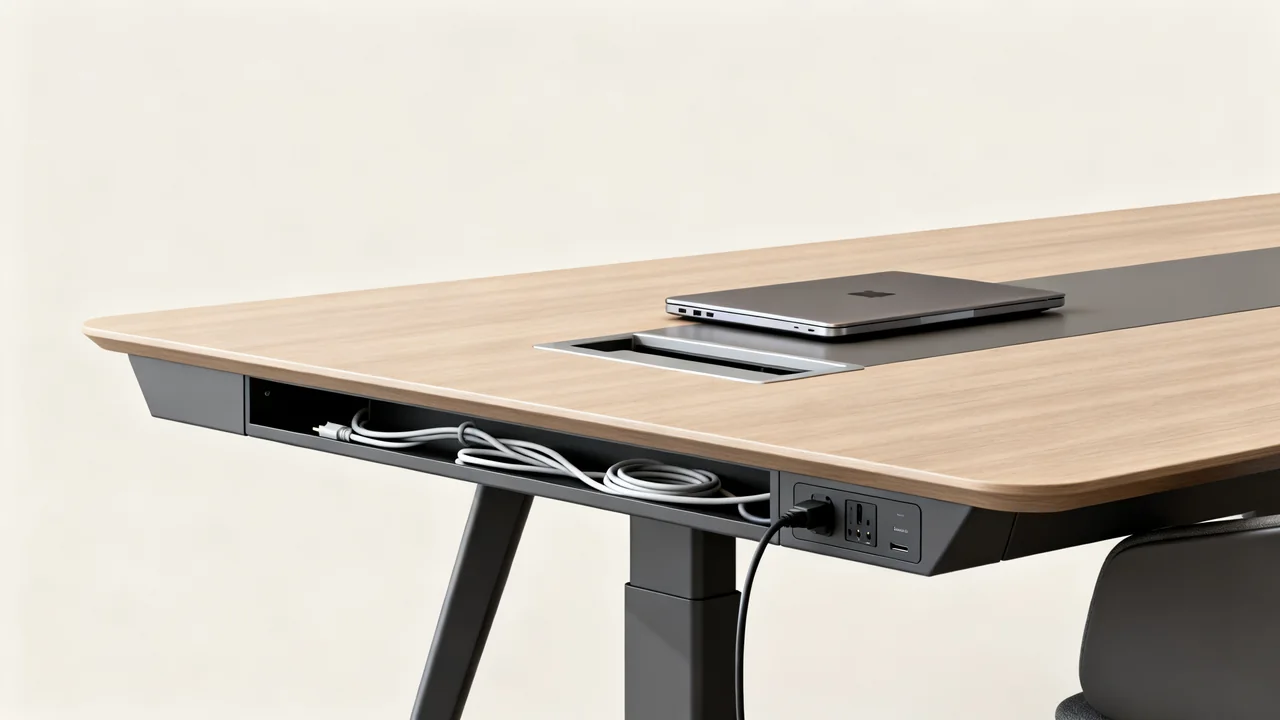
Next, ask for the documented maintenance and update requirements of each candidate. Identify who will perform those tasks and how support is obtained. Compare the practical cable routes and wireless connection behavior in your intended layout; neither a wired nor a wireless label establishes reliability by itself. Include guest laptop connections if those are part of the room requirements.
Pre-Purchase Actionable Checklist
Before you finalize your purchase, confirm you’ve completed all of these steps to avoid post-buy regrets:
- Tested the equipment in your actual meeting room, not just a demo space at the retailer’s office
- Included at least one soft-spoken and one loud-speaking team member in the test to cover your team’s range of speech volumes
- Had a remote tester give feedback on audio quality, since in-room sound does not match what remote attendees hear
- Tested the system during peak office hours to capture typical background noise levels
- Had a non-technical team member test connecting to the system to confirm it’s easy to use
- Verified that any required cables, mounts, or accessories are included with the purchase, or factored their cost into your budget
Keep the trial record with the quote and acceptance checklist. If a demo is unavailable, obtain written return conditions that explicitly cover the proposed trial use, along with any fees or packaging requirements. A policy covering only unused products may not permit installation and testing. Treat unverified performance claims as open questions rather than completed checks.
Have a question or a correction?
Contact the editorial team