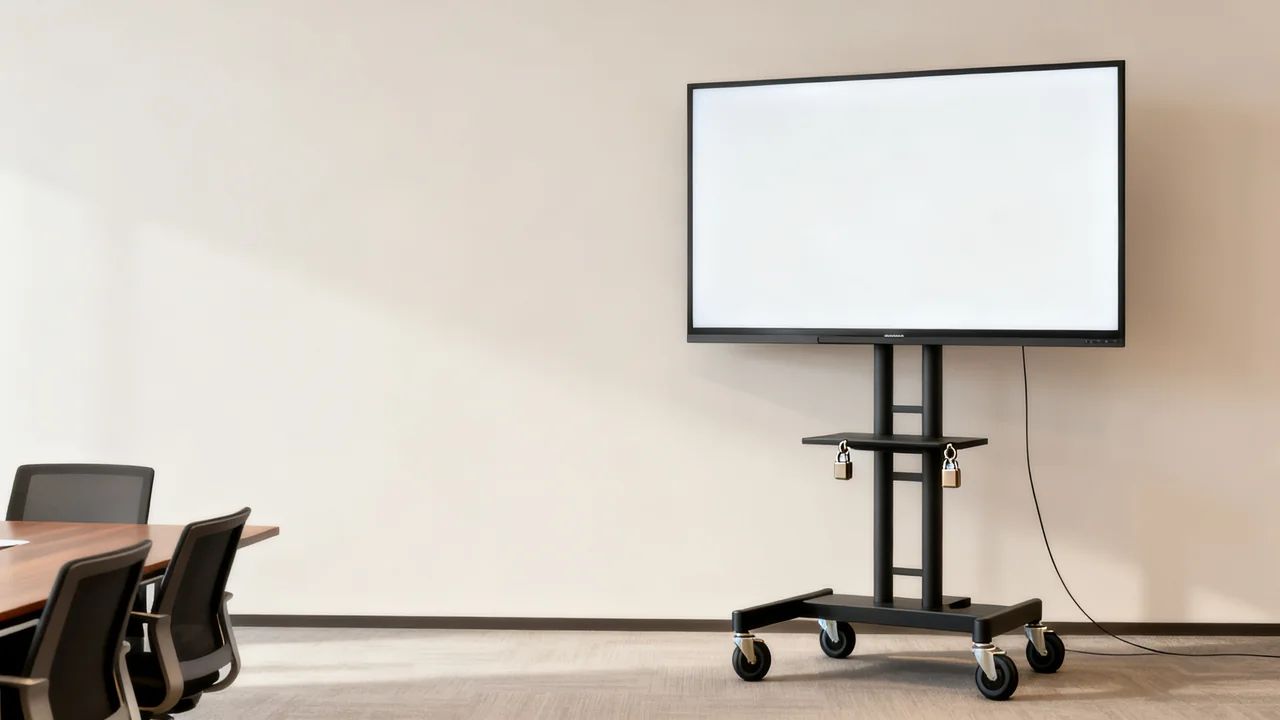
A mobile display cart offers a way to share a screen between suitable spaces. A fixed installation gives one room a repeatable viewing position. Compare the full operating arrangement: where the display is used, how it connects, who sets it up, and where it goes when the room has another purpose.
The screen and its support must be assessed together. A cart or wall mount has its own display compatibility, loading and installation requirements. A display that physically reaches the bracket is not automatically suitable for it.
Map the locations and schedule
List each space that needs the screen and when it is needed. Check for overlapping meetings. A single cart cannot serve two simultaneous events, so sharing equipment may require scheduling rules or another screen.
For each location, record the intended display position, audience seating, power source, connection to the meeting host and storage arrangement. Include the route between spaces, with doors, thresholds, slopes and changes of floor surface. Follow the selected cart’s restrictions rather than assuming every wheeled stand can travel that route.
A fixed screen may suit a room with consistent use and a suitable wall. A cart may suit changing layouts if there is an approved place to use and store it. Neither description replaces a site assessment.
Verify support and handling requirements
For a wall installation, have the responsible installer assess the wall construction, display, mount and attachment method. Check mounting patterns, weight, clearances and permitted adjustment. Permanent cable work should use an approved installation suitable for the building; do not run ordinary power leads through walls simply to hide them.
For a cart, check the supported display dimensions, mounting pattern, weight, accessories and any limits on shelf loads. Include the complete assembled height and footprint. Record how many people are required for assembly, screen attachment, adjustment and movement under the manufacturer’s instructions.
Some carts provide height adjustment and cable channels; others have different features. Do not assume that a loaded display can be raised by any user or that a cart is safe to move with cables still connected. Use the model’s actual handling procedure.
Compare everyday operation
| Question | Fixed installation | Mobile cart |
|---|---|---|
| Where does it work? | At an assessed mounting location. | At assessed deployment locations reached by a permitted route. |
| What must users connect? | The documented room workflow, possibly with permanent cabling. | Power and any external connections required in that location. |
| What space remains occupied? | Wall area and any required clearances. | Its complete base and display footprint, plus required access. |
| Who adjusts it? | Users or support staff within the mount’s permitted operation. | People authorized and able to follow the cart’s handling instructions. |
| What happens after use? | Return the room to its normal input and settings. | Disconnect, secure, move or store it using the approved procedure. |
Test the connection in every intended space
A cart can carry a display and supported accessories, but the next room may use a different laptop, network or audio arrangement. Test the complete meeting workflow at each planned location. Confirm readable content, camera coverage and understandable audio where those functions are required.
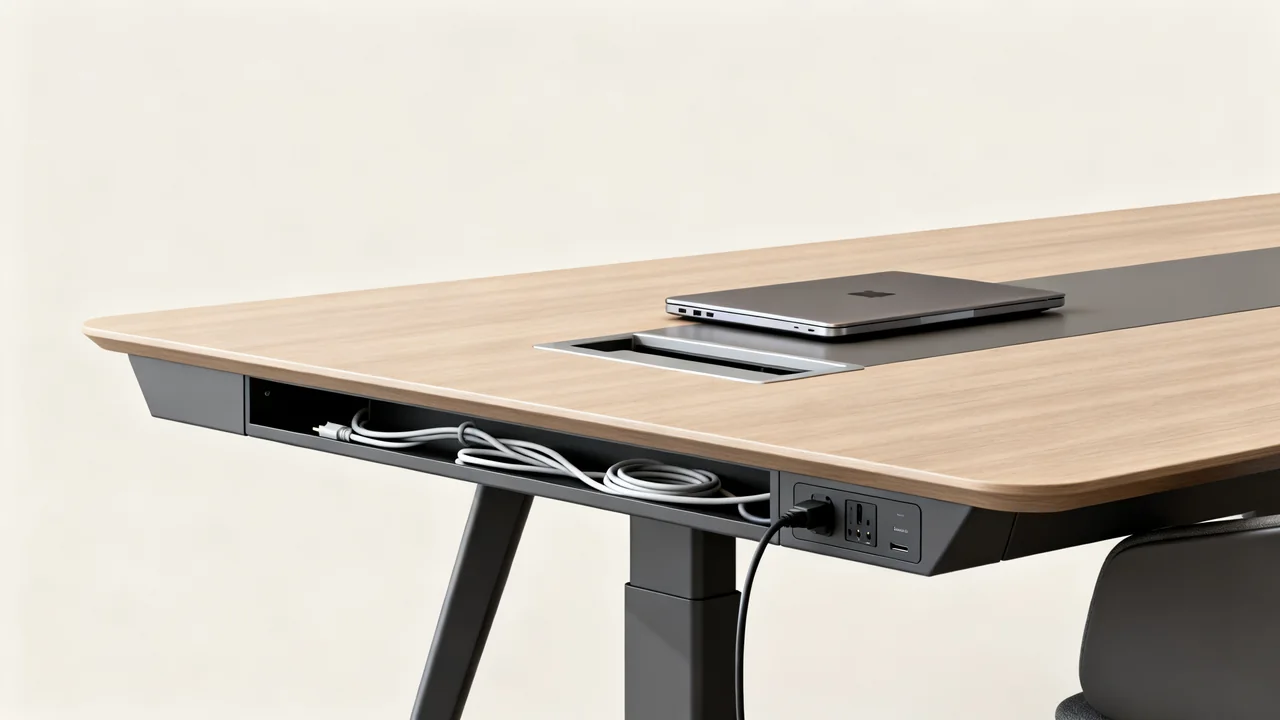
Protect connections from strain and keep ventilation openings clear. Use the cart’s documented cable-management provisions. Plan any external cable route so it does not obstruct people or moving furniture; a long loose lead is not a complete mobility plan.
For a fixed screen, check service access and how a failed cable or component would be replaced. Hidden cabling can improve appearance, but the maintenance route still matters. Include that work in the installer’s proposal.
A hypothetical two-space comparison
Imagine an office with a dedicated meeting room and a training area that is rearranged between events. The dedicated room needs reliable daily access to its screen. The training area needs a display only for scheduled sessions.
The office could compare a fixed installation in the meeting room with a cart for training use. Before deciding, it would check the training schedule, the cart’s storage location and the movement route. If the cart is also intended as a second meeting-room display, that connection and viewing layout need a separate trial.
This example does not establish that two screens are necessary. A shared cart may work if schedules, handling and storage permit it. The decision comes from those observations and complete quotes, rather than an assumed lower cost for either mounting category.
Budget for installation and ownership
Request itemized quotes for the screen, support, required accessories, assembly, installation and delivery. Include any building permissions, cable work and staff training. Compare ongoing setup labor and service arrangements without assuming that moving or assembling a cart has no cost.
Follow the manufacturer’s inspection and care requirements. Report loose fittings, damaged wheels or unreliable locks to the responsible person. Do not improvise repairs or continue using an unstable assembly while waiting for a routine check.
- Verify exact display and support compatibility.
- Test viewing from every required position.
- Assess movement routes and storage where relevant.
- Document connection, adjustment and reset steps.
- Keep installation and maintenance records.
- Assign responsibility for safe setup and faults.
The stronger choice is the arrangement the office can use consistently in its actual spaces. Mobility is useful only with a workable handling plan; permanence is useful only when the fixed position serves the room.
Have a question or a correction?
Contact the editorial team