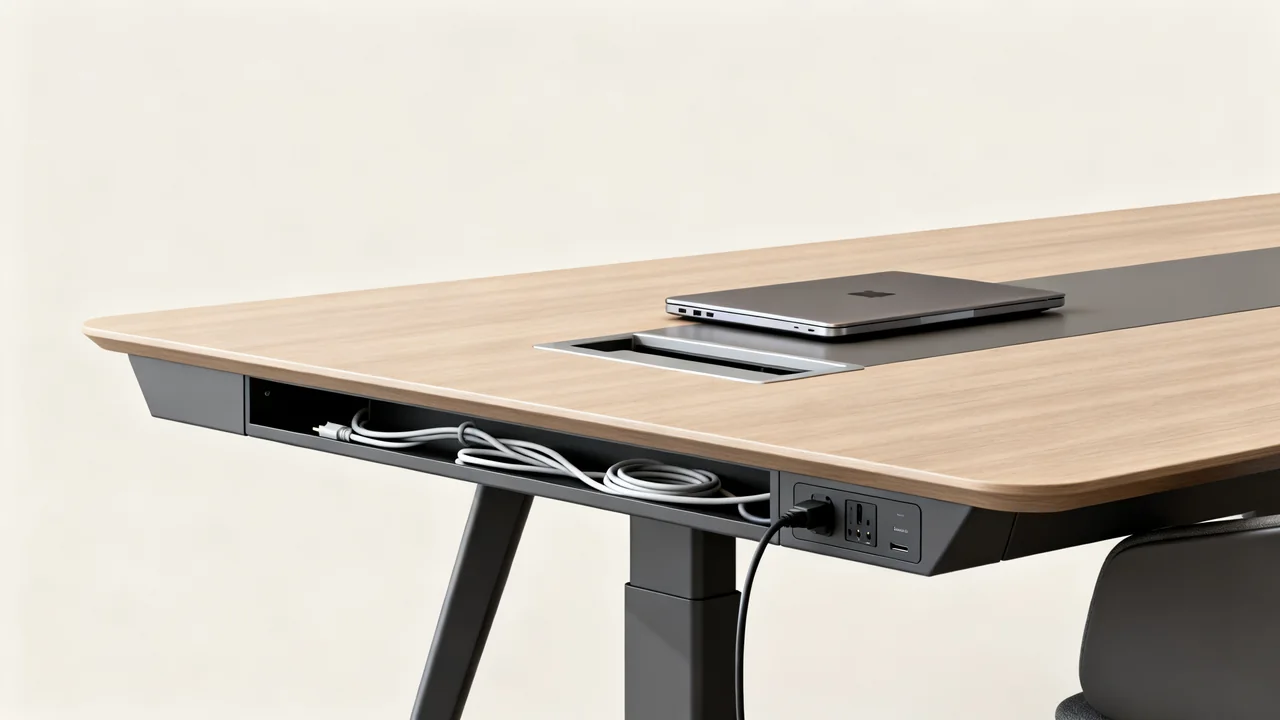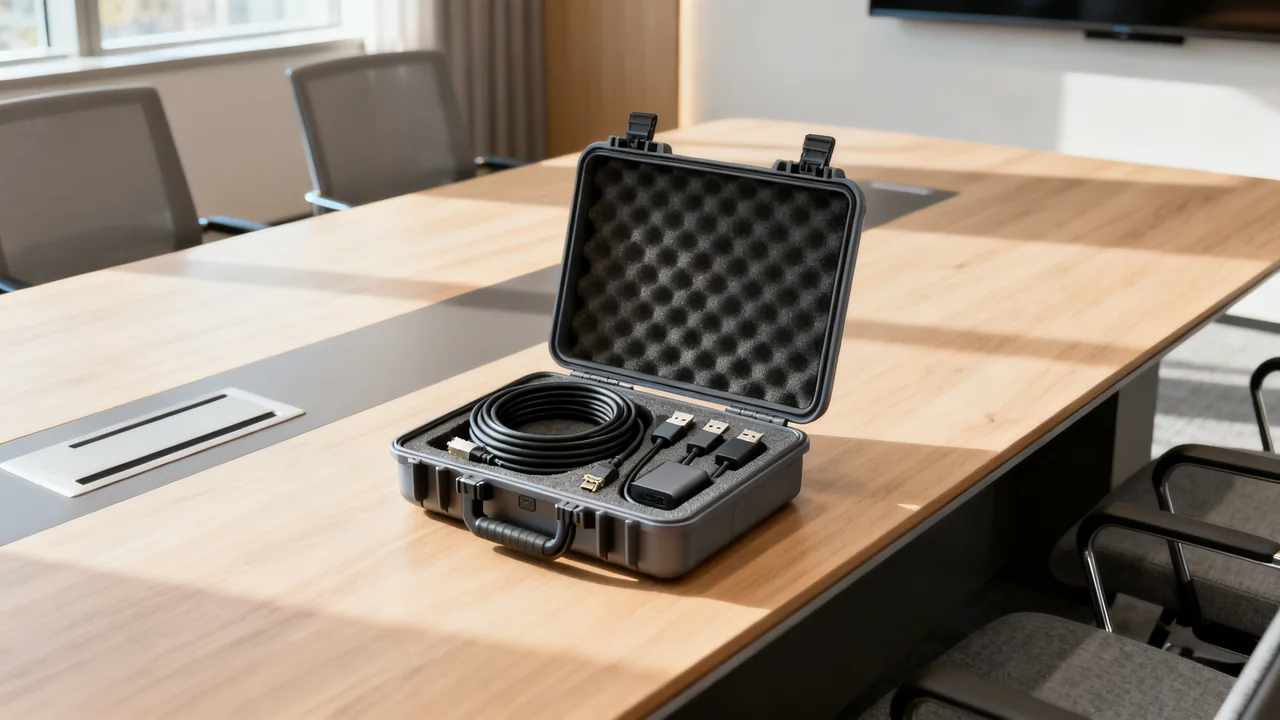
A spare-cable kit is useful when it restores a connection that the room already supports. A drawer full of unidentified leads can make a fault harder to diagnose. Build a small, documented kit around the room’s actual equipment, and label each item with the connection it has been tested to replace.
Keep the distinction between a spare and a new capability clear. Replacing a damaged HDMI cable is different from trying to make an unsupported laptop output video through a USB port. The latter needs a compatibility check, not just another adapter.
Start with the installed connection map
List the display, meeting host, camera, speakerphone, dock and any network connection. Record the exact cables and adapters currently used, including their model, connector direction, length and supported function. Check the equipment documentation rather than identifying a cable only by its plugs.
Measure the actual replacement route, including the supported slack needed for normal movement. Table length alone does not determine cable length. Keep the route clear of doors, chair movement and walkways, and follow the equipment manufacturer’s limits for cables and extension devices.
Review recent faults and missing-item reports. If a particular user-accessible cable is repeatedly borrowed or damaged, a tested replacement may be worth keeping in the room. A rarely needed specialist component may belong with the support team instead.
Choose spares by function
| Spare | What it should replace | Check before adding it |
|---|---|---|
| Display cable | An identified laptop-to-display or dock-to-display path. | Resolution, refresh rate, direction where relevant, length and actual endpoints. |
| USB peripheral cable | A supported camera, audio or dock connection. | Data capability, power requirements and manufacturer restrictions. |
| Approved adapter | A specific documented signal conversion. | Source and destination direction, software requirements and supported mode. |
| Charging equipment | A defined device’s charging arrangement. | Power supply, cable rating and device compatibility. |
| Network cable | An approved wired network connection. | Usable network port, access policy and a protected route. |
A USB-C charging cable may not provide the data or display capability needed by a dock. A passive USB-A connector adapter does not create native video output. An HDMI-to-DisplayPort converter is not necessarily interchangeable with a DisplayPort-to-HDMI product. Label the intended use so users do not have to infer these distinctions during a meeting.
Test each spare in the real path
Replace one known-working cable with the proposed spare and run the intended workflow. For a display path, check the configured output mode and representative content. For a camera or speakerphone, join a call and confirm the remote result. If a cable carries several required functions, test them together.
Record the date, equipment and result. A connector that fits or a device that receives power is not enough to establish that the spare can replace the original. Keep an untested item out of the ready compartment until its use is verified.
Do not create improvised chains of adapters and couplers to extend a route. Use an arrangement documented for the equipment and test the complete installed path. A spare kit should simplify recovery, not conceal a new unsupported configuration.
A hypothetical kit for one room
Imagine a room with a verified dock-to-display HDMI path and a speakerphone connected by a replaceable USB cable. Its users sometimes unplug the display cable while troubleshooting. In this example, the room owner could keep a tested replacement for each of those two paths, along with the connection diagram.
If guests also use an approved direct HDMI path, the kit could include a cable tested for that route. The owner would not automatically add every available converter. An unfamiliar laptop would follow the documented guest-connection process instead.
The inventory would name each item, its location and its approved function. That gives a person recovering from a cable fault a specific next step without promising that the kit supports every possible visitor device.
Store working and suspect items separately
Use a labeled container with room for the cables to rest without tight bends. Follow manufacturer storage guidance and avoid fastening ties so tightly that they damage insulation. Keep connectors protected from spills and loose debris.
Label both ends where useful, but do not obscure safety markings or strain the connector. Include the room name so a borrowed item can be returned. A simple inventory card should distinguish what is ready, what is checked out and what needs replacement.
Remove visibly damaged cables from service. Put a suspect item in a clearly marked fault area so it does not return to the ready kit after an unsuccessful meeting. Record the symptom and ask the responsible support person to investigate.
Maintain the kit from observed use
- Check that the listed items are present.
- Inspect accessible cables for damage without opening equipment.
- Retest a replacement before marking it ready.
- Follow each manufacturer’s care method; do not spray connectors.
- Update the connection card when equipment changes.
- Adjust spare quantities from actual faults, loss and replacement lead time.
Assign an owner and choose an inspection interval that fits the room’s use. A kit is dependable when someone knows what every item does and keeps that record current. An arbitrary item count or promise to solve every delay is less useful than a small set of proven replacements.
Have a question or a correction?
Contact the editorial team