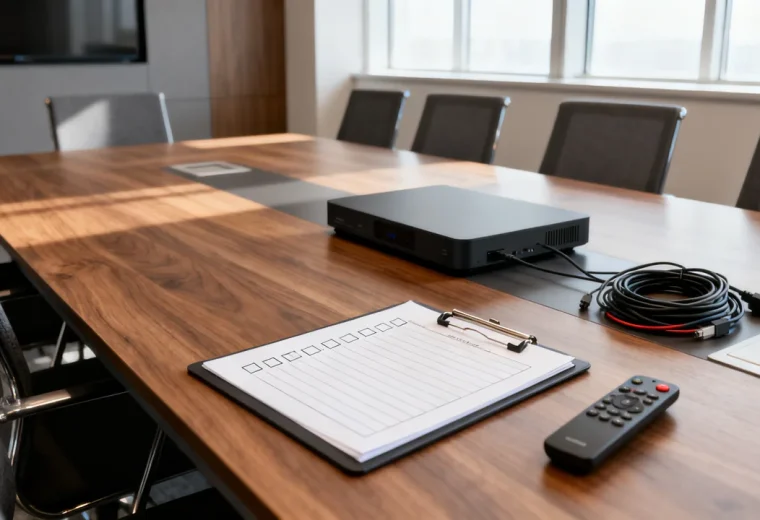
A temporary meeting area needs a clear beginning and end: a suitable space is reserved, the required equipment is set up, the meeting takes place, and the area returns to its normal use. Plan all four stages before moving furniture. A temporary label does not remove the need for stable equipment, accessible routes and consideration for nearby work.
Begin with the meeting’s actual requirements. A seated discussion, a hybrid workshop and a confidential client conversation may need different locations. If a multipurpose area cannot provide an appropriate environment, choose another space rather than trying to solve every limitation with portable equipment.
Decide whether the space is suitable
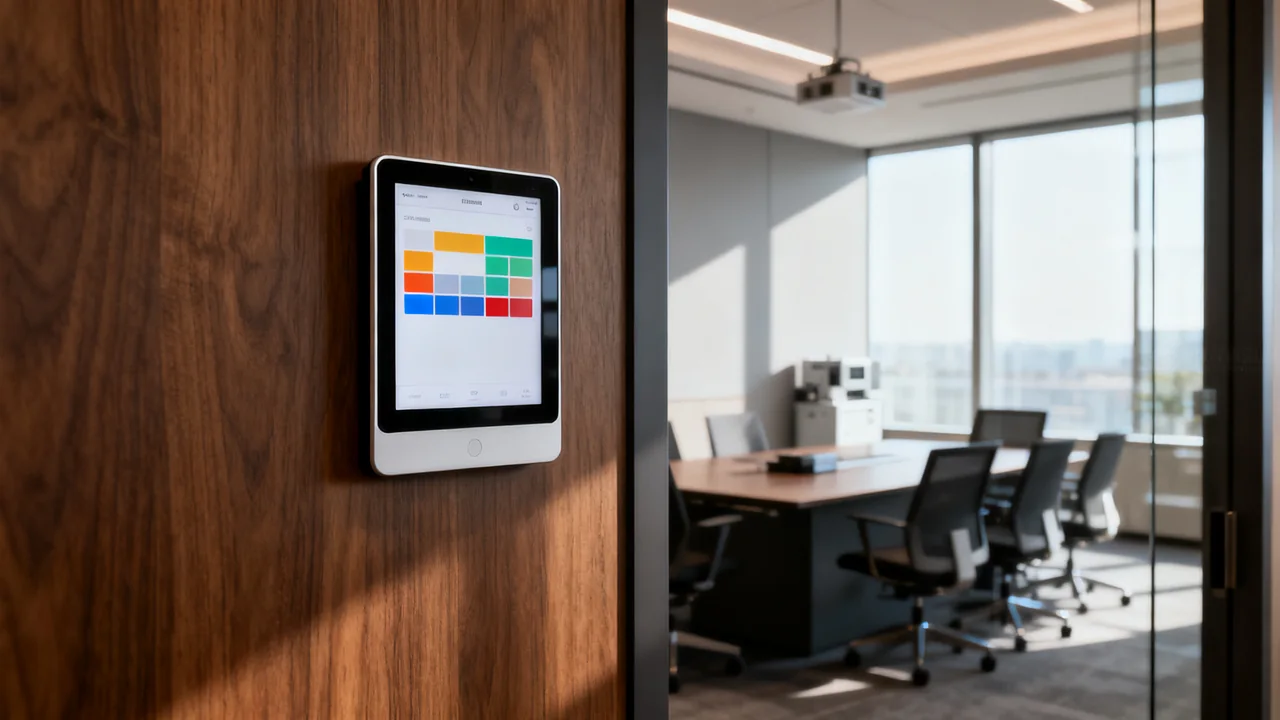
Check who normally uses the area, what activity will be displaced and whether the room owner permits the change. Reserve setup and teardown time as well as the meeting itself. Tell affected colleagues what will happen and where their displaced work can take place, if relevant.
Ask the responsible facilities team to confirm the proposed arrangement preserves required access, circulation and building equipment. Do not move heavy storage units or improvise boundaries with unstable furniture. A line of plants or a fabric divider may indicate a boundary, but neither establishes speech privacy.
For sensitive discussions, assess the location under the organization’s confidentiality rules. A headset, partition or background-noise device does not guarantee that nearby people cannot hear the participants.
Build the layout around the activity
Mark the required seats, writing surface, display and presenter position. Test whether people can see one another and the shared material. Include the space needed to enter, use the seating and leave while others remain seated.
Ask participants about relevant access needs and coordinate suitable arrangements. Avoid treating a single assumed aisle width or display height as proof that the temporary room works for everyone. Check the actual layout with the room owner and the people who will use it.
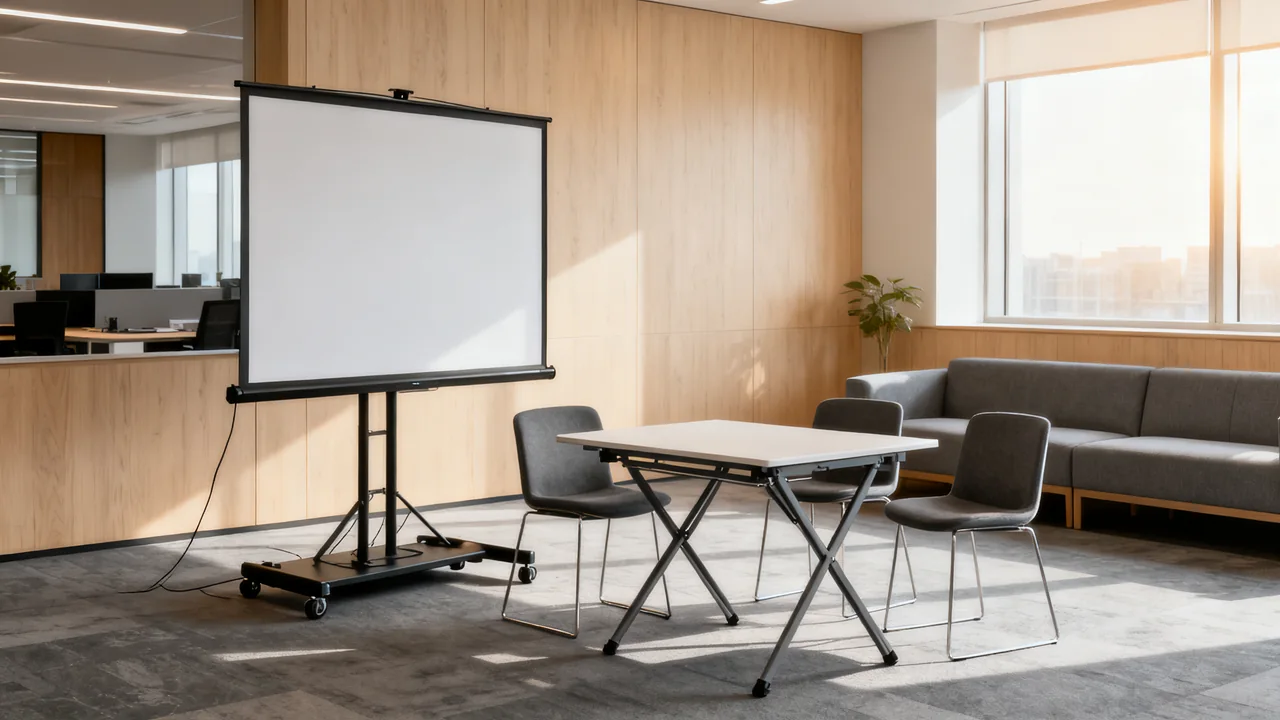
For hybrid participation, use a remote colleague to check the camera view and audio from the intended speaking positions. A monitor that looks adequate at a desk may not make content readable across a group. Use a supported stand or cart; do not raise a display on a stack of books.
Choose a limited, tested equipment set
| Need | Practical choice | Check before use |
|---|---|---|
| Shared content | A suitable display on its supported stand or cart. | Stability, readable content and compatible laptop connection. |
| Remote conversation | A tested camera and audio arrangement. | Required seats, two-way speech and the actual meeting application. |
| Writing | An approved board or other suitable writing surface. | Visibility, stable support and an agreed way to share remotely. |
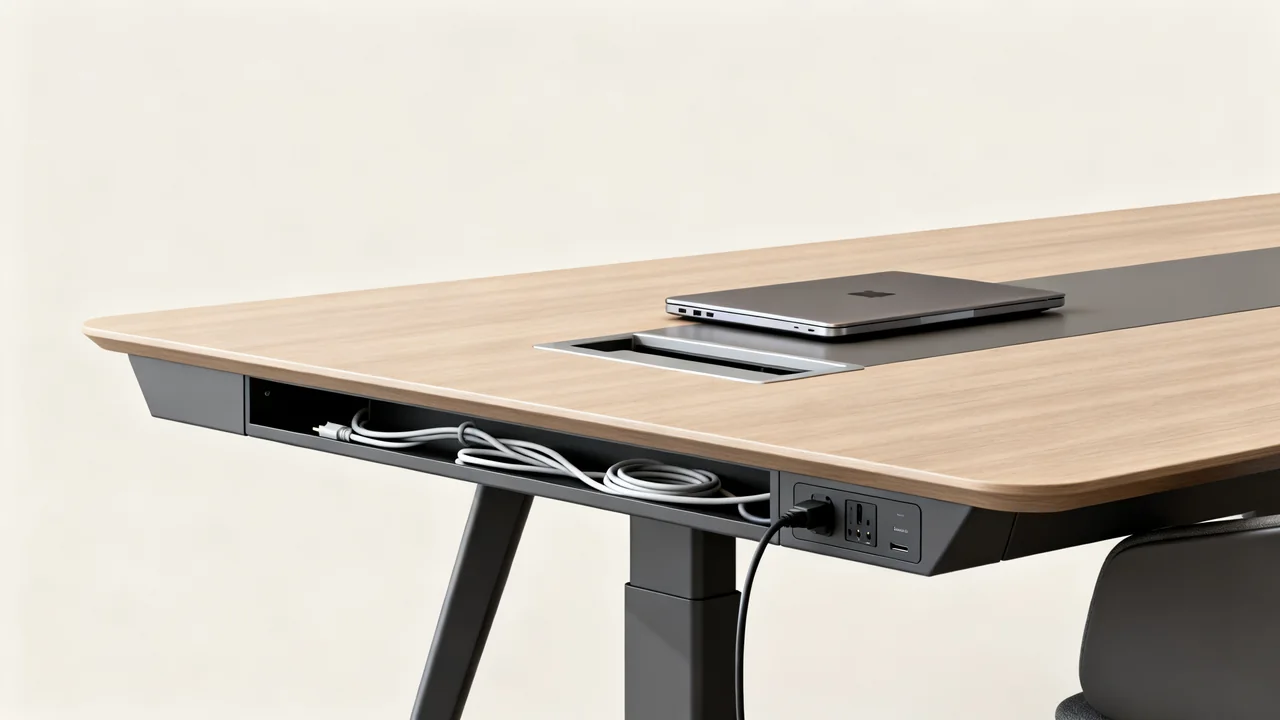
| Power and cables | An arrangement approved for the equipment and location. | Capacity, routing, protection and access. |
| Seating and tables | Furniture appropriate to the use. | Condition, locking mechanisms where fitted and the planned layout. |
Borrowing equipment can reduce purchases, but it also creates responsibilities. Record what is borrowed, its owner and when it must return. Include the necessary adapters, power supplies and instructions. Test the complete set before the meeting rather than assuming components from different rooms will work together.
Keep the floor and work surfaces usable
Plan cable routes before people arrive. Avoid crossing circulation paths where possible. Where a crossing cannot be avoided, have the appropriate person choose a protection method suitable for the cable, floor and traffic. Low-tack tape by itself is not a universal cable-safety solution.
Use power equipment according to its instructions and the facilities team’s plan. Do not daisy-chain power strips, alter electrical components or put leads where chairs can crush them. If a suitable supply is unavailable, change the layout or location.
Keep drinks and loose supplies away from electronics and controls. Place bags and borrowed equipment where they do not reduce the planned access space. A tidy photograph of an empty layout is not enough; check the area with people and their normal belongings present.
A hypothetical workshop setup
Imagine a team using a multipurpose area for a discussion with both local and remote participants. The team needs a shared draft on screen and a place to collect ideas. It has access to an approved display cart and a portable conference speakerphone.
The host would reserve the area, confirm the layout with its owner and test the cart and audio with the intended laptop. A remote colleague would check the discussion and shared content. If a physical board cannot be read remotely, the group could use an approved digital collaboration tool instead.
The host would record the accepted arrangement and assign teardown responsibility. This is a planning example; it does not establish that the same equipment or layout suits another office.
Restore the space deliberately
- End the call and sign out of shared equipment as required.
- Handle notes and saved files under the organization’s policy.
- Shut down, disconnect and move equipment using its instructions.
- Return borrowed items and report faults or missing parts.
- Restore the approved furniture layout.
- Remove temporary signs and check the floor for loose items.
- Confirm the next user can use the space as intended.
For repeat events, keep a reusable layout and equipment checklist with the room owner. Revise it from observed problems. A temporary room is dependable when its setup and restoration are repeatable, rather than dependent on improvised fixes each time.
Have a question or a correction?
Contact the editorial team