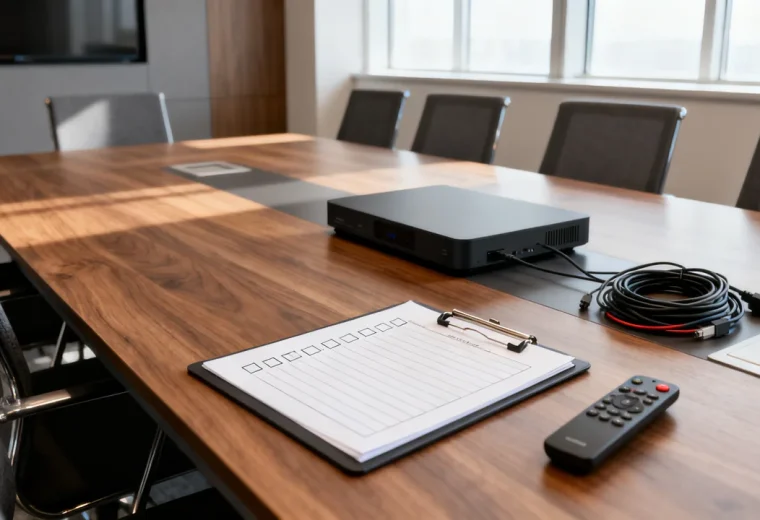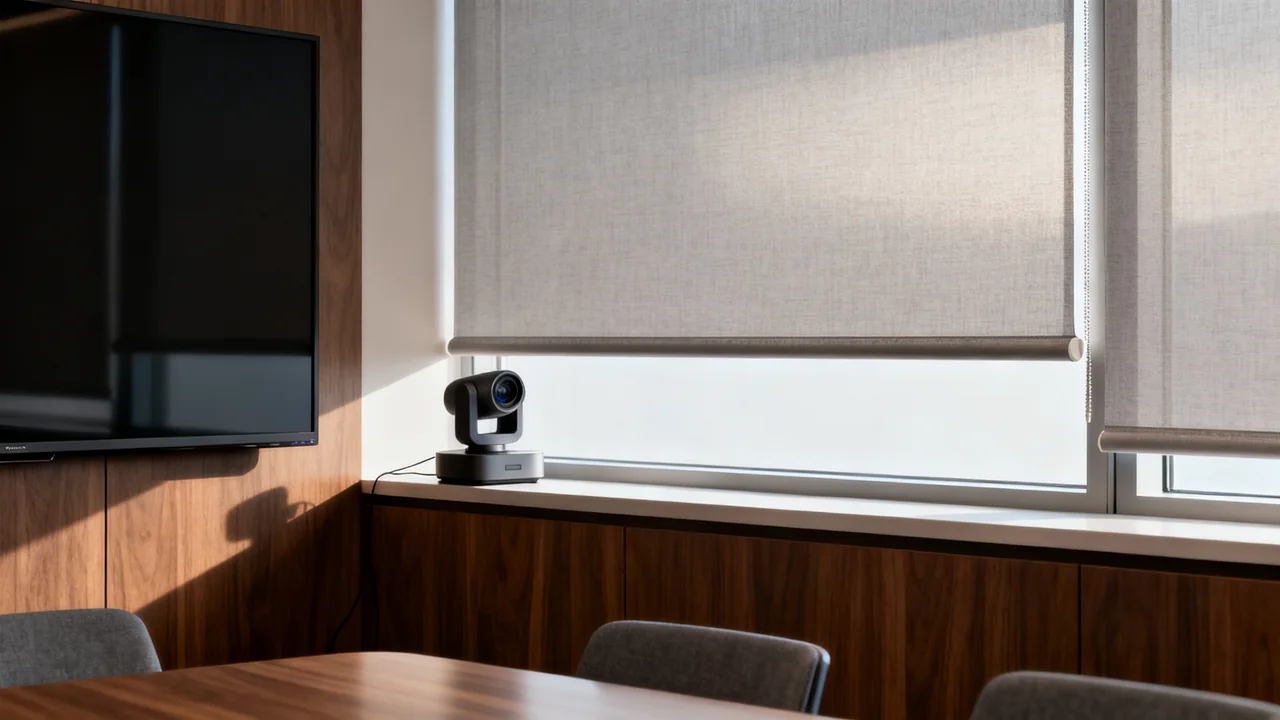
Bright windows can cause several different video-call problems. A window behind a participant can leave their face dark against a bright background. Direct sunlight can create bright patches on a face or table. Reflections can make the room display or whiteboard difficult to read. Identify which problem is present before buying a shade, film or light.
The most useful starting tool is the actual camera preview, checked again by someone on the remote end of a call. A paper test or a photograph from a phone does not establish how the meeting camera will expose the scene.
Record when the problem appears
Note the window, time of day, weather, camera position and affected seats. Check the room at the times it is normally booked. A room that looks balanced in the morning may need a different shade position later in the day.
Keep three observations separate: what the camera transmits, what in-room users can read on the display, and whether people are comfortable with the light at their seats. Improving one view does not automatically improve the others. Avoid diagnosing the cause solely from a hazy or dark image; camera settings and the rest of the lighting also matter.
Use neutral test material and avoid saving recognizable images of participants unless they agree. A sketch and notes may be enough to document where a reflection appears.
Try the existing controls first
Adjust existing blinds or shades and compare the camera picture and the display from the affected seats. Try a small change at a time so you can identify what helped. If a shade blocks useful daylight, check whether the room’s normal lighting provides a satisfactory picture and working environment.
If furniture or a temporary camera position can move safely, test another orientation. A bright window directly behind a participant can create backlighting; light from in front may illuminate the face, but direct sun can still be harsh. Side lighting can help in some arrangements and create uneven faces in others. There is no universally correct window angle for every room.
Keep the required seats and camera coverage in the trial. Moving a table to fix glare is incomplete if it blocks a walkway or places someone outside the camera’s view.
Compare treatments by what they change
| Option | What to investigate | Practical limitation |
|---|---|---|
| Adjustable shade | Whether it controls the troublesome light at the times the room is used. | It may need adjustment and may reduce useful daylight. |
| Diffusing treatment | Whether it softens the light enough in an approved sample trial. | Diffusion does not guarantee that a bright background or reflection disappears. |
| Freestanding screen | Whether an approved, stable position interrupts the unwanted light path. | It uses floor space and must preserve routes, doors and room access. |
| Window film | Glass compatibility, building approval and the actual optical result. | Application, removal, warranty and thermal effects depend on the product and glass. |
| Lighting adjustment | Whether faces and shared material remain visible after controlling daylight. | Added light can create new reflections or camera flicker. |
Ask the building owner or responsible facilities team before attaching treatments or modifying glass. Do not assume that a removable or static-cling product is suitable for every window. Follow the product and glass manufacturer’s instructions, and obtain any required installation assessment before applying a sample.
A hypothetical afternoon trial
Imagine a meeting room that develops a bright patch across one side of the table in the afternoon. A blind is already installed, and the camera is mounted near the display. The following is a test plan, not a reported installation result.
At the affected time, the team could compare the normal blind position with a position that blocks the direct light. A remote colleague would check every face while an in-room participant checks the display and any whiteboard. The team would then try the room lighting with the blind adjusted and note whether it creates another reflection.
If the existing controls produce an acceptable result, the next step is a simple setup note. If they do not, the recorded observation becomes a brief for a supplier or facilities specialist. Do not prescribe film, a new light or an awning before establishing which part of the test remains unsatisfactory.
Check display and whiteboard reflections separately
Look at the display from the nearest, farthest and side seats with representative content shown. A reflection visible to a participant may not appear in the camera preview. Any change to display angle must remain within its supported mount adjustment and should be handled by the responsible person.
If considering an anti-glare accessory, check the exact display’s compatibility, touch behavior, optical effect and installation requirements. Do not assume that an accessory will leave text quality unchanged. A sample demonstration is more informative than the word “matte” on its own.
Write sample notes on the whiteboard and ask the remote participant to read them. Test the content-camera view if one is used. Avoid adding a light that simply shifts a bright reflection to another part of the board.
Make the improvement repeatable
- Record the approved shade or room arrangement.
- Check the camera preview before calls at the affected times.
- Confirm display and whiteboard readability from required positions.
- Keep treatments clear of access routes and required building equipment.
- Retest under other daylight conditions and after room changes.
- Give users a support contact if the controls cannot produce an acceptable view.
Choose a solution that the room’s users can operate consistently. A treatment may reduce a problem without eliminating all future checks, especially as daylight conditions change. Base the final purchase on the room trial and installation requirements rather than a promise of glare-free calls.
Have a question or a correction?
Contact the editorial team