A room microphone should let participants contribute without repeatedly leaning forward or being asked to speak louder. When quiet speech is difficult to understand remotely, the cause can include microphone position, room noise, reverberation, processing settings or the connection path. Buying a microphone described as more sensitive does not by itself identify or solve the cause.
Start by describing the failure in observable terms: missing opening words, low but intelligible speech, background noise that covers words, or speech that disappears while someone remote is talking. These symptoms give a supplier a more useful test brief than a request for a stronger microphone.
Map ordinary speaking positions
Identify the seats people actually use and any position where someone presents while standing. Do not assign a special seat to a quiet participant without discussing their needs. The room should work for the intended range of users and seating arrangements.
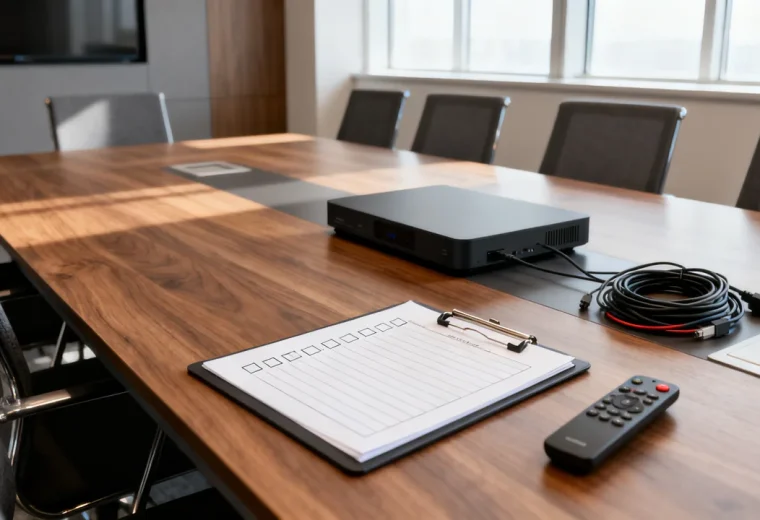
Measure the distance between proposed microphone locations and the required positions. Note nearby ventilation outlets, equipment noise and surfaces that may affect the room sound. Include laptops and papers in the setup because the test should resemble a working meeting.
Ask a remote listener to describe intelligibility from each position while the speaker uses a comfortable conversational voice. If the issue occurs only from one seat, investigate that location before assuming the entire microphone system needs replacement.
Read specifications without turning them into promises
Microphone sensitivity describes output level for a given sound pressure input. A higher value does not automatically mean better speech clarity or less room noise. Shure’s explanation of sensitivity makes this distinction. In a complete conferencing device, gain, processing and placement also affect the result.
A pickup pattern describes directional response. It does not form a hard boundary outside which sound disappears. A directional microphone must be oriented appropriately, and a room with changing seats may need a different arrangement from a fixed presenter position. Ask for the intended use and placement instructions of the exact model.
Published noise and coverage figures can help compare documented specifications, but they do not reproduce your room or every participant’s voice. Use them to formulate questions for a trial. Do not accept a coverage radius as proof that quiet speech will be understandable from every point inside it.
Compare complete microphone arrangements
| Arrangement | Potential advantage | Question to resolve |
|---|---|---|
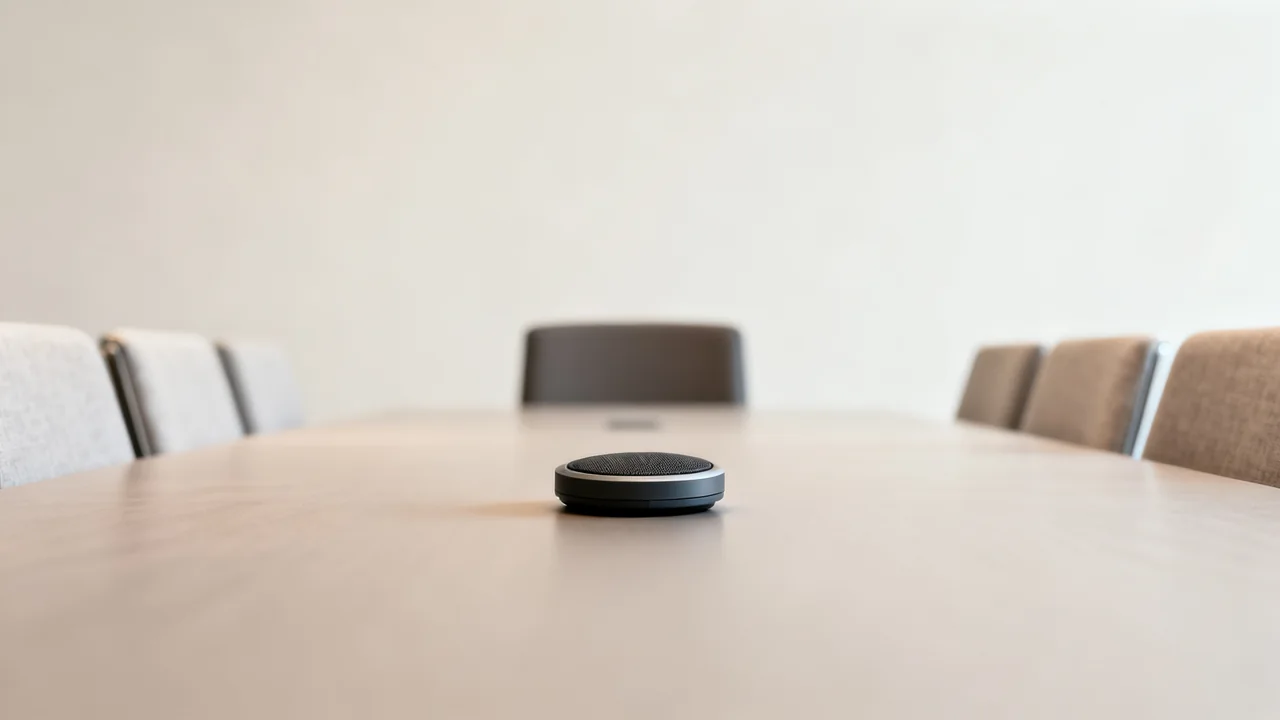
| Tabletop conference speakerphone | Can put microphone and playback functions near a small group. | Does every required seat sound clear without the device obstructing work? |
| Supported extension microphones | Can add pickup positions to a compatible room system. | Are the exact units, connections and room settings supported together? |
| Installed microphone array | Can provide an arrangement designed around the room layout. | Who will configure, test and maintain coverage and audio processing? |
| Individual microphone or headset | May suit a particular presenter or individual call workflow. | Is it acceptable to the user and compatible with the shared meeting setup? |
Adding independent microphones without a supported integration plan can create routing and echo problems. Ask the supplier to specify the complete system, including any mixer, processor, interface, power or licenses. Do not assume that two available USB ports create a usable multi-microphone conferencing system.
Test processing as well as pickup
Noise suppression and automatic gain controls can change how speech sounds. Use the device and meeting application’s documented settings and avoid changing several controls at once. Compare results with the same speaker, seat and remote listener so that an apparent improvement is not just a louder playback setting.
Test a quiet sentence after a pause, a longer contribution, and natural conversation in both directions. Ask the remote listener to note missing words or changes in level. Also check that remote speech does not return as a distracting echo. A setup that works while only one person speaks may behave differently when participants overlap.
Keep test recordings only with participants’ agreement and according to the organization’s handling policy. A live listener and written observations may be sufficient. Use neutral sample material and avoid recording private business discussions for a purchasing test.
A hypothetical decision before replacing equipment
Imagine that a quiet participant sounds unclear from the end of a shared meeting table. The office is considering a replacement microphone, but has not established whether the present device is in a suitable location. This is a planning example, not a reported product test.
The team could first check the selected input device and move the existing speakerphone to another manufacturer-supported position. It would repeat the same remote listening exercise with normal ventilation running. If that change works for all required seats, the remaining task may be protecting and documenting the accepted placement.
If it does not work, the team can demonstrate a supported extension or replacement system using the same exercise. The order should depend on the observed result, the connection requirements and the user’s comfort with the arrangement.
Make the accepted setup repeatable
- Record the microphone, speaker and meeting application selections.
- Document the accepted placement and relevant settings.
- Explain mute indicators and how users confirm the intended input is active.
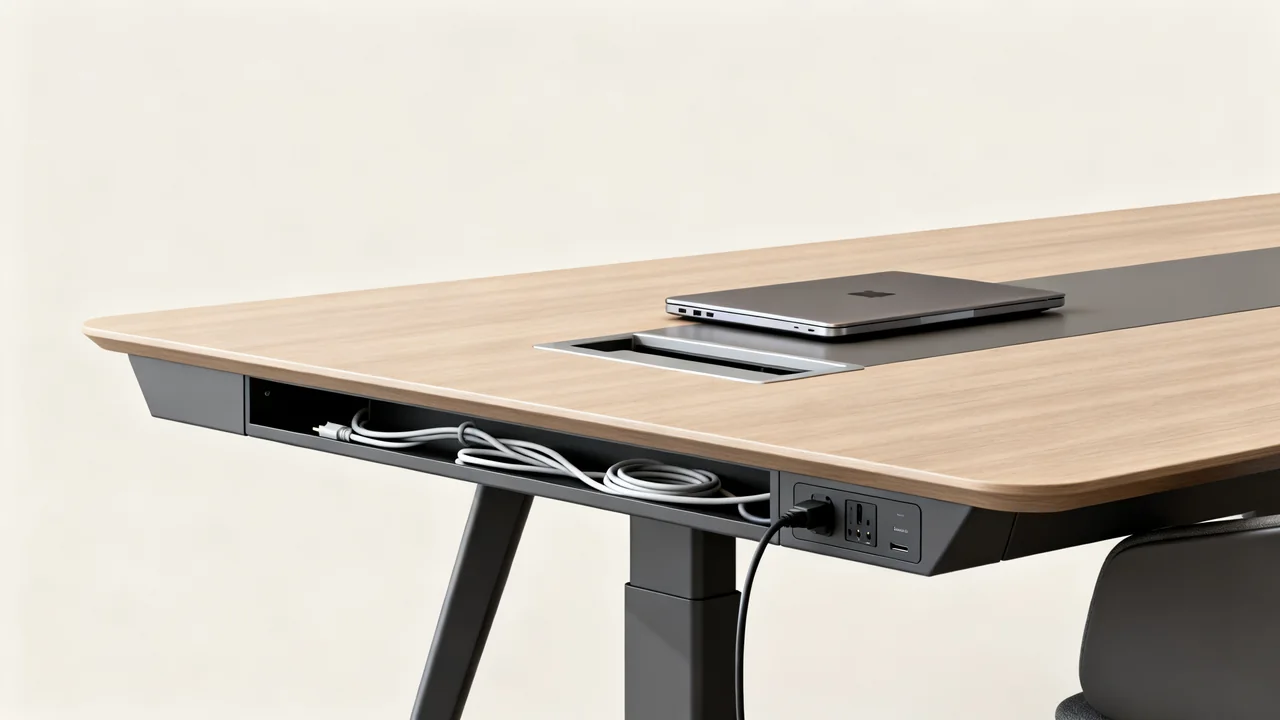
- Protect cable routes without blocking access or working space.
- Name the support owner and keep the supplier’s configuration record.
- Retest after changing furniture, audio devices or important software settings.
If the room itself remains noisy or reverberant, discuss suitable room treatment with the building or AV specialist. Avoid a universal shopping list of panels or arbitrary spacing rules: materials, mounting, room use and building requirements all matter. The acceptance criterion remains understandable speech for the people using the room.
Have a question or a correction?
Contact the editorial team