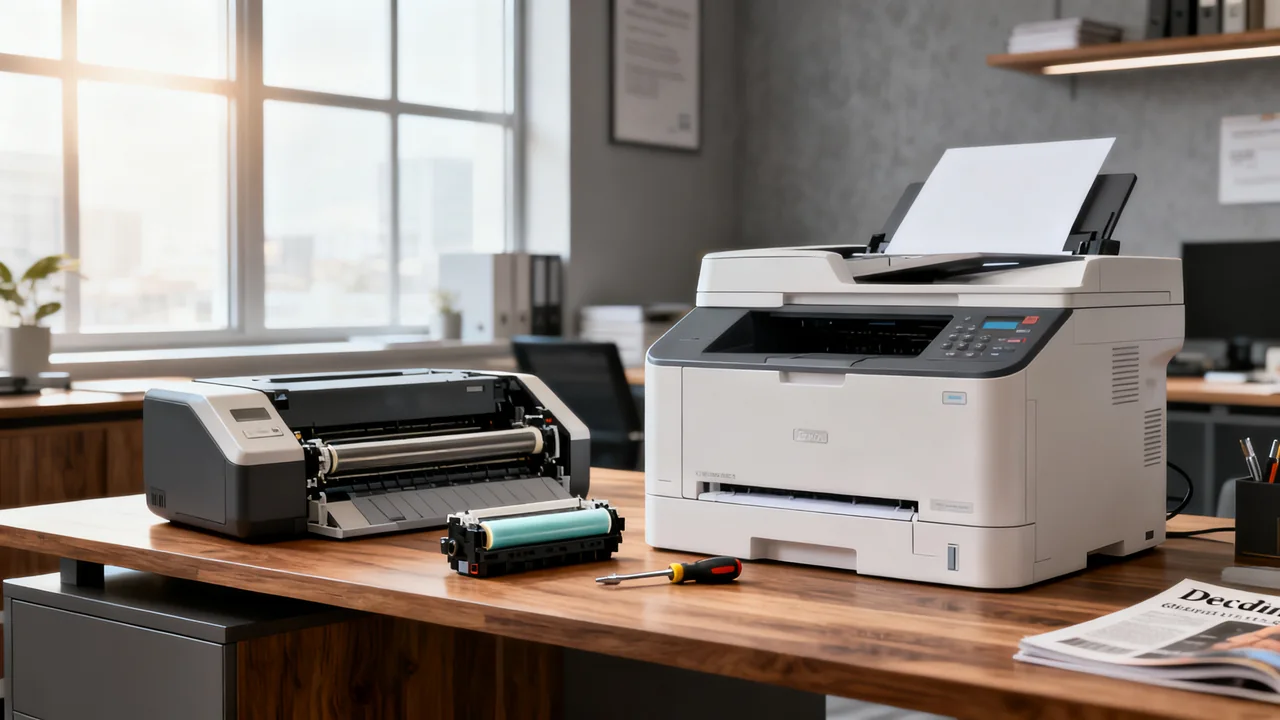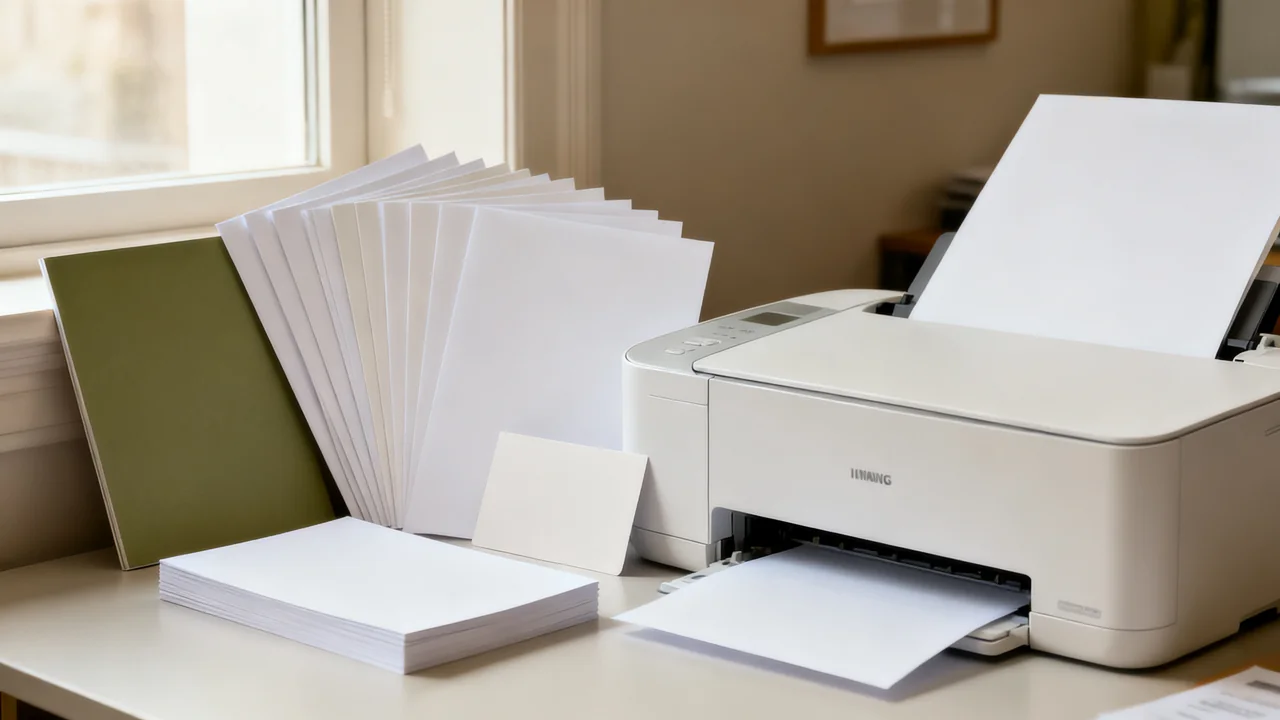
Paper selection begins with the printer’s approved media, then the job’s requirements. Weight, thickness, surface finish, coating, size, and the chosen feed path all affect whether a sheet is suitable. A heavier or glossier stock is not automatically a better choice for a client document, and a paper labeled for one printing technology should not be assumed suitable for another.
Read weight labels without mixing measurement systems
Grams per square meter, written gsm or g/m², measures mass per unit area. A US pound rating is a basis weight tied to a paper category and its specified basis-sheet size. “Bond,” “text,” and “cover” labels matter: identical pound numbers from different categories do not necessarily represent equivalent paper.
Record the manufacturer’s gsm value when available, along with the paper category and product identifier. Do not convert a pound figure using a chart for a different paper category. Thickness, sometimes called caliper, is another characteristic; two papers with the same gsm can differ in thickness and stiffness.
Check which measures the printer uses in its media limits. If the stock’s labeling is ambiguous, ask the paper supplier for the relevant specification before buying a case. A guess based on how sturdy a sheet feels is a poor compatibility check.
Check the exact feed path and print mode
A printer can have different approved media for its main tray, bypass tray, and automatic duplex path. Find the limits for the route you intend to use. A bypass slot is not a universal solution for stock outside the printer’s specification, and automatic two-sided printing may have its own restrictions.
Also verify sheet size, orientation, coating, preprinted content, and any restrictions on labels or envelopes. A stock being accepted for one-sided printing does not establish two-sided compatibility. If you need to print on letterhead, confirm that its existing printing and finishing are suitable for the device.
Read both the printer instructions and the paper packaging. Laser printing involves a fusing process, so suitability for that process matters. Inkjet coatings and laser-compatible coatings are not interchangeable merely because both papers are called glossy. Some media support multiple technologies, but that should be stated rather than inferred.
Choose appearance based on the reader’s task
For routine text, evaluate readability, show-through, handling, and reliable feeding. For a two-sided report, check whether the reverse-side content distracts from reading. Opacity and the printed result matter alongside weight; increasing weight is not a guaranteed solution.
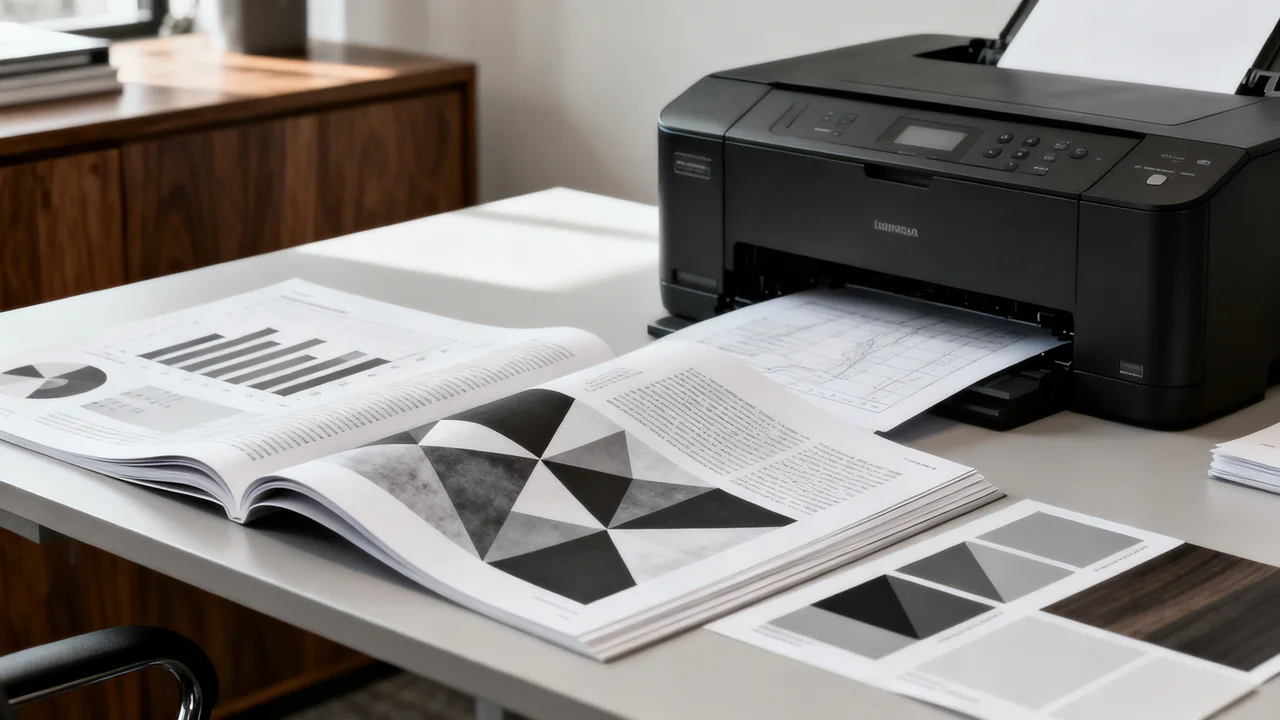
For a presentation handout, compare the actual color and text on approved samples. Gloss can affect reflections under the room’s lighting, while a matte surface creates a different appearance. Consider whether recipients need to write on the document or fold it. A visually attractive sheet may be inconvenient for those tasks.
Keep specialty stocks limited to jobs that benefit from them. Standardizing compatible paper for routine work can simplify ordering and tray setup. Occasional jobs outside the printer’s supported range are a reason to compare an external print service, not to force unsuitable media through the office printer.
| Job requirement | What to inspect | Question before ordering |
|---|---|---|
| Two-sided text | Show-through and duplex feed approval | Is the complete stock and print mode supported? |
| Color graphics | Legibility, finish, and color on a sample | Does this finish improve the actual document? |
| Forms to complete by hand | Writing behavior with intended pens | Can users annotate the finished print easily? |
| Folded material | Approved stock and a finished sample | Will preparation require equipment or skills we lack? |
| Preprinted stationery | Supplier compatibility information | Are existing inks and finishes suitable for this printer? |
Run a controlled sample instead of changing several things
Use an approved stock and the media settings specified for the model. Where both the printer panel and driver have media settings, confirm that they agree. Do not manually improvise fuser temperatures or assume every “thick paper” setting is appropriate for every heavy sheet.
Print a representative file, including the intended duplex mode if supported. Inspect feeding, alignment, readable fine text, reverse-side appearance, and the finished handling requirements. Keep a labeled sample identifying the stock, tray, and settings. Compare alternatives using the same document.
If an approved stock produces problems, stop the trial and follow the printer’s troubleshooting instructions. Do not keep forcing sheets through a misfeeding path. A fault can involve paper condition, loading, settings, or the device, so a symptom alone does not establish its cause.
An illustrative stock-selection worksheet
Assume an imaginary office needs three recurring outputs: an internal agenda, a two-sided client report, and an event card. These are example jobs, not recommendations for particular paper weights. The team identifies two approved uncoated papers for the agenda and report, then requests samples of an approved card stock.
The lighter routine stock passes the agenda test. For the report, the team compares show-through and annotation on both samples before choosing. For the card, the printer manual permits the stock only through a specific route and does not support the intended two-sided mode. The team therefore compares an approved alternative design with an external printing quote.
This process preserves useful choices without inventing a universal “client paper” weight. The purchasing worksheet records stock identity, supported route, required settings, sample result, pack quantity, and delivered cost. It also notes any limitation that must be communicated to users.
Make the successful choice repeatable
Label trays with the actual stock in use and keep the saved settings accessible. If a shared printer can automatically select another tray when one empties, check that behavior before relying on specialty paper. Decide who may change tray contents and how other users will know.
Store paper according to its supplier’s instructions and the printer’s operating guidance. Keep packaging information and product codes so a reorder matches the tested stock. A superficially similar replacement may have different coating, thickness, or supported applications.
- Record gsm, paper category, finish, and exact product code.
- Verify tray, size, and duplex compatibility separately.
- Use the model’s approved media settings.
- Check an actual printed sample before a bulk order.
- Keep rejected stock out of the shared printer’s routine supply.
- Review alternatives when the document or device changes.
Have a question or a correction?
Contact the editorial team