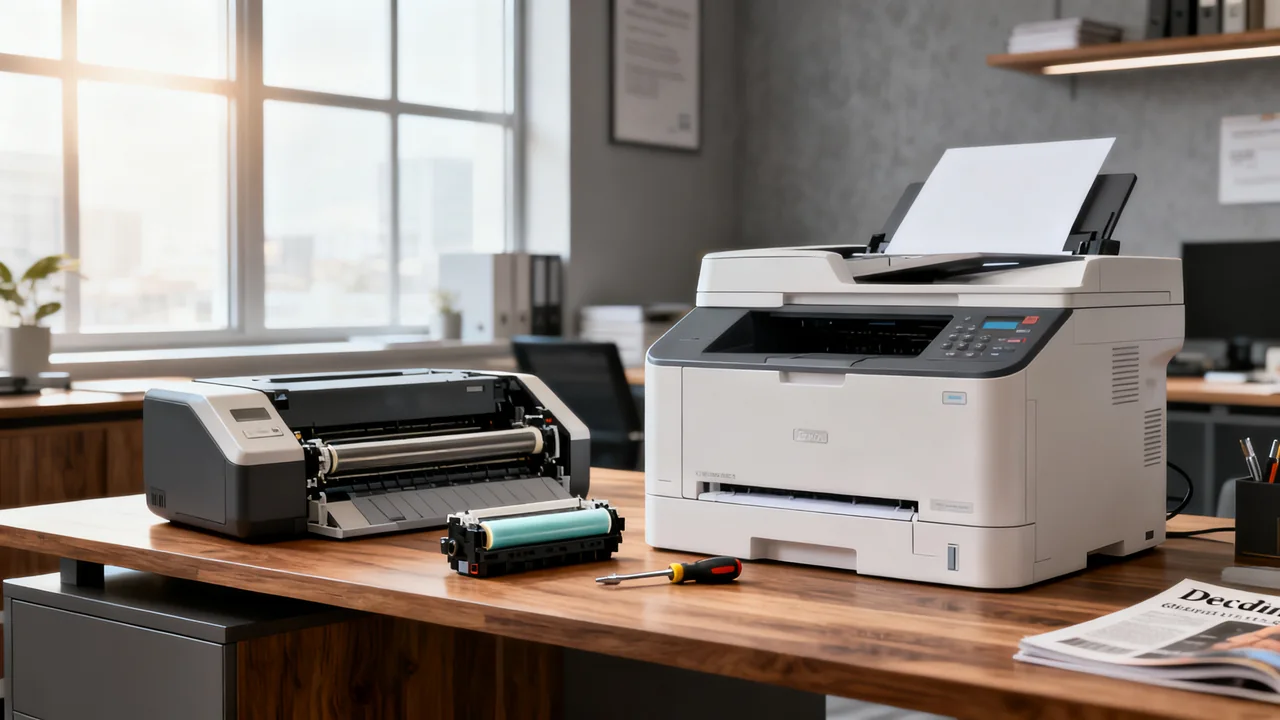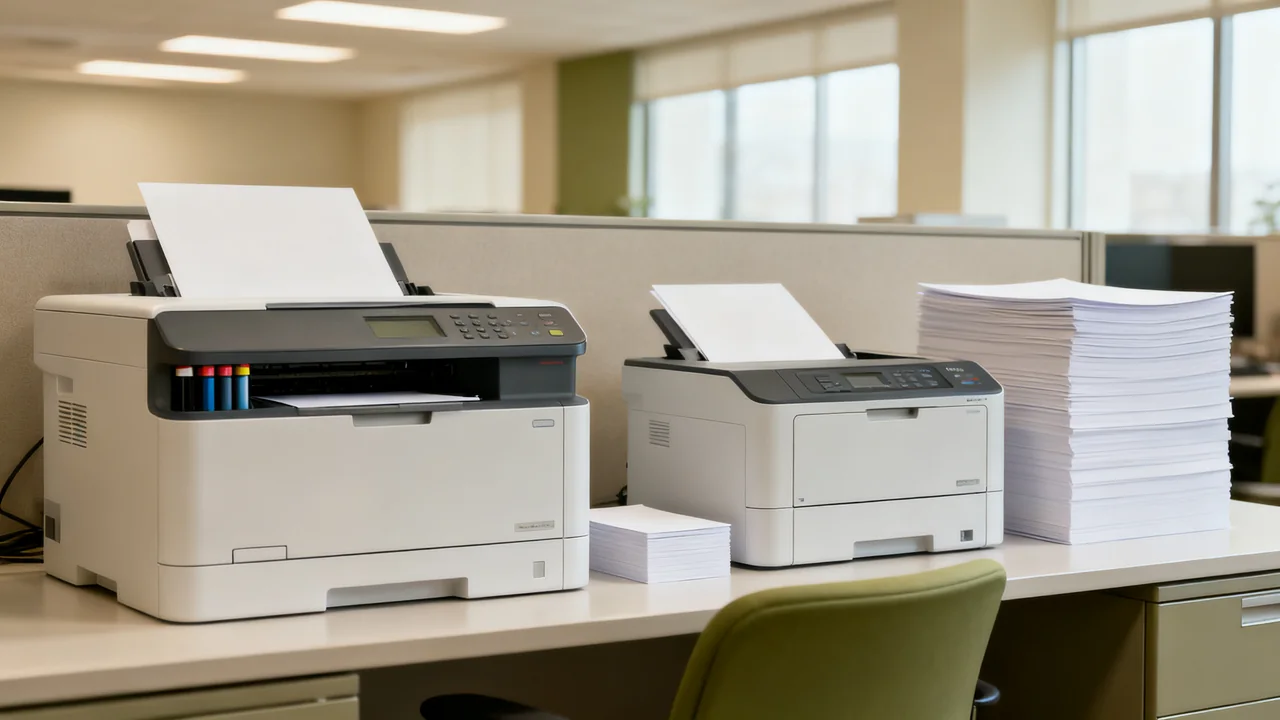
An office that prints heavily on some days and barely at all on others needs to evaluate both ends of that pattern. The printer must be ready after a quiet period and capable of completing the next real batch. Ink tank and laser describe printing technologies; neither label tells you the complete cost, first-page delay, paper handling, or unattended output of a particular model.
Describe the burst before comparing printers
Start with the job that creates the pressure. Record printed sides, color content, paper type, number of copies, and the deadline. Include time spent loading paper, collecting output, checking order, and resolving problems. A job that prints quickly but needs constant attention may still interrupt a small team.
Also record the intervals between jobs. A predictable monthly report and an unpredictable event pack create different preparation opportunities. Keep a note of whether the printer remains installed and powered as its manufacturer recommends, or must be stored and moved. Storage and transport instructions can affect the choice.
Use actual files when possible. A few paragraphs of text, a slide deck with colored backgrounds, and photographs are different workloads even when they contain the same number of pages. Mark any output that must be ready for handling immediately or must meet a particular presentation standard.
Understand what the technologies do and do not tell you
An ink tank printer uses liquid ink supplied from refillable tanks. A laser printer uses toner and a fusing process. Liquid-ink printheads can require maintenance, so an irregular user should read the model’s guidance for inactivity, shutdown, and nozzle checks. There is no universal idle period after which every ink tank printer clogs.
Toner avoids liquid ink drying in printhead nozzles. That does not mean a laser printer or its supplies are immune to storage conditions, age, paper problems, or service needs. Read the instructions for the device and consumables rather than assuming that months without use require no preparation.
Do not assume that an ink tank always starts faster, that a laser never pauses, or that either technology has a fixed maximum batch size. Compare the specified first-page times, the conditions under which speeds are measured, and a demonstration of your own workload. An advertised monthly maximum is not a continuous-run guarantee.
Test the complete job from a realistic starting state
Ask to run the same file on shortlisted models using the intended paper and settings. Record whether each device begins from ready, sleep, or another supported starting condition. Keep the conditions consistent enough to make the results useful. A demonstration after a dealer has prepared a machine is different from evidence about long inactivity.
Measure elapsed time to a checked, usable batch, not only the engine’s printing time. Note tray refills, output-bin limits, consumable warnings, alignment problems, and operator interventions. Include two-sided output if you intend to use it. A faster headline speed may matter less than avoiding repeated handling.
For intermittent use, ask the supplier how readiness after inactivity can be evaluated within the trial or return arrangement. Follow documented startup checks. Do not run repeated cleaning cycles merely to simulate use: those procedures consume supplies and should follow the model’s instructions.
| Your concern | What to compare | Useful evidence |
|---|---|---|
| Readiness after quiet periods | Idle, shutdown, storage, and startup guidance | Exact model manual and an agreed trial |
| Deadline-sensitive batches | Complete job time and interventions | A timed sample using your file and media |
| Color-heavy documents | Required quality and supply consumption | Matched print samples and a cost worksheet |
| Occasional special stock | Supported media and feed route | Manufacturer media limits and a sample run |
| Limited space | Operating and service footprint | Measurements with trays and doors open |
Compare costs without inventing a break-even volume
Use the same expected workload and time horizon for both quotes. Include the printer, any necessary options, included starter supplies, replacement supplies, separately serviced parts, and support. Distinguish advertised yield from the quantity you expect to obtain with your documents. If you lack measured consumption, show the uncertainty rather than replacing it with a supposedly typical percentage.
For ink tank models, identify the correct replacement bottles and any maintenance items listed by the manufacturer. For laser models, identify whether the drum or other wear parts are included with the toner cartridge or purchased separately. These arrangements vary, so a single cartridge price does not establish the whole-device cost.
Calculate a base case and a higher-use case from your own plans. Do not apply a universal threshold such as a particular number of color pages making one technology economical. Purchase prices, document coverage, service arrangements, and how long the equipment remains useful can change the result.
An illustrative comparison for an irregular workload
Assume an imaginary office produces a 120-side color information pack twice each month and a 400-side monochrome training batch once each quarter. It also prints occasional short letters. These are planning assumptions, not typical office volumes or suggested printer limits.
The planned recurring output is 120 × 2 × 12 = 2,880 color sides a year and 400 × 4 = 1,600 monochrome training sides a year, before the letters. The team should ask suppliers to quote against those separate quantities and test both files. The monochrome batch’s deadline may drive the performance requirement even though it runs less often.
A single device might meet both needs. Alternatively, keeping an existing monochrome printer and buying color output externally could be worth pricing. Two devices add space, administration, and maintenance, so that option should solve a demonstrated problem rather than follow a blanket technology rule. The comparison should include who handles the jobs and what happens when the preferred device is unavailable.
Plan readiness around the selected model
Once a printer is selected, keep a short preparation checklist based on its manual. Before a known batch, confirm approved paper and enough compatible supplies, check the document settings, and run a small sample early enough to resolve an issue. The sample size and timing should reflect the job; they are not a prescribed maintenance schedule.
Use the manufacturer’s shutdown and storage procedures. Do not assume leaving every printer in sleep mode, unplugging every printer, or shaking every toner cartridge is appropriate. Maintain the required operating clearances and a stable supporting surface.
- Save the tested settings and the approved paper description.
- Keep supply part numbers and service contacts accessible.
- Assign someone to inspect the first output and check completion.
- Record real delays and consumption after significant batches.
- Revisit the purchase assumptions when the workload changes.
That operating record is more useful for the next purchasing decision than a generic ink tank-versus-laser rule. It shows whether the selected device fits the actual burst pattern and where a different process could remove the remaining delays.
Have a question or a correction?
Contact the editorial team