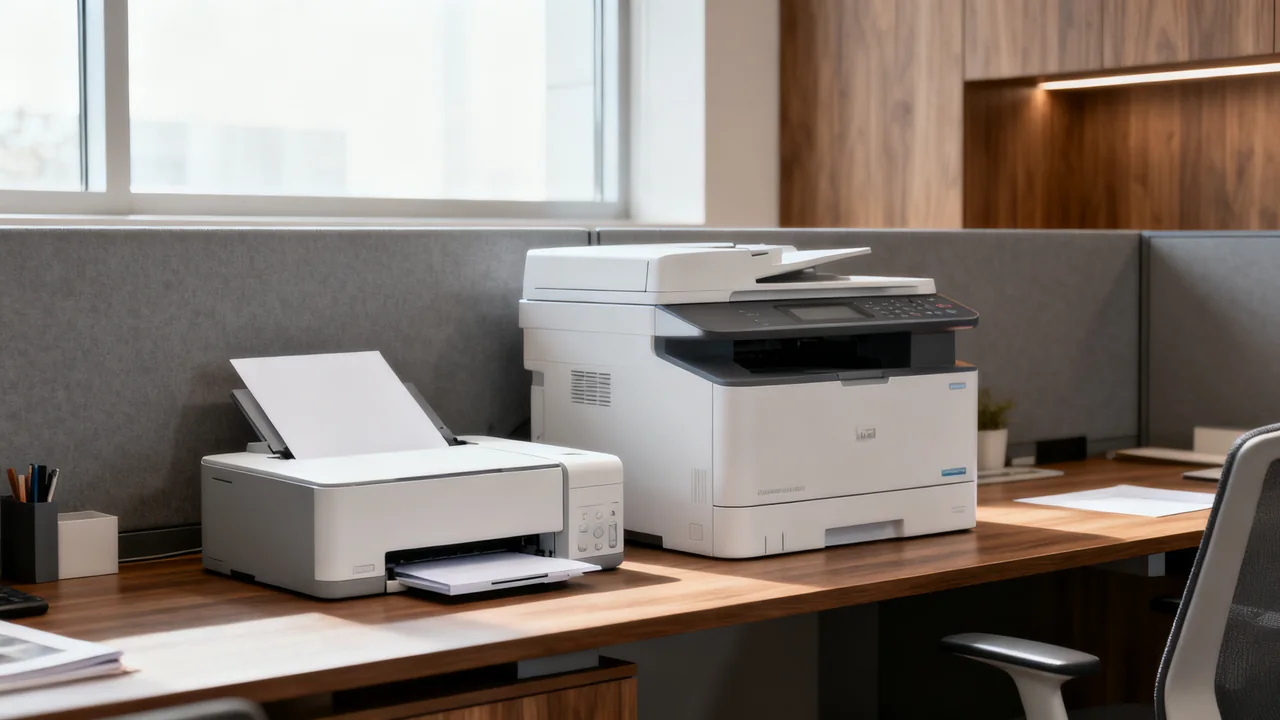
A standalone scanner can be useful beside a working all-in-one printer when it solves a specific scanning problem. The problem might be waiting, document handling, software, access, or the placement of the shared device. Buying a second machine without identifying that constraint can simply add another device to maintain.
Find out where the current process loses time
Observe complete scanning tasks, from collecting originals to confirming the saved file. Separate waiting for the all-in-one from preparation, feeding, checking, renaming, and moving files. A faster scanner will not necessarily fix a slow naming process or an unclear destination.
Check what the existing device can actually do. Some all-in-ones allow scanning while other work proceeds; others have workflow or resource limits. Test the model rather than assuming all combined devices pause scanning during printing. Likewise, do not assume a standalone scanner has better speed, capacity, or software solely because it lacks a printer.
Record the frequency and consequences of each problem. An occasional inconvenience may be manageable with a revised procedure. A recurring queue or an unsupported original type may justify a different arrangement.
Decide which requirement a second device must meet
Write a short requirement statement tied to the observed issue. Examples include capturing both sides without manual flipping, processing an approved mixed-document packet, placing scanning near its main user, or saving to a destination the current setup cannot reach.
Verify document compatibility for the proposed scanner. “Standalone” includes sheet-fed, flatbed, overhead, and other designs with different limitations. A feeder is not made suitable for fragile or bound originals by its price or product category. Use an appropriate method for those materials.
If the proposed benefit is software, test the actual feature. Optical character recognition creates searchable or editable text, but performance depends on the material and software. Handwriting recognition, indexing, blank-page removal, and destination integration are separate capabilities to verify.
| Observed problem | Possible response | What would demonstrate value |
|---|---|---|
| Waiting for a shared device | Scheduling change or separate scanning station | Less blocked work during a representative trial |
| Unsupported originals | Appropriate flatbed, overhead method, or specialist service | Safe handling and complete readable capture |
| Repeated manual file work | Improved software or a scanner with the required workflow | Correct saved files with fewer manual steps |
| Long trips to the shared printer | Scanner near the main user | Convenient placement with suitable access and privacy |
| Only a one-time backlog | Rental, temporary service, or a scheduled project | Acceptable total project cost and handling |
Evaluate access and privacy as a whole workflow
A separate scanner is not inherently more private than an all-in-one. Both may use software, accounts, destinations, logs, and device storage that need appropriate configuration. Identify who can use the device, where files go, and who can retrieve them.
A USB-connected station may be suitable for one responsible operator. A network device may suit several users or direct destinations. Check operating-system support, required drivers, licensing, and administrator involvement. Network connectivity is not mandatory for every standalone scanner.
Apply the organization’s information-handling policy to the complete route, including temporary files and failed jobs. Ask the responsible administrator about stored data and approved removal procedures. Do not assume deleting a file or enabling a generic setting establishes compliance with a regulation.
Build an illustrative time-value calculation
Assume two employees each have one scanning session per week and each spends eight minutes unable to do other work while waiting for the shared device. These are hypothetical inputs for illustration. Combined blocked time is 16 minutes per week. Across 50 working weeks, that is 800 minutes, or 13 hours and 20 minutes.
At an assumed internal planning value of $30 per hour, the time represents $400 per year. That is a way to compare options, not a guaranteed cash saving or a claim that payroll expense will fall. If staff can do useful work while waiting, the benefit may be smaller.
Now include purchase, necessary software, setup, maintenance, support, and the space required for a second device. Compare the quoted cost with the realistically recoverable time and other demonstrated benefits. Do not invent an equipment lifespan extension or a payback period without the relevant costs and evidence.
Trial the alternative against a simpler process change
Before ordering, try an agreed scanning slot, a saved scan profile, or a clearer destination procedure if those address the observed problem. Document whether the problem remains. This provides a useful baseline for a separate-device trial.
Run the same representative originals through the proposed workflow, using only supported handling methods. Inspect the output for complete pages, order, readable text, and correct destination. Time preparation, operator attention, correction, and final verification separately.
Include the people who will operate it. A fast demonstration performed by a supplier may not reveal confusing prompts, difficult loading, or permission problems. Check the specific model and software configuration in the quote, including any subscription or option needed for the demonstrated result.
Plan the second station so it stays useful
Measure the scanner in use with input and output trays extended and any lid or access panel open. Follow the manufacturer’s clearance and support requirements. Leave space to separate unscanned originals from completed packets without mixing records.
Assign ownership for cleaning, consumables or wear parts, updates, and service reports. Use only the model’s approved user procedures. Decide which tasks belong at each device based on demonstrated capability and office policy rather than an arbitrary page-count rule.
Keep a fallback for work that cannot wait during service. A second device can provide flexibility, but the devices may share a computer, network, or software dependency. Identify those shared points before describing the setup as a complete backup.
- Name the specific bottleneck and the evidence for it.
- Check whether a process change solves it.
- Verify original handling and the entire file workflow.
- Use quoted costs and realistic time assumptions.
- Confirm placement, access, support, and maintenance ownership.
- Review actual use after a representative operating period.
Have a question or a correction?
Contact the editorial team